

1. Start With the Loads That Must Stay On
Before anyone starts comparing inverter sizes, make a list of what the office must keep running during an outage. In most workplaces that means lights in key areas, internet equipment, a few computers, printers used for urgent work, access control, and perhaps a reception point or server cabinet. Do not assume every plug point needs backup, because that usually pushes the system beyond what is practical.
A proper checklist starts with the essentials and leaves out items that can wait. Kettles, heaters, aircons and kitchen appliances are often the first things to exclude. In a Randburg office, for example, a manager may only need the front office, one meeting room, the router and a small server room covered. That approach keeps the system simpler and easier to maintain.
- List each appliance or circuit that must stay live.
- Note the wattage or approximate current draw if available.
- Mark which items can switch off during an outage.
- Separate must-run circuits from general plug points.
2. Match the Backup System to the Real Workload
Backup sizing is where many offices get stuck. Too small and the batteries run flat before the workday is over, too large and the system may be more than the site needs. The right answer depends on how long you need support, how many users are active, and whether the office must keep running through more than one load-shedding block. A site assessment helps because it shows the real load rather than a guess.
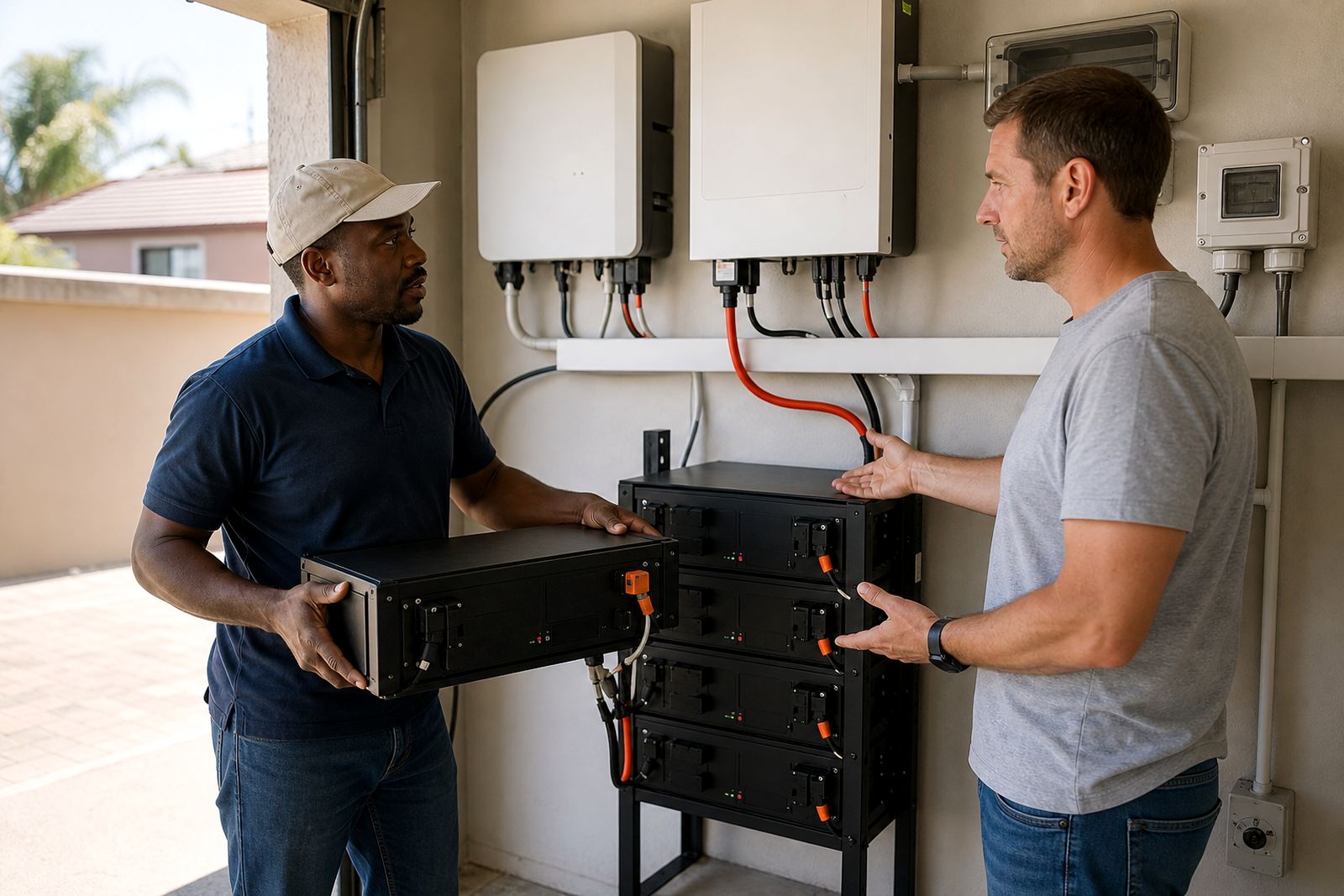
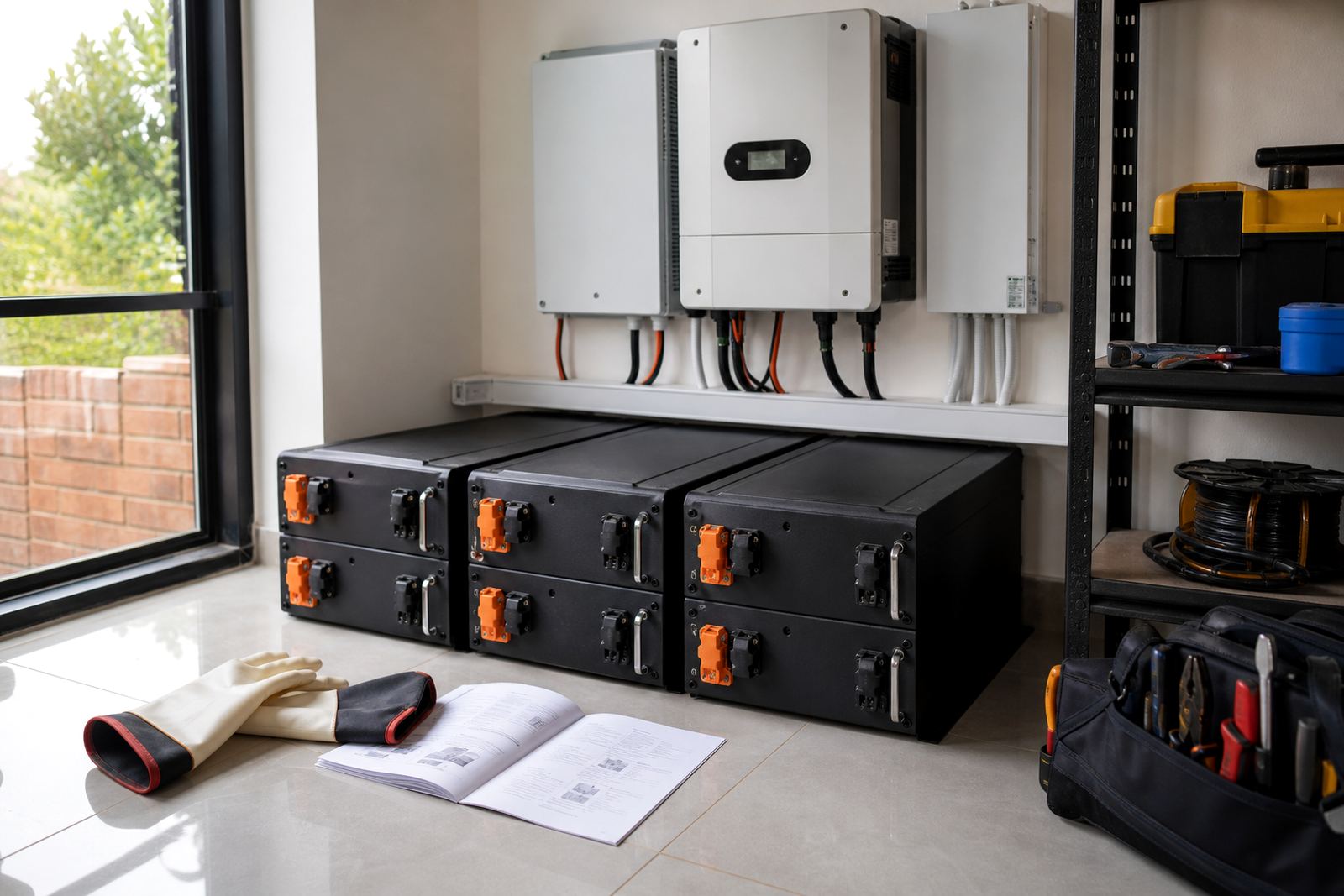
Inverter systems convert stored battery power into usable electricity for the office. Lithium batteries are widely used for backup because they suit repeated charge and discharge cycles, and they are compact for the energy they store. For busy offices in Midrand or Centurion, where staff may need to keep working through several interruptions, a properly sized lithium battery bank can make daily operations much steadier.
When planning backup, think about how the office is used on a normal day. A bookkeeping office has different needs from a sales floor, and a call centre has different needs from a legal practice. The best result comes from sizing the system around actual use, not wishful thinking.
Share what must stay on during an outage and the size of the property, and a backup planner will phone or message you.
Contact form3. Check the Electrical Board and Changeover Plan
Many backup problems start at the distribution board, not at the battery itself. A site must have space for essential circuit wiring, correct protection, and a sensible changeover solution. If the system is fitted badly, the office may face nuisance trips, overloaded circuits or a setup that is difficult to operate when the power goes off.
A registered electrician must do the installation, and the work should end with a certificate of compliance. That is not just paperwork. It confirms the electrical work has been done properly and helps protect the business if there is ever a fault or inspection. If the system is grid-tied, municipal registration is also needed, so that the installation is known to the local supply authority.
- Confirm the board has enough space for the backup equipment.
- Ask how essential circuits will be separated from general circuits.
- Check that the changeover process is clear for office staff.
- Keep compliance documents with the site records.
4. Protect Staff, Data and Daily Operations
Backup power is not only about keeping lights on. It is also about preventing avoidable disruption. Staff need to know what happens when the power drops, who checks the equipment, and which devices should be shut down first. If the office handles client data or billing systems, a short outage can still interrupt work if the equipment is not handled properly.
Make a simple outage routine. Save open files, finish calls if possible, switch off non-essential equipment, and keep one person responsible for checking the inverter display or battery status. A clear routine reduces confusion, especially when load-shedding hits during a busy afternoon and everyone is trying to keep working at once.
- Keep routers, laptops and screens on the backed-up circuits only.
- Store passwords and login details for key systems in a secure place.
- Use a short shutdown procedure for printers and office equipment.
- Assign one staff member to report faults straight away.
5. Plan for Gauteng Conditions, Not Just the Spec Sheet
Offices in Gauteng face a mix of load-shedding, summer storms and occasional heat spikes, so the backup plan should suit local conditions. In Johannesburg and Pretoria, voltage changes and repeated interruptions can put extra strain on equipment. In coastal areas humidity matters more, but even inland sites should keep batteries and inverter gear in a clean, dry, ventilated room.
There is also the practical side of office life. A site in Sandton may need quieter equipment for a client-facing space, while a Roodepoort business may need backup for security gates and lights after hours. A good plan takes the building layout, tenant rules and operating hours into account. It also helps to think about where the equipment will be mounted so it is easy to service later.
Battery expansions should be planned with future use in mind. If the office expects growth, it is worth checking whether the room and wiring can accommodate an extension later rather than starting over from scratch.
6. Use a Simple Maintenance and Service Routine
Once the system is installed, the work is not over. Office managers should keep a basic service routine for checking connections, battery condition, error messages and any unusual behaviour. Small faults often show themselves first as slow charging, unexpected switching or warning lights that are ignored too long.
Routine servicing also helps spot wear before it becomes a bigger problem. That matters in offices where downtime affects staff hours and customer service. If something seems off, arrange fault checks rather than waiting for the next outage to expose it. Monitoring setup can also be useful where managers want a quicker view of battery status and system behaviour.
For a practical example, a Randburg office with six staff members may be running lights, internet and a small server rack through the day. If the batteries start draining faster than expected, a service check can identify whether the load has grown, the settings need adjusting, or a circuit is drawing more than planned.
7. Keep the Enquiry Process Straightforward
When the office is ready to move forward, it helps to have the basics in hand before contacting a supplier. Gather the site address, a short list of must-run equipment, any recent electrical notes and the hours when an outage would cause the most disruption. That makes the first conversation more useful and helps the site assessment go faster.
PowerCut supports homes and businesses across Gauteng with site assessments, backup sizing, inverter installation, battery installation, essential circuit wiring, changeover solutions, system commissioning, compliance support, monitoring setup, battery expansions, fault checks and routine servicing. Clients can reach the team through the enquiry form on the contact page, which is the best starting point for planning a setup that suits the office.
For many offices, the goal is simple: keep the essentials working, reduce interruptions and make load-shedding less disruptive to the day. A clear checklist makes that easier to achieve.