
Start With What Must Stay On
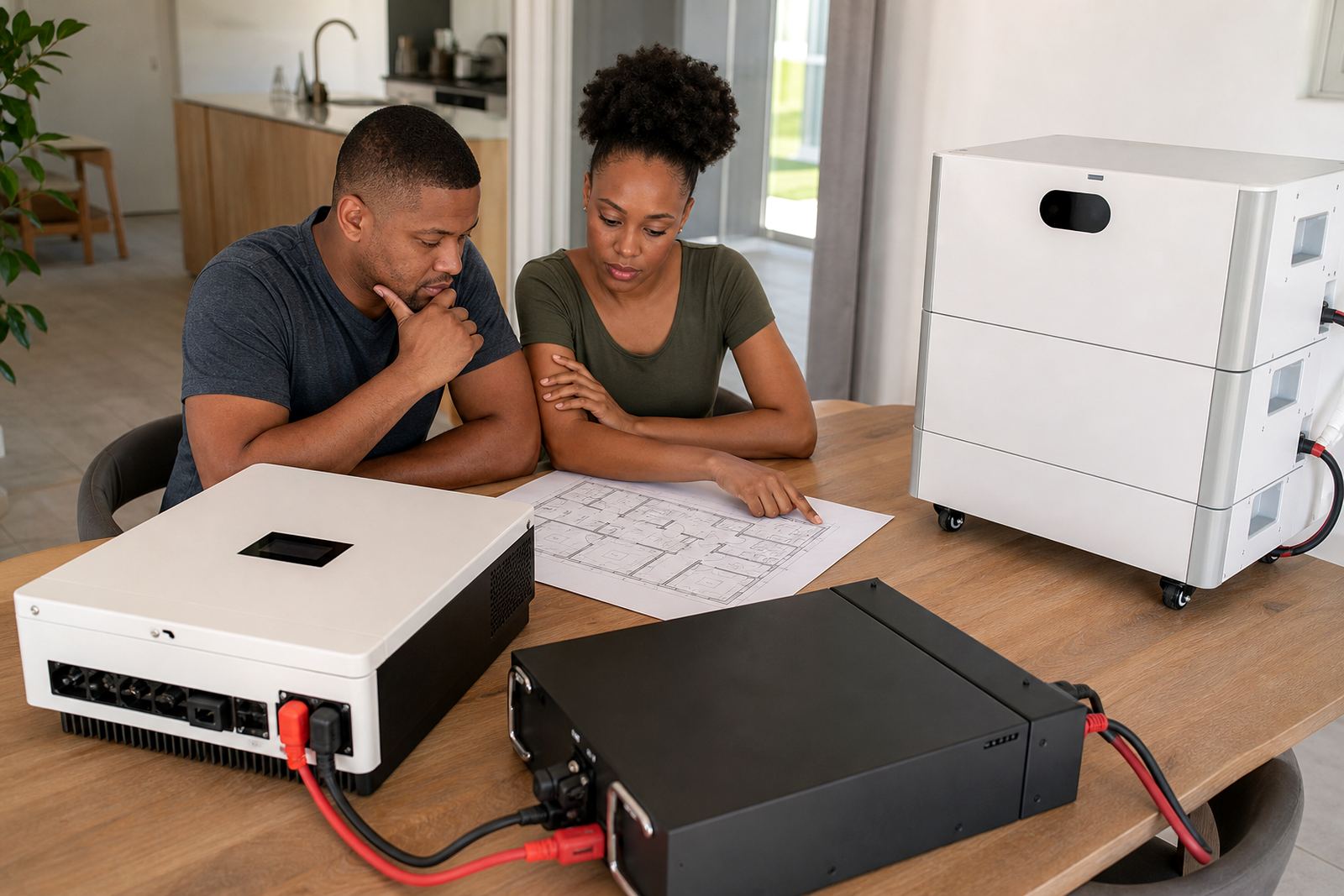
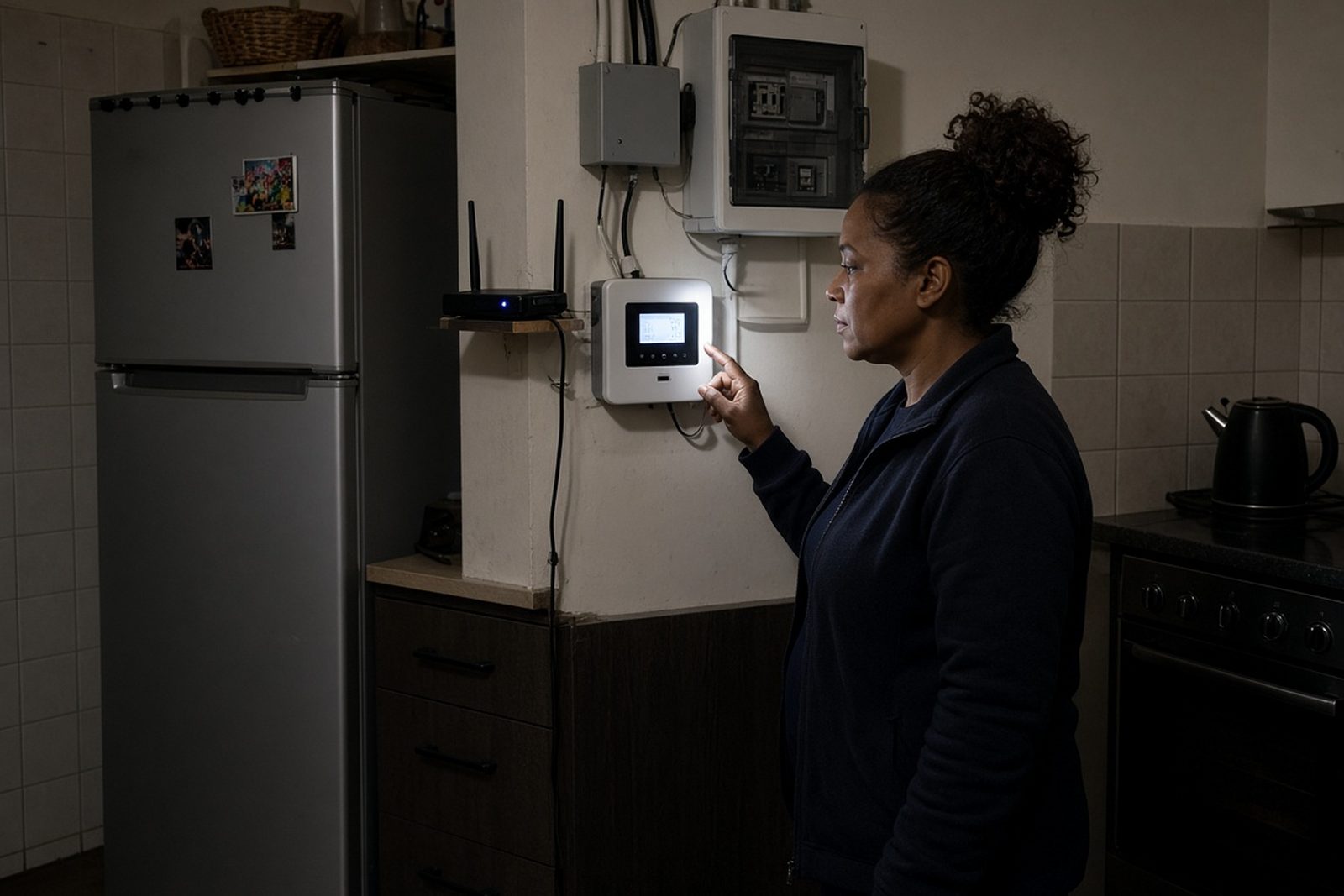
The first step in any backup plan is to list the circuits that must keep running during an outage. In most Randburg homes that means lights in the main living areas, the Wi-Fi router, a few plug points, the TV, garage access if needed, and often the alarm system. In a business, the list may include the server rack, point of sale, security gates, reception lights and one or two workstations.
Essential loads are the items that protect safety, keep communication open, and allow basic work or household routines to continue. Nonessential loads are everything else that can wait until municipal power returns. The mistake many people make is trying to back up the entire property, then ending up with a system that runs flat too quickly or costs far more than necessary.
- Lighting in key rooms and passage areas
- Internet equipment and phone charging
- Security systems and gate motors
- Fridges or freezers where food safety matters
- Selected office or workshop circuits used during outages
High-Draw Appliances Usually Belong Off the Backup Board
Some appliances use so much power that they can drain a battery bank very fast. These are often left off the backup side unless there is a proper design for them. Think of kettles, ovens, hobs, tumble dryers, heaters, aircons and pool pumps. Even if they only run for a short time, their starting or heating load can be heavy.
In Gauteng, winter evenings and summer storm season both create pressure on backup systems. A household in Midrand may want lights and Wi-Fi for a few hours, while a small business in Sandton may need the office network and security to stay live. Neither setup usually needs the full kitchen, laundry or HVAC circuits connected to the inverter. That is where clear separation makes a system safer and easier to manage.
- Kettles and microwaves can spike the load sharply
- Space heaters and aircons shorten battery runtime fast
- Ovens, hobs and geysers need special planning
- Pool pumps and workshop tools are rarely essential
Share what must stay on during an outage and the size of the property, and a backup planner will phone or message you.
Contact formHow an Electrician Splits the Circuits Properly
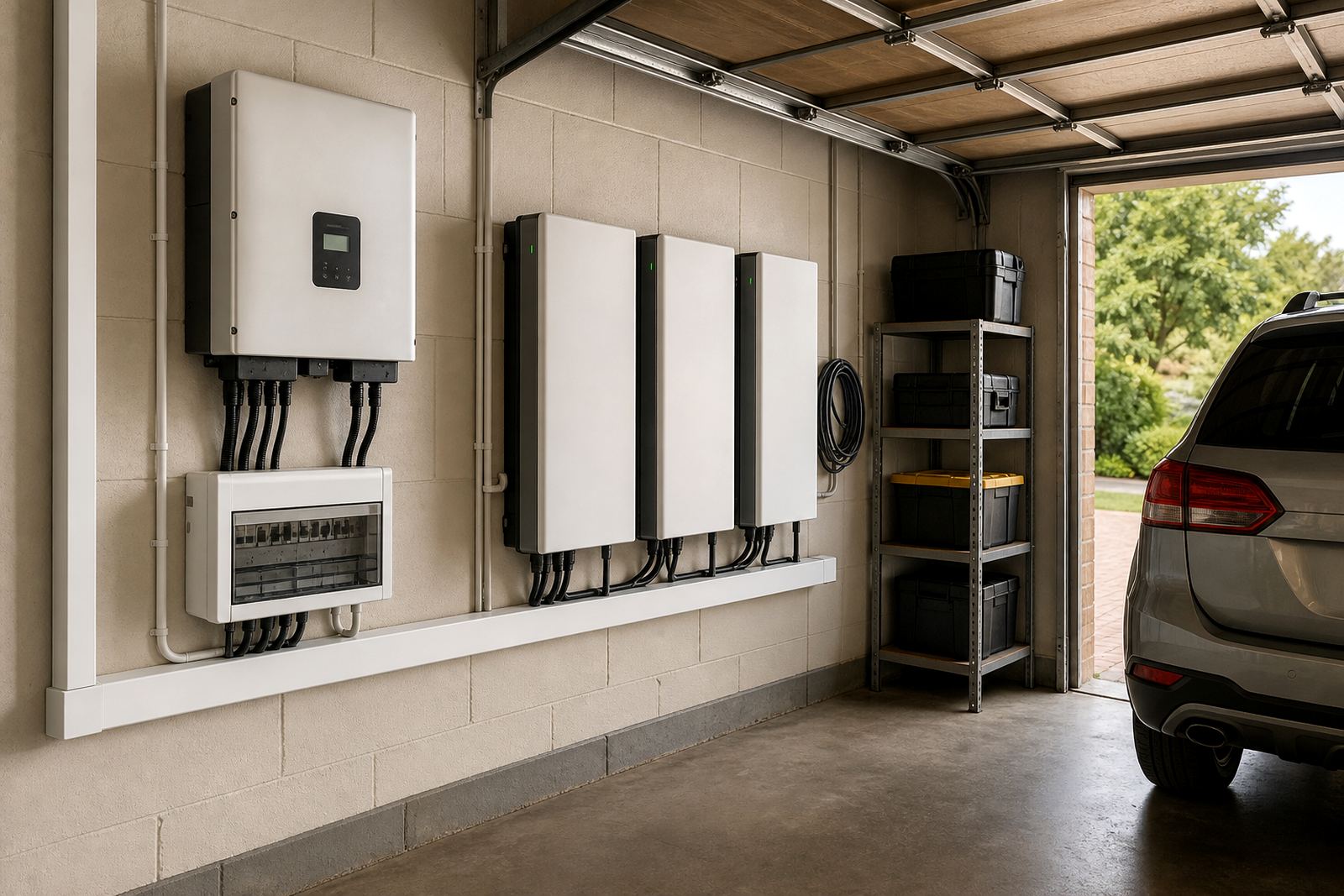
Essential and nonessential circuits should be separated at the distribution board by a registered electrician. This is not a job to guess at or do by trial and error. The electrician will identify which breakers can be moved to the backed-up side and which must stay on the non-backed-up side. The result is a cleaner installation, safer cable routing and less chance of overload.
Any inverter installation must be done by a registered electrician and supported by a certificate of compliance. If the system is grid-tied, the municipality registration step must also be handled. That applies in Johannesburg, Pretoria and the surrounding Gauteng areas, where supply rules and approval processes need to be followed carefully. Compliance is not paperwork for the sake of it. It protects the property and helps keep the installation legal and serviceable.
- Separate backed-up circuits from non-backed-up circuits
- Confirm cable sizes and breaker ratings
- Check earth leakage and changeover arrangement
- Issue the certificate of compliance after installation
- Register grid-tied systems with the relevant municipality
Battery Size Follows the Load, Not the Wish List
Once the essential loads are known, the battery can be sized around actual use. A lithium battery is often chosen because it gives good usable capacity, fast charging and long service life when fitted and used correctly. But even lithium has limits. If the backed-up circuits are too many, the battery will still run down quicker than expected.
A practical sizing exercise looks at how many watts each essential item uses, how long it must run, and whether the loads will all be on at once. A modest home in Roodepoort may only need a small group of lights, a router and a few plug points. A company in Centurion may need more capacity because of workstations, access control and network equipment. The point is not to buy the biggest system available. The point is to match the battery and inverter to the actual essential load.
In coastal or humid conditions you also need to think about placement, ventilation and dust. While Gauteng is not coastal, businesses with stores or branches elsewhere in South Africa often deal with mixed conditions, and the battery location still matters. A clean dry utility room usually works better than a cramped cupboard or an area that gets hot in the afternoon.
A Practical Gauteng Example: Home Office and Security in Fourways
Take a four-bedroom house in Fourways with a home office, perimeter beams, an electric gate and a fridge that must stay on. The owner does not need the oven, pool pump or aircons during load-shedding. What they need is enough backup for the essentials, with the circuits divided so that high-draw appliances remain off the system.
In that case the installer might separate the following:
- Essential: lounge lights, selected bedroom lights, study power, fibre router, alarm, gate motor and fridge
- Nonessential: kitchen sockets for heavy appliances, geyser, oven, hob, washing machine, dryer, pool pump and aircons
This is a sensible arrangement because it protects the things that matter most without overloading the inverter. It also makes troubleshooting easier if a fault check is needed later. If the owner later wants to add a battery expansion, the load map is already clear, so the system can grow in a controlled way.
What Commercial Clients Should Separate First
For businesses across Johannesburg, Sandton, Midrand and Pretoria, the priority is often continuity rather than comfort. A small office, practice or retail outlet may only need selected circuits kept live. Before adding backup, it helps to sort the load into three groups: must stay on, can be delayed, and must stay off. That simple split saves money and avoids unplanned downtime.
Typical commercial essentials often include:
- Network equipment and routers
- Reception lighting and security circuits
- One or two computers or point of sale units
- Access control, gates and alarm panels
- Communication equipment and charging points
Items such as heaters, large printers, workshop machinery and kitchen appliances usually sit outside the backup plan unless there is a properly engineered reason to include them. Routine servicing and monitoring setup also help keep the system performing as intended, especially where loads change over time as the business grows.
Choose Backup for the Loads You Actually Need
The best backup system is the one that covers the right circuits, not the whole property by default. If you separate essential from nonessential loads early, the design becomes more practical, the battery lasts longer and the installation is easier to keep compliant. That approach works just as well for a family home in Randburg as it does for a small office in Centurion or a shop in Roodepoort.
PowerCut assists with site assessments, backup sizing, inverter installation, battery installation, essential circuit wiring, system commissioning, compliance support, monitoring setup, battery expansions, fault checks and routine servicing. The key is to size the system around daily reality, not a wish list of every appliance in the building.