
What an office usually needs to keep running
Most offices in Randburg, Sandton, Midrand and the rest of Gauteng do not need every circuit backed up. The usual aim is to keep the essentials going, such as workstations, internet, lights, access control and a printer or two. That approach keeps the system smaller and easier to manage, while still helping staff keep working through a power cut.
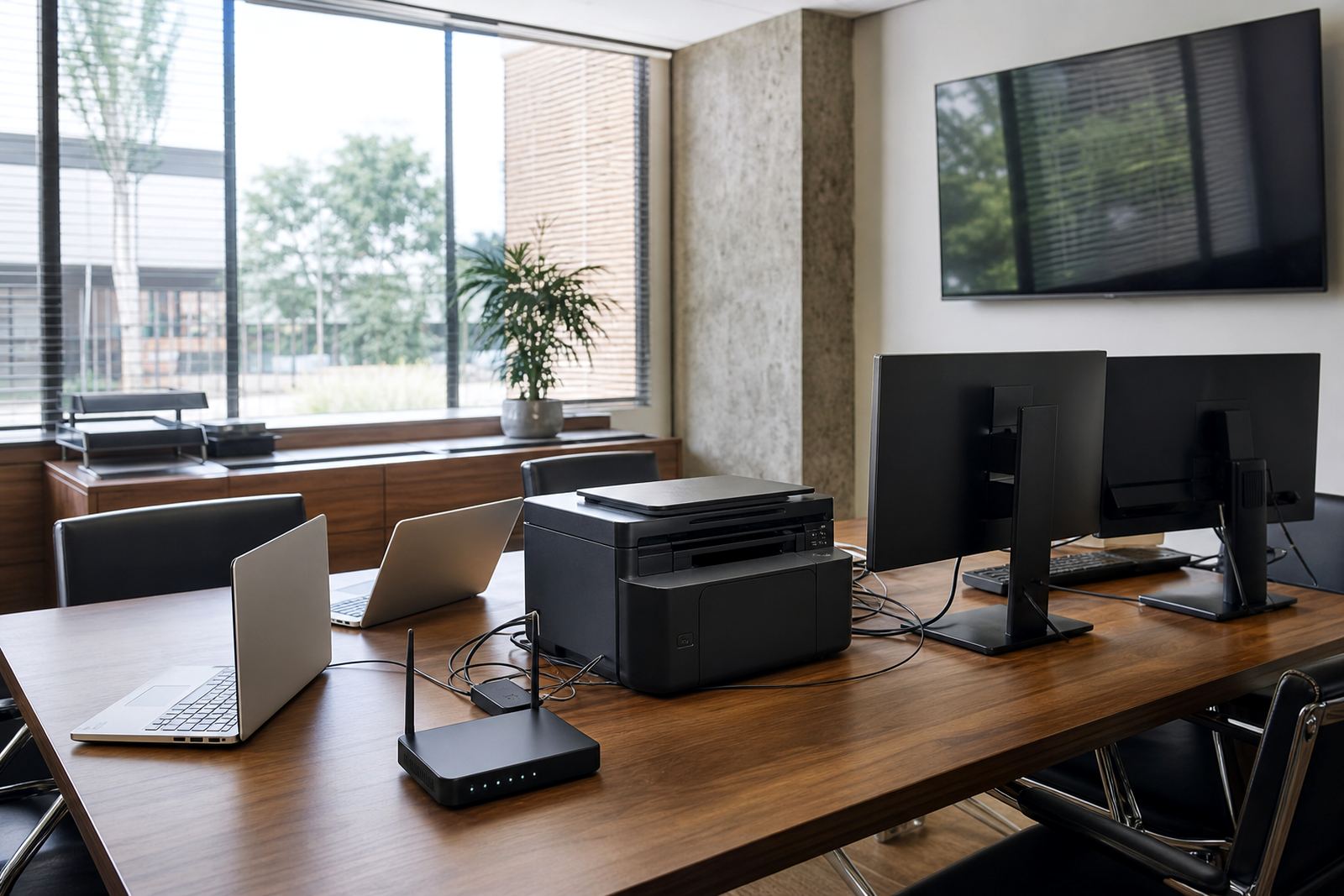
Typical office loads are not all equal. A laptop may draw very little compared with a benchtop computer and monitor set, while a photocopier, microwave or kettle can push up the total quickly. Air conditioning, server rooms and boardroom AV equipment need separate thought because they can change the size of inverter and battery bank needed. In offices with older wiring or mixed equipment, a proper site assessment makes the difference between a setup that runs well and one that trips as soon as the load comes on.
- LED lighting for passages, reception and work areas
- Computers, monitors and small network equipment
- Fibre router, switch gear and Wi-Fi access points
- Security systems, alarms and electric gates
- Selected plug points for charging and light office use
How different office equipment affects backup size
To size office backup properly, we start with the real running load, not whatever the switchboard label suggests. A small call centre with laptops and network gear can often be supported with a modest inverter and battery setup, while a legal practice with benchtop PCs, scanners and multiple printers may need a larger system. Add in a server cabinet or a boardroom with display screens and the numbers change again.
Lithium batteries are a strong fit for offices because they handle regular cycling better than older battery types and charge efficiently between outages. That matters in areas where load-shedding can happen more than once a day. For a business, the choice is not just about capacity in kilowatt-hours, but also about how long the battery can supply the load at a sensible discharge rate. A battery bank that looks big enough on paper may still feel short if too many appliances are on at once.
- Load profile: what must stay on during an outage
- Starting surge: equipment that draws extra power when switching on
- Running time: how long the business needs backup for each outage
- Recharge time: how fast the batteries recover before the next cut
- Future expansion: space for more batteries if the office grows
Share what must stay on during an outage and the size of the property, and a backup planner will phone or message you.
Contact formThe hidden loads that catch office owners out
Many offices think only about computers and lights, but the small loads often add up. A router, VOIP phone base, alarm panel, biometric access unit and CCTV system may each use little power on its own, yet together they still matter. In some office parks around Fourways and Centurion, the gate motor and communal access system are the first things people want backed up because staff cannot get in or out during an outage.
Kitchen appliances are another issue. A kettle, microwave and coffee machine can make a backup system struggle if they are tied into the same protected circuits as IT equipment. It is usually better to separate essential and non-essential circuits so the inverter only supports what the business really needs. That is one of the most practical steps in any office setup, and it avoids unnecessary strain on the battery bank. A careful changeover arrangement also helps keep the office safe when the power returns.
- Server racks and network cabinets
- Electric gates and access control
- Security cameras and alarm systems
- Kitchen appliances and water dispensers
- Boardroom equipment used for meetings and calls
Why a proper site assessment matters before installation
An office in a stand-alone building does not have the same requirements as a unit in a shared commercial block. Cable routes, switchboard space, ventilation and backup circuit selection all affect the final system. Coastal humidity is less of a concern in Johannesburg, but dust, heat and poor airing in plant rooms still need attention, especially when batteries are installed inside a store room or utility space. A neat installation is not enough if the room gets too warm or crowded.
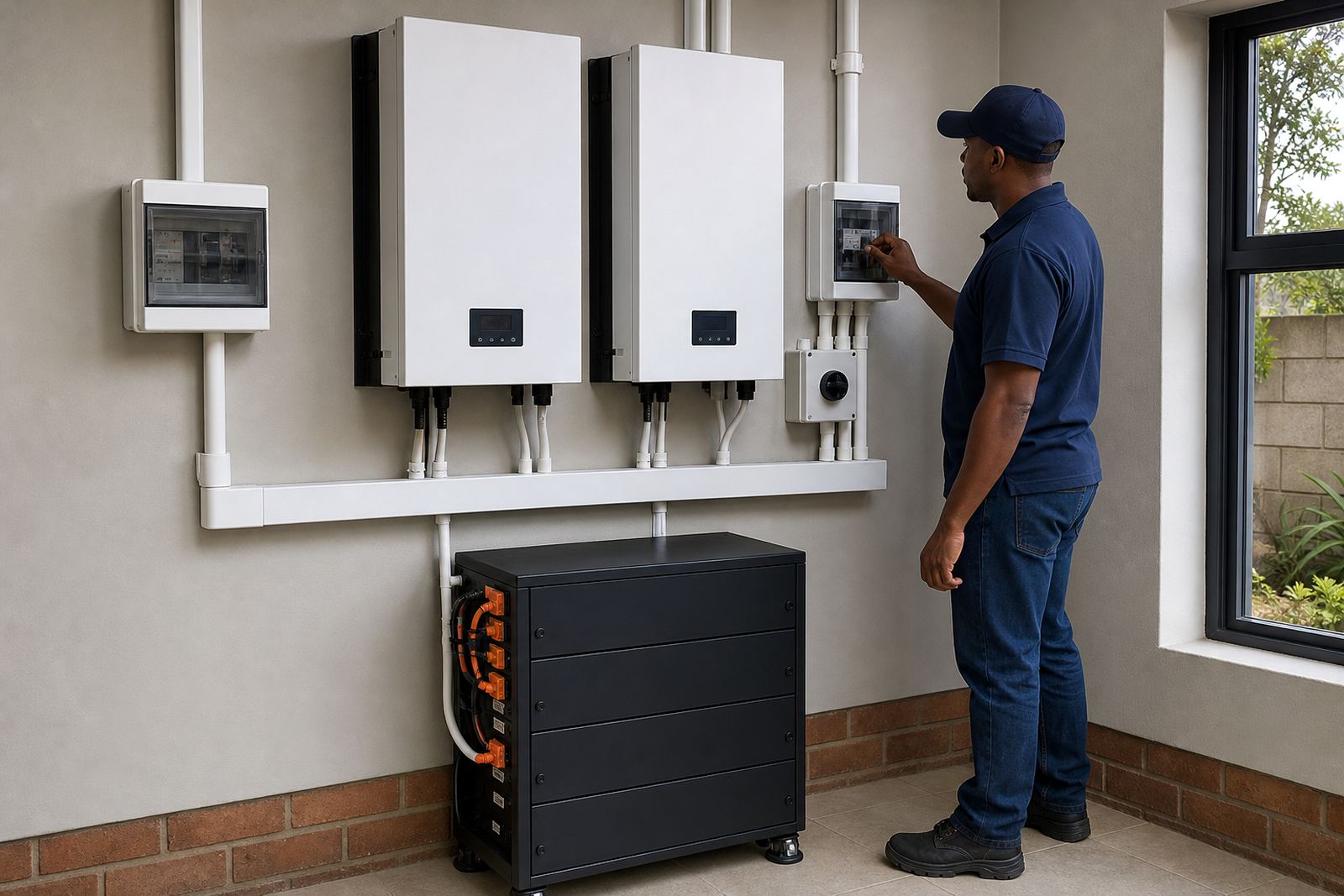
Site assessments also help identify municipal or building rule issues before work begins. If the system is grid-tied, registration with the municipality is required. The installation itself must be done by a registered electrician, and a certificate of compliance is needed once the work is complete. That is not optional, and it protects both the business and the property owner. We also check whether the office has single-phase or three-phase supply, because that changes the way the backup is designed.
For larger offices in Johannesburg or Pretoria, the assessment usually covers the main distribution board, essential circuits, cable runs and the best place for the inverter and batteries. A small mistake here can lead to nuisance tripping, poor charging or a system that cannot support the real office load when the power goes off.
Out on a job: A Gauteng office
Consider a mid-sized office in Randburg with twelve staff members, internet-based phones, desktops in the accounts and admin sections, a small server cabinet and LED lighting throughout. The owners may want only the essential circuit panel backed up, not the air conditioning or kitchen. In that case, the designer would normally look at the combined running load, the start-up draw from any office equipment with motors, and the number of hours the business wants to ride through load-shedding.
With a setup like that, the answer may be a mid-range inverter with lithium battery storage sized for the real daily load, plus a clean changeover solution and battery monitoring. If the business expands later, extra batteries can be added where the system allows it. That is easier when the first install has been planned with expansion in mind. It also helps to leave enough wall space and cable allowance for future service work, because offices change quicker than people expect.
What businesses should ask before choosing backup
Good backup selection is less about guessing and more about asking the right questions. An office manager should know what must stay on, how long the backup needs to last, and whether the business wants monitoring, service support or room for later battery expansion. If the office uses cloud systems and internet calls, even a short outage can interrupt work, so router and network backup is often as important as lighting.
It also helps to think about routine servicing. Batteries, cabling, changeover parts and inverter settings need occasional checking, especially in a busy commercial environment where a fault can go unnoticed until the next outage. A business in Roodepoort may only need a simple backup arrangement, while a larger operation in Sandton might need a more detailed service plan. Either way, the system should match the actual office loads, not an idealised version of them.
- Which circuits are essential during load-shedding
- How many hours of backup are needed
- Whether future expansion is likely
- Who will handle compliance paperwork
- Whether monitoring and fault checks are required