
Why WiFi usually comes first when the power goes off
In many homes and small offices, the internet is not a luxury item anymore. It carries remote work, school tasks, point of sale systems, CCTV feeds, cloud access and voice calls, so when the power drops the pressure is felt almost immediately. A router may only use a small amount of power, but if it is down the whole chain becomes useless.
That is why backup planning often starts with WiFi rather than with the fridge or a full house solution. If your household only needs the router, fibre box and a few phones to stay online during load-shedding, the system can be sized very differently from a setup that must also carry lights and a computer. For a business, the first question is usually simple: which functions must stay live, and for how long?
In Randburg and the surrounding suburbs, many clients are surprised by how little power a well set up comms circuit can use. Once that load is known, it becomes much easier to choose the right inverter and lithium battery bank instead of overspending or ending up with a system that trips too early. A small mistake in sizing can leave you with a router that lasts, but no power left for the rest of the evening.
What a practical WiFi backup circuit should include
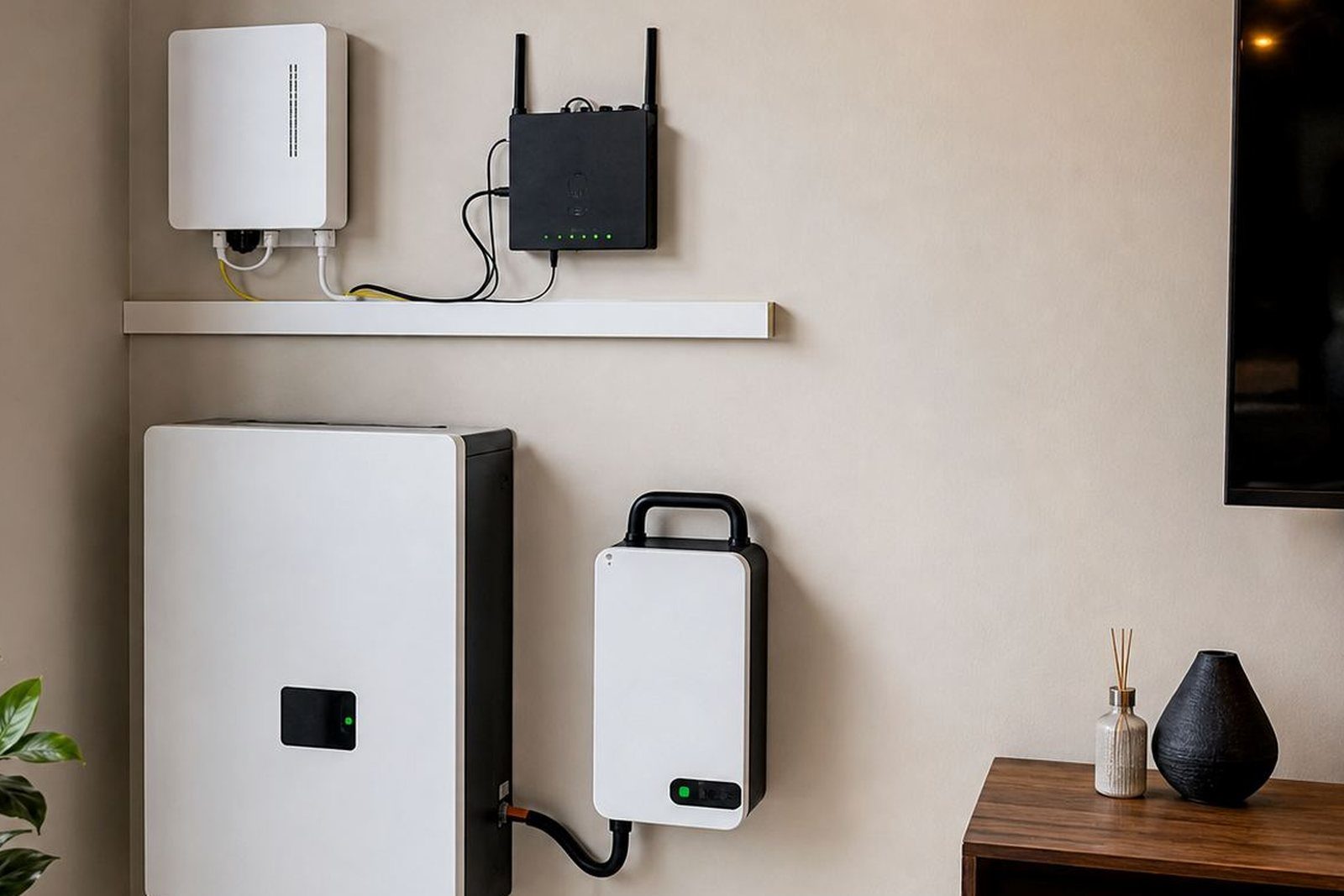
A dependable backup for WiFi is usually built around a few essential items. The router and fibre termination box are the core, but you may also want the cordless phone base, one or two computers, a small switch, or a point of sale unit on the same backed-up circuit. The aim is to keep connected without carrying every plug in the building.
- Router and fibre box on a dedicated backed-up socket
- Inverter sized for the starting surge and ongoing draw
- Lithium battery capacity matched to the expected outage time
- Changeover arrangement so the essential circuit stays separate
- Surge protection and neat cable routing for daily use
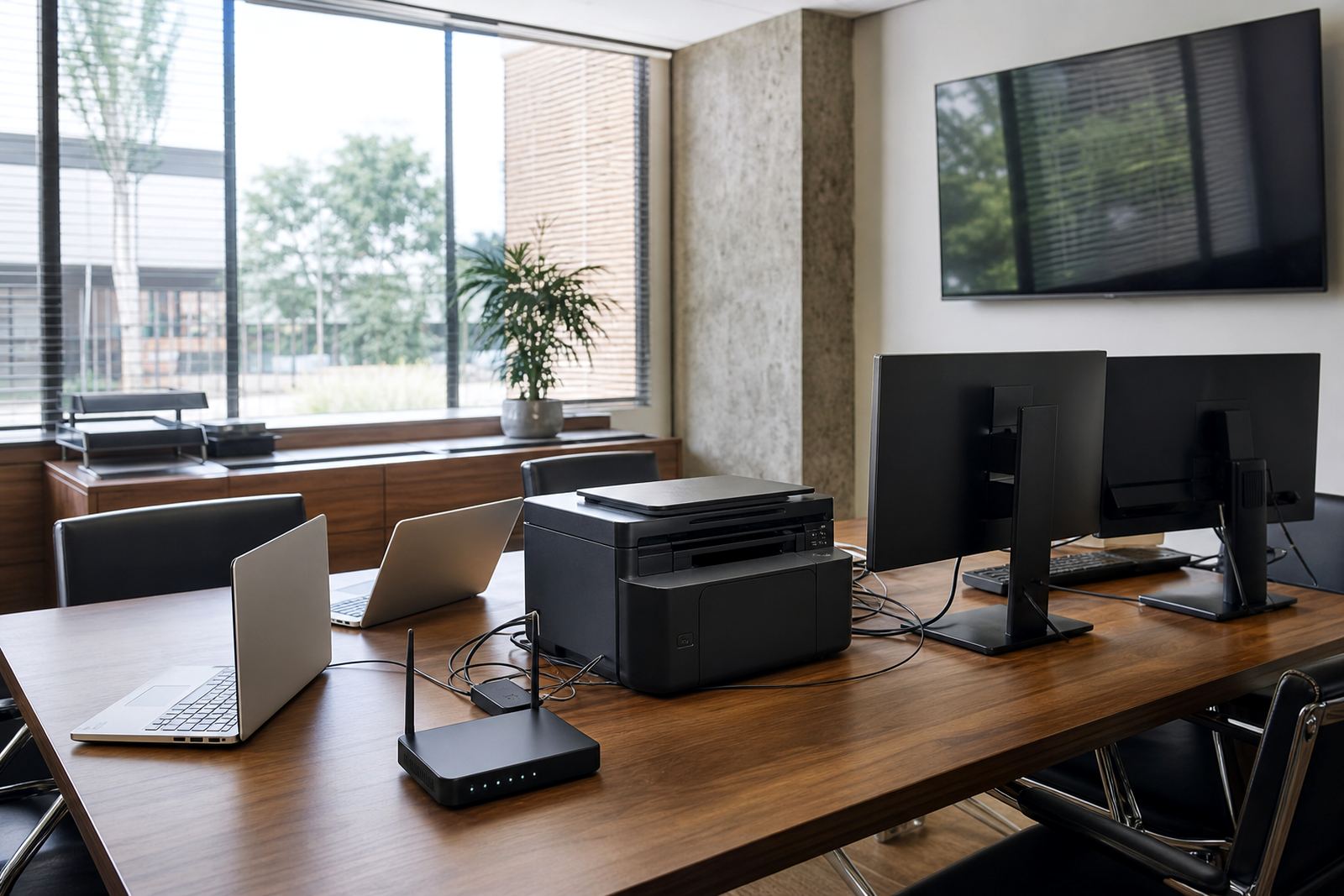
For homes, this can be a compact setup that sits quietly in a spare room, garage or utility area. For offices, the arrangement may need more thought because a network cabinet, shared printer, a few workstations and a gate system can all pull power at the same time. The load has to be measured properly, not guessed. That is where site assessments and backup sizing matter most.
Share what must stay on during an outage and the size of the property, and a backup planner will phone or message you.
Contact formChoosing inverter and battery capacity without overshooting
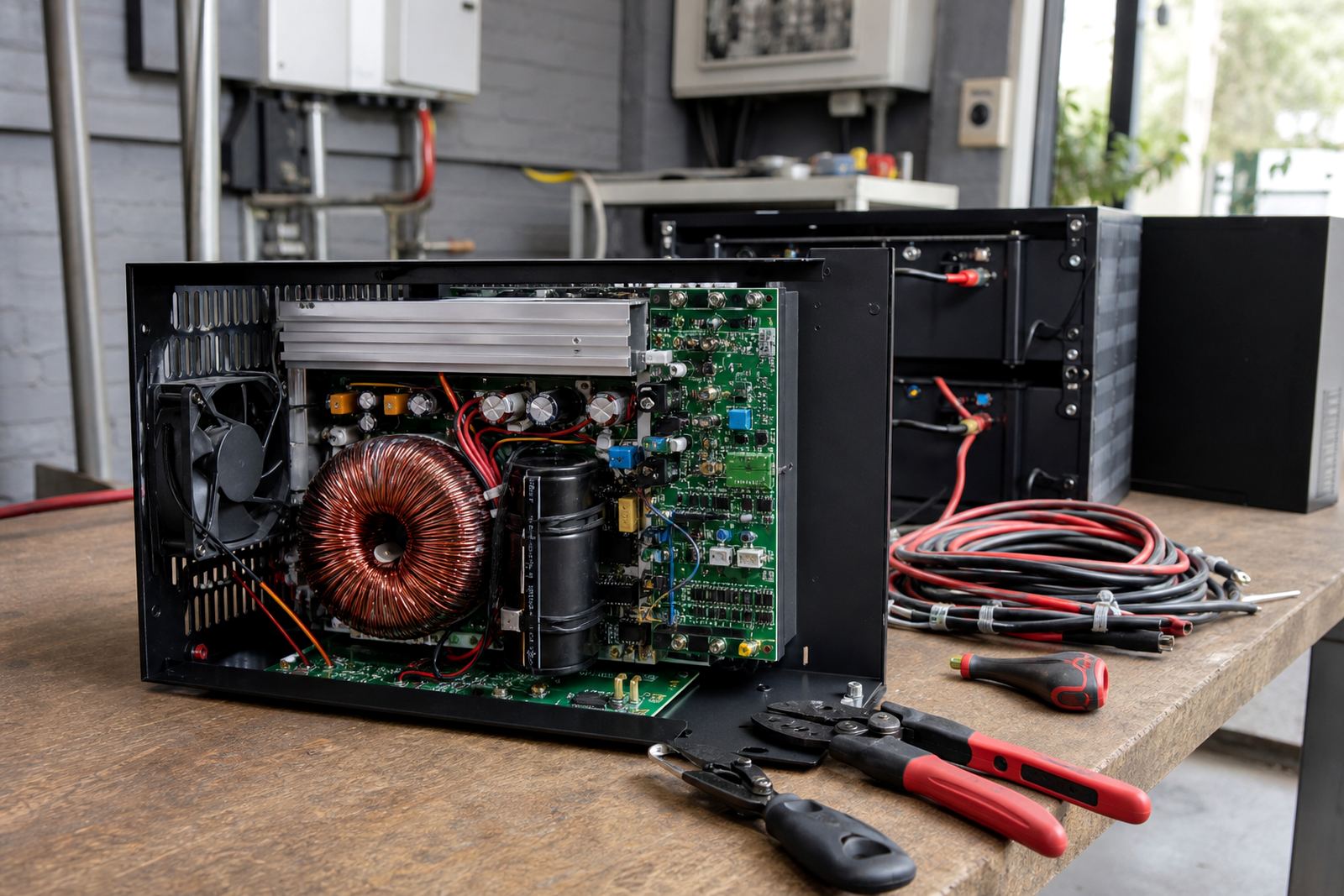
People often think backup sizing is just about battery size, but the inverter matters just as much. The inverter must handle the combined wattage of the devices you want to keep running, including any brief startup demand. If the inverter is too small, it can cut out or strain under load. If it is much larger than required, the system may cost more than necessary and still not be matched correctly to the actual use pattern.
Lithium batteries are commonly used for backup because they discharge efficiently and suit frequent load-shedding cycles. They are also a practical choice in Gauteng where some clients face more than one outage in a day. In a coastal area you would think about corrosion, but in Johannesburg the bigger concern is usually dust, heat in a closed garage, and a setup that needs to work reliably every time. Good battery placement and ventilation still matter.
A useful rule is to decide how long the WiFi and essential equipment must stay up, then work backwards from that. A home that only needs internet for a few hours has different needs from an office that must keep cloud services running through the whole afternoon. Sifiso Ngobeni and the PowerCut team often find that the best answer is not the biggest battery, but the cleanest load plan. That keeps the system practical and easier to maintain.
Office backup in Johannesburg and Pretoria: keep the essentials live
In a small office, backup for WiFi should be treated as part of business continuity. Staff need internet for message, calls and banking, and often a single outage can knock out an entire afternoon of work. In areas like Sandton, Fourways, Midrand and Centurion, where many businesses depend on constant connectivity, it makes sense to separate the most important loads from the rest of the building.
Instead of backing up the whole office, many companies choose an essential circuit that includes the network, one or two workstations, a printer, and selected lighting. That approach keeps the system manageable and avoids draining the battery on non-essential equipment. It also helps during morning startup when several devices come on at once and the load briefly jumps higher than expected.
- Separate the network cabinet from high-draw equipment
- Keep the circuit clear of heaters, kettles and other heavy appliances
- Label backed-up sockets so staff know what belongs on the system
- Plan for at least one extra battery stage if operating hours are long
Marnus Rabie and the technical team often focus on these practical details because they affect daily reliability more than a brochure ever will. A tidy installation with clear circuit separation is easier to use, easier to fault find, and less likely to be overloaded by accident.
Installation, compliance and municipal requirements
Any inverter and battery installation must be done by a registered electrician, and the work should be completed with a certificate of compliance. That is not a box-ticking exercise. It protects the property, supports insurance requirements, and confirms that the wiring has been done properly. If the system is grid-tied, municipal registration is also required, so it is important to follow the local rules from the start.
This matters for both homes and businesses in Gauteng. A neat installation with proper earthing, suitable protection and correct changeover wiring is easier to inspect and far safer during regular use. It also helps when a homeowner later adds more batteries or a business expands the circuit to include another workspace. If the original layout is done well, future changes are simpler.
PowerCut supports compliance through site assessments, system commissioning and the practical paperwork that comes with the job. Rentia Fouche and the support team keep the process moving so clients are not left guessing which step comes next. That saves time, and it reduces the chance of a rushed installation that later needs rework.
A local example: keeping a Randburg home online during evening outages
A typical Randburg household may need the fibre line, two laptops and the television to stay live through evening load-shedding. The family does not want to power the entire house, only the devices that keep work, homework and communication going. In that case the solution is usually a focused backup circuit with a moderate inverter and a lithium battery sized for the usual outage window.
The practical benefit is obvious. The router stays on, the children can finish school tasks, and the adults can still take calls or send files. If the system was designed properly, the household does not need to move extension leads around each time the power goes off. It just works in the background, which is the whole point.
For properties in Roodepoort and the west rand, where some homes also have gate motors and alarm systems to consider, the backup plan may include a separate priority for access control. That is why backup sizing should always start with a proper site assessment rather than a guess. Every property has its own mix of loads and habits.
How PowerCut approaches backup for WiFi
PowerCut supplies inverters and lithium batteries for load-shedding backup to homes and businesses across Randburg, Johannesburg, Pretoria, Centurion, Midrand, Roodepoort, Sandton and Fourways. The work starts with listening to what needs to stay on, then checking the actual load, the available space, and the wiring already in place. From there the right combination of equipment can be selected and installed properly.
Services include site assessments, backup sizing, inverter installation, battery installation, essential circuit wiring, changeover solutions, system commissioning, compliance support, monitoring setup, battery expansions, fault checks and routine servicing. Sifiso Ngobeni leads the business from the Randburg base, with Ayesha Ntuli, Nompumelelo Sigcau, Sibusiso Govender and the rest of the team handling the day to day work that keeps systems dependable.
If the goal is to keep WiFi live during outages, the smartest move is to plan for the real load rather than the idea of it. Once the router, office gear and any other essential devices are clearly identified, the rest becomes a straightforward electrical project instead of a scramble every time the lights go out. A proper backup setup is not about overdoing it, it is about getting the right bits in place from the start.