
Backup power for sites that cannot go quiet
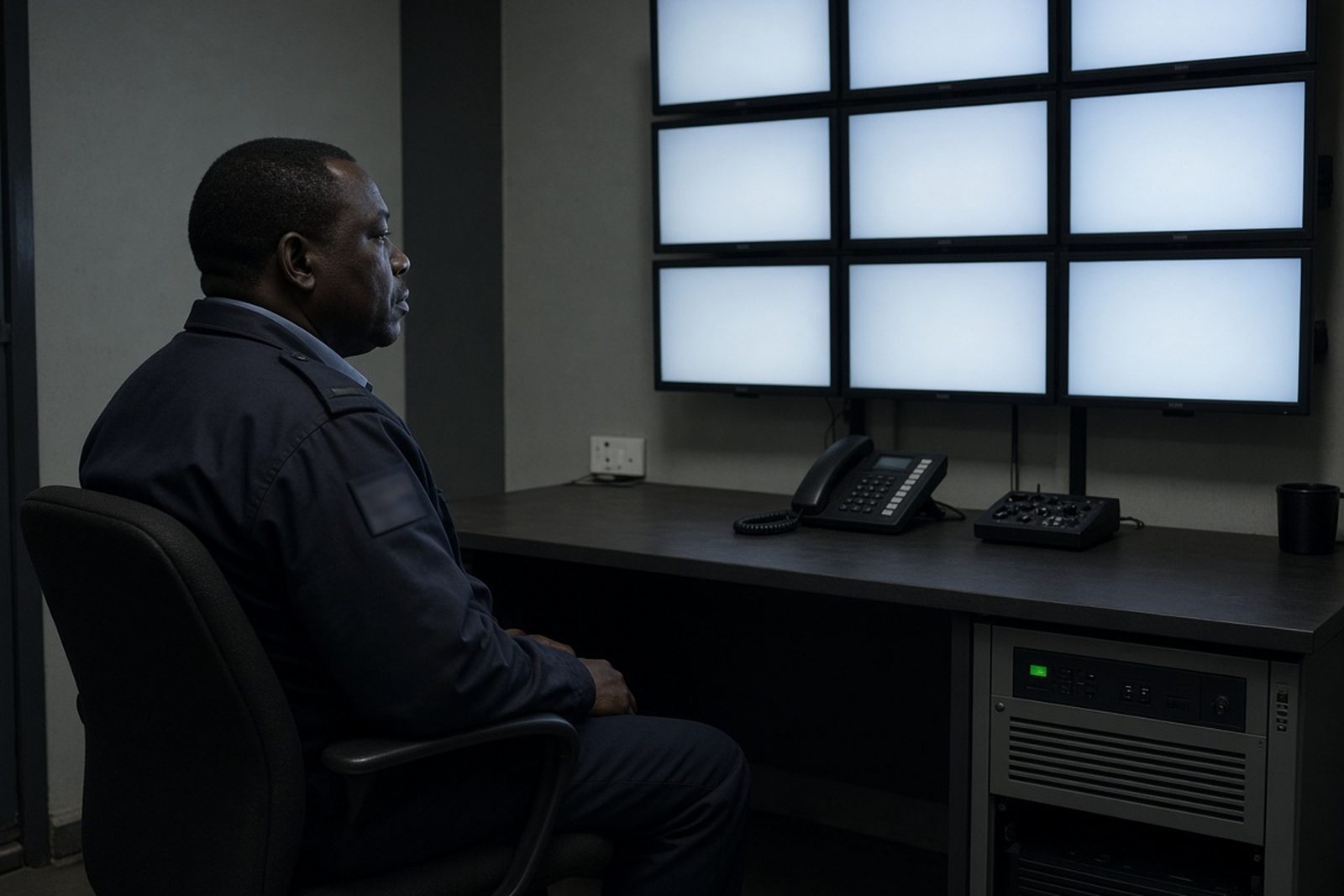
Security sites have a different power profile to a normal home. A camera system, alarm panel, network switch, access control reader and remote monitoring unit may all draw modest power on paper, but they must stay live through load-shedding and short outages. If one small unit drops out, the whole site can lose visibility or fail to record the moment it matters most.
PowerCut works with residential and commercial clients in Randburg, Johannesburg, Pretoria, Centurion, Midrand, Roodepoort, Sandton and Fourways. For security sites, the aim is steady runtime, clean changeover and enough battery capacity to cover the cameras, recorder, router and any gate or alarm equipment that must stay active. The right setup depends on how many devices are on the line, how often outages happen, and whether the site needs backup for a few hours or for longer stretches during bad weather or municipal faults.
Our team can assess an existing system or plan a new one from the start. That includes load checks, battery sizing and advice on which circuits should be backed up and which can stay on the mains. For some sites a small inverter and lithium battery is enough. For others, especially where there are several external cameras and a control room, a more considered layout is needed.
Typical equipment on a security backup circuit
Security loads are often light but sensitive. A good backup system usually focuses on the devices that need to remain online first, then adds room for future changes. That may include a video recorder, cameras, network equipment, alarm panel, beam sensors, electric gate motor controls and a small monitoring workstation. In some cases, lighting around entrances or a single outside floodlight is also included if it forms part of the security layer.
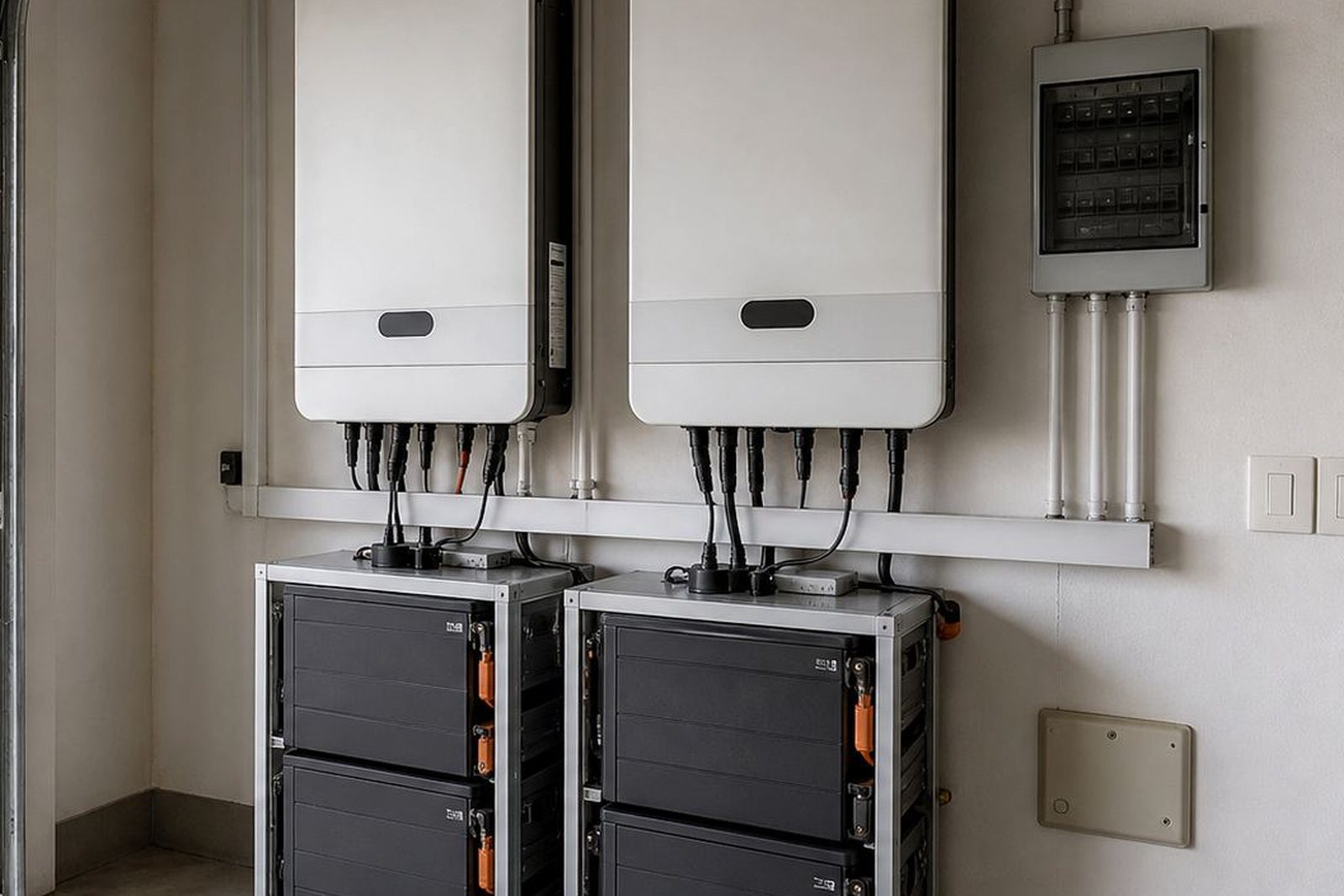
- Inverter with enough capacity to carry the running load and allow start-up surge where needed
- Lithium battery bank sized for the expected outage duration and depth of discharge
- Changeover or backup distribution for the essential security circuits
- Surge protection to help reduce damage from electrical faults
- Proper cabling, isolators and labelled circuits for easier servicing
- Optional monitoring setup so battery status and system load can be checked more easily
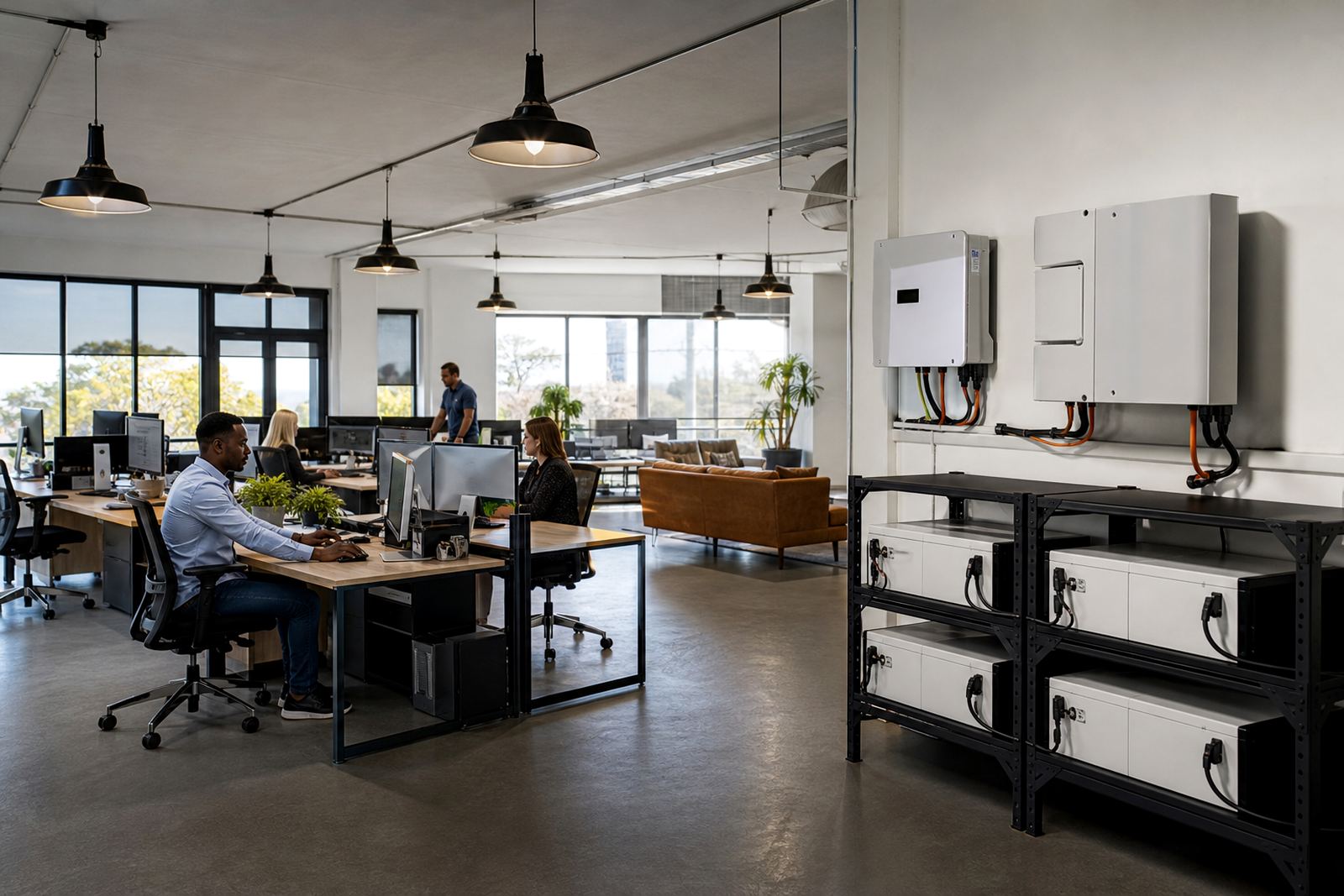
Lithium batteries are often preferred for this kind of work because they handle repeated cycling well and keep a more stable output. They also take up less space than older battery types, which matters in small guard rooms, comms cupboards and domestic utility areas. In coastal or damp locations less of a concern in Gauteng, but in humid rooms or dusty stores the installation still needs tidy mounting, ventilation and correct protection.
Share what must stay on during an outage and the size of the property, and a backup planner will phone or message you.
Contact formPlanning the layout so cameras stay online
Security backup works best when the layout is planned around the equipment, not forced into a spare corner. The inverter and battery should be placed where they are easy to inspect, not tucked behind stacked boxes or near heat sources. A short cable run to the essential load board can reduce losses and makes the system neater to service later. If the site has a separate server cabinet or network rack, that area often deserves special attention because a small power interruption there can stop remote viewing and alerting.
It helps to separate essential and non-essential loads early. A site may want the whole office on backup, but if the main goal is security then the focus should stay on cameras, access control and comms. This keeps the battery bank smaller and the system more efficient. For larger commercial sites in Johannesburg or Pretoria, a phased plan is often practical: start with the perimeter and recording equipment, then add gate motors, routers or extra cameras as needed.
At an assessment, PowerCut looks at the actual run times, the condition of existing cabling, where the load can be picked up safely and whether there is room for future battery expansion. We also check whether the site needs a changeover arrangement or a direct essential-load installation. Good planning now can save trouble later when the first real outage hits at night and there is no margin for guesswork.
Common mistakes on security backup jobs
One of the most common mistakes is sizing the battery only for the equipment label and not for real use. Cameras with infrared at night, network gear and access control systems all add up. Another issue is mixing too many non-essential items into the backup circuit, which shortens runtime and can make the system feel weak when load-shedding runs longer than expected.
Some sites also undersize the inverter, especially where there is a gate motor or multiple devices starting at the same time. Others place the battery in a cramped cupboard with poor ventilation or leave it too close to hot equipment. Wiring shortcuts are another problem. Loose terminations, unclear circuit labels and poor protection can create faults that are difficult to trace later and may affect the whole security setup.
- Do not guess the load from memory, confirm what is actually connected
- Do not include office printers, kettles or unnecessary plug points on the security circuit
- Do not ignore cable length, voltage drop and heat build-up
- Do not leave the system without clear isolation and switching points
- Do not skip a check on battery expansion if the site will grow later
Installations must be done by a registered electrician and must be issued with a certificate of compliance. If the system is grid-tied or connected in a way that interacts with the supply network, municipal registration is also required. That is not just paperwork, it is part of keeping the site safe and properly documented.
Budget ranges for homes, estates and businesses
Security site backup budgets vary with the size of the load, the battery runtime required and whether the setup is simple or split across multiple areas. A small domestic system for a gate, alarm and a few cameras will sit in a different range to a medium business site with recorders, switches and perimeter cameras. The more cameras, the more network hardware and the longer the target runtime, the higher the equipment count and installation complexity.
As a practical guide, smaller security backup packages may start in the lower Rand tens of thousands, while larger multi-device systems can move well beyond that depending on battery capacity and wiring work. If battery expansion is needed later, it is worth planning for it from the beginning so the site does not need to be stripped and rebuilt. That is especially useful for sectional titles, warehouses and retail sites where security requirements tend to increase over time.
We avoid making financial promises because the right answer depends on site conditions and the actual electrical load. What helps most is a proper assessment, a clear list of the devices that must stay live and a sizing approach that matches the outage pattern in your area. Load-shedding stages, municipal faults and storm outages can all change how much backup a site really needs.
How PowerCut supports security sites across Gauteng
PowerCut provides site assessments, backup sizing, inverter installation, battery installation, essential circuit wiring, changeover solutions, system commissioning, compliance support, monitoring setup, battery expansions, fault checks and routine servicing. For security clients, that means we can look at the full chain from supply to device, then build a backup system that suits the site rather than forcing a generic package into place.
Our base is in Randburg, Johannesburg and we work with clients across Gauteng, including Johannesburg, Pretoria, Centurion, Midrand, Roodepoort, Sandton and Fourways. Whether the site is a family home with perimeter cameras or a business with a control room and access control points, the goal is the same: keep the essential security gear on when the power drops.
If you need backup for cameras, alarms or monitoring equipment, send your details through the enquiry form on our contact page. We will take the site details from there and advise on the next step, whether that is a new installation, an upgrade or a fault check on an existing setup.