
Keeping the day moving when the power drops
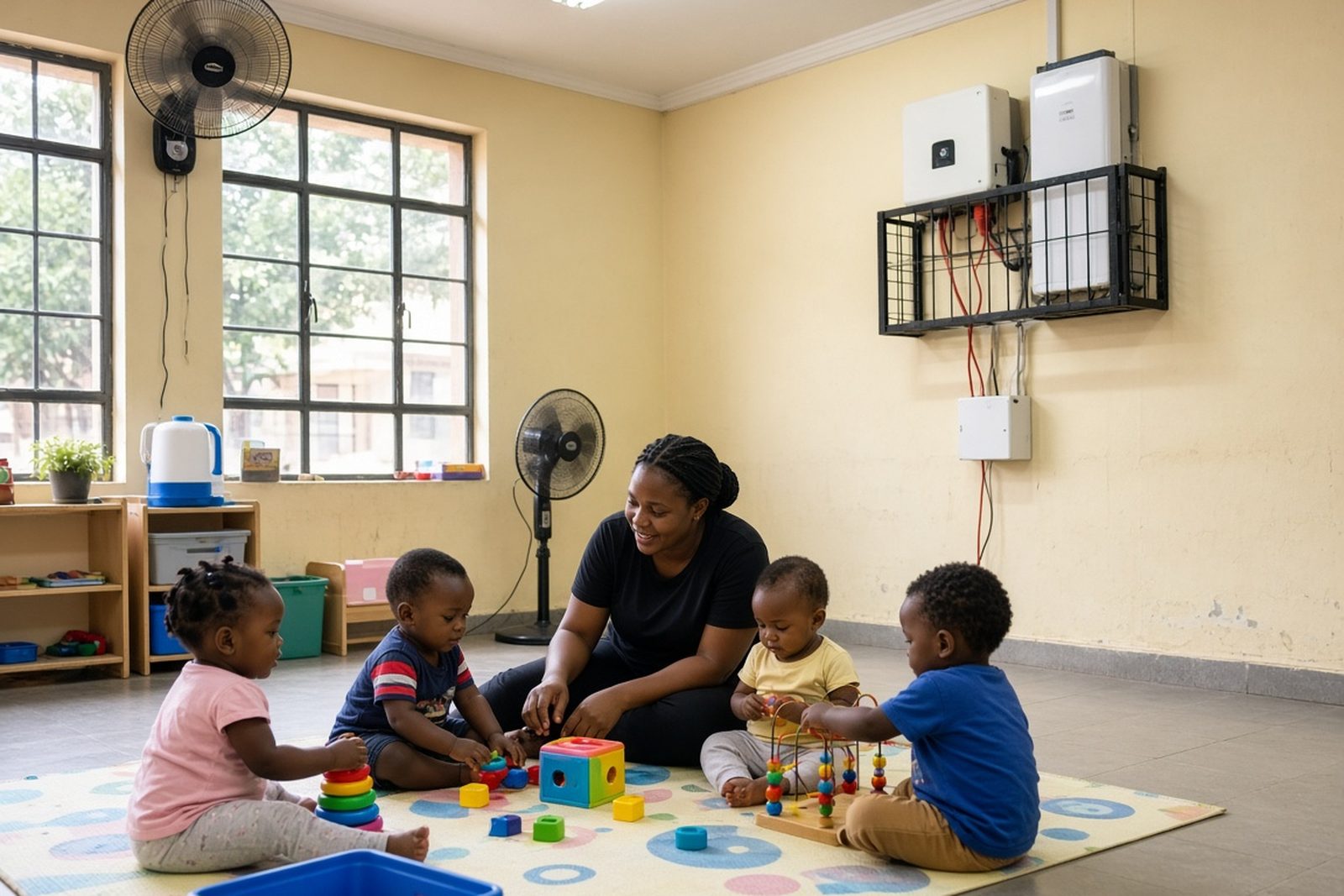
In a school or creche, outages are more than an inconvenience. They can interrupt sign-in at reception, freeze access control, switch off Wi-Fi, stop point-of-sale or billing systems, and leave security cameras and alarms exposed. In some centres, a short outage also affects bottle warmers, fridges, gate motors and a few classroom essentials that need to stay on long enough to finish the day safely.
The right backup setup depends on what must stay live and for how long. A small creche in Randburg may only need administration, lights in the office, internet and CCTV. A larger school in Sandton, Midrand or Pretoria might need several separate circuits, one for admin and connectivity, one for security, and another for selected classroom loads. The aim is not to run the whole building, but to keep the important parts working in a controlled way.
We work with schools and creches across Johannesburg, Roodepoort, Fourways, Centurion and Pretoria, where load-shedding schedules and sudden outages can affect pickup times, security routines and aftercare. Planning needs to match the actual daily use of the site, not just the maximum possible load.
Typical backup equipment for education sites
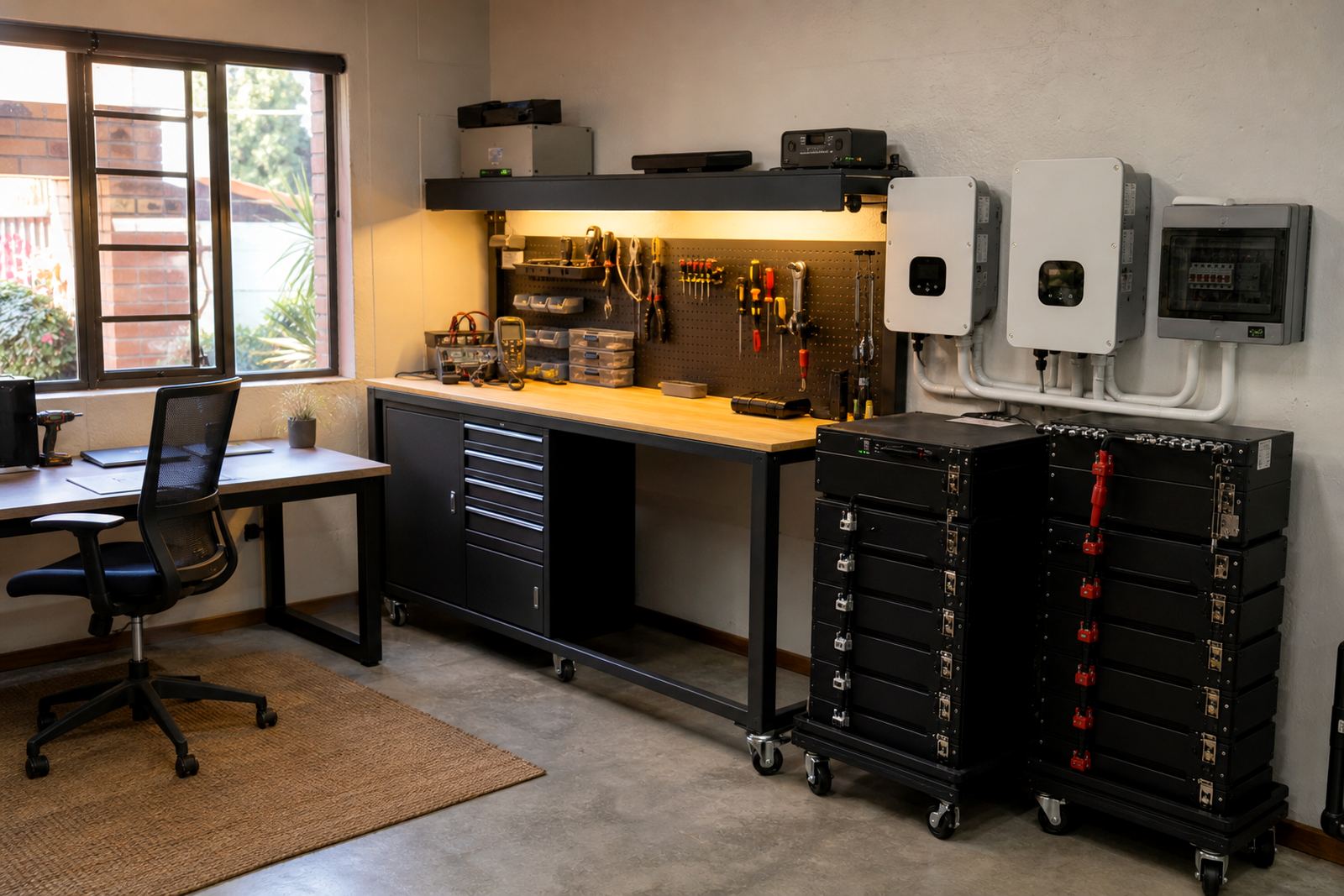
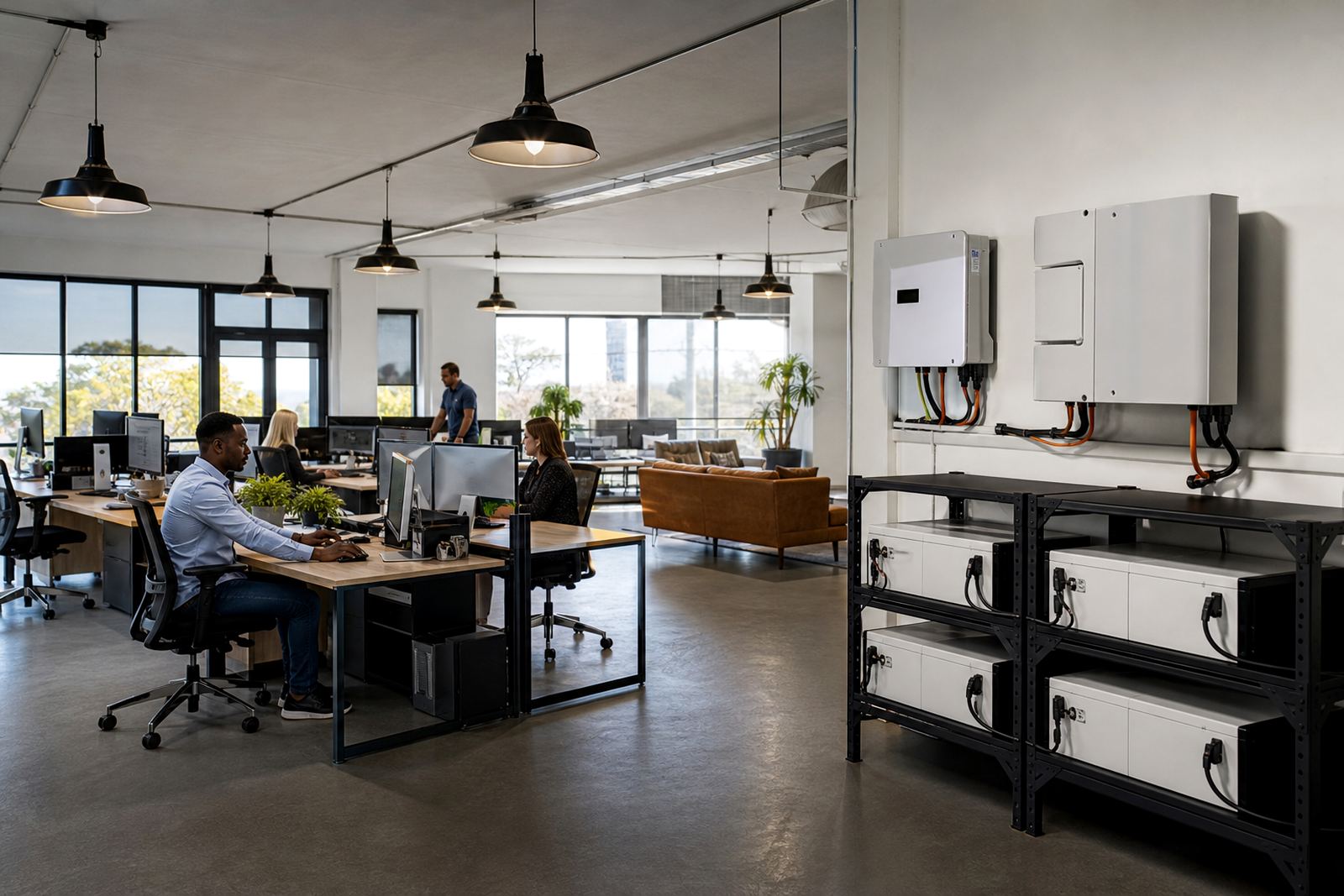
Most education sites use an inverter with lithium batteries as the main backup source. The inverter changes battery power into usable AC power, while the lithium batteries store energy for the outage. Lithium batteries are commonly chosen because they charge faster, handle regular cycling well, and take up less space than older battery types for the same useful capacity.
A typical set-up may include the following:
- Inverter sized for the essential circuits only
- Lithium battery bank matched to the expected outage duration
- Essential circuit wiring for admin, security, routers, selected lights and fans
- Changeover equipment where needed
- Surge protection for sensitive electronics
- Monitoring setup so staff can see battery state and runtime
For creches, it is often better to keep the circuit list short and practical. For schools, the load may be split by area so the office, guard room and ICT point are backed up separately. That way one heavy appliance does not drain the whole system too quickly. In coastal or humid areas, ventilation and cabinet placement matter too, because heat and moisture can shorten equipment life if the site is not planned properly.
Share what must stay on during an outage and the size of the property, and a backup planner will phone or message you.
Contact formSizing the system without overspending
Begin with a practical list of what must stay on, how many watts each item uses, and how long backup is needed. A router, modem, office PC, printer, CCTV recorder and a few lights may seem small on their own, but together they can add up. A fridge, gate motor or small pump changes the numbers again. That is why site assessments are useful before any purchase.
For a school or creche, the best approach is usually to separate critical and non-critical loads. Critical loads are the things needed for safety, communication and basic operations. Non-critical loads are items that can wait until grid power returns, such as heavy kitchen equipment, geysers or air conditioning. Keeping those off the backup circuit helps the batteries last longer and keeps the install more affordable.
Budget ranges vary by size, load and runtime. A small essential-load system for a creche office and security point can sit in a lower budget range, while a larger school system with several circuits, more battery storage and commissioning will cost more. The final Rand amount depends on the inverter size, battery capacity, cable work, labour and any changeover or monitoring requirements. It is better to size carefully once than to pay later for an undersized system.
Layout planning for offices, gates and classrooms
Good layout planning keeps the backup easy to use on busy school mornings. We usually start with the main incoming supply, then look at where the office, guard house, network equipment, and selected classroom points are located. Longer cable runs increase cost and can affect performance, so the equipment should be placed where it makes practical sense and not just where there is spare wall space.
Useful planning points include:
- Keep the inverter in a dry, well-ventilated area away from direct sun
- Place batteries where staff can access them without blocking walkways
- Separate sensitive electronics from high-startup-load appliances
- Label backed-up circuits clearly for after-hours staff
- Allow for future battery expansion if the school grows
In many centres, the guard room and admin office are the first priority because they handle access control, visitors and communication with parents. In schools, the IT corner or server cupboard may also need attention so systems stay online for attendance, reporting and emergency contact. If the site has municipal rules around grid-tied backup or export, those requirements must be checked before the system is finalised.
Common mistakes we see on education sites
One of the most common mistakes is trying to back up too much equipment. If the whole building is placed on the inverter, the batteries can drain quickly and the system becomes unreliable. Another issue is ignoring starting surges from appliances such as pumps, photocopiers or gate motors. Those can trip a small inverter even if the running power looks fine on paper.
Other mistakes include poor cable routing, no surge protection, battery rooms with poor airflow, and adding extra equipment later without checking whether the original inverter can handle it. In schools and creches, staff turnover is also a factor. If the changeover process is not explained properly, someone may switch off the wrong circuit and think the system has failed.
To avoid these problems, commissioning should include a clear handover. Staff need to know what is backed up, what is not, and which loads should be left off during outages. That is especially important during long load-shedding blocks and during exam periods, where even a small mistake can interrupt a busy day.
Installation, compliance and support after handover
Installations must be done by a registered electrician, and a certificate of compliance is required for the work. If the system is grid-tied, municipal registration may also be needed. That applies whether the site is a small creche in Roodepoort or a larger school in Pretoria or Centurion. Compliance is not a box to tick later, it is part of doing the job properly from the start.
Our service support can include site assessments, backup sizing, inverter installation, battery installation, essential circuit wiring, system commissioning, monitoring setup, battery expansions, fault checks and routine servicing. In practice, this means the site can be assessed first, the loads planned, the equipment fitted, and then the staff shown how to use the system day to day.
For schools and creches, the right backup is usually the one that is simple to manage, sized to the actual need, and planned for the way the building is used on a normal weekday. That keeps admin moving, security active and essential learning spaces usable when the grid is down.