
Keeping a Fourways home office online
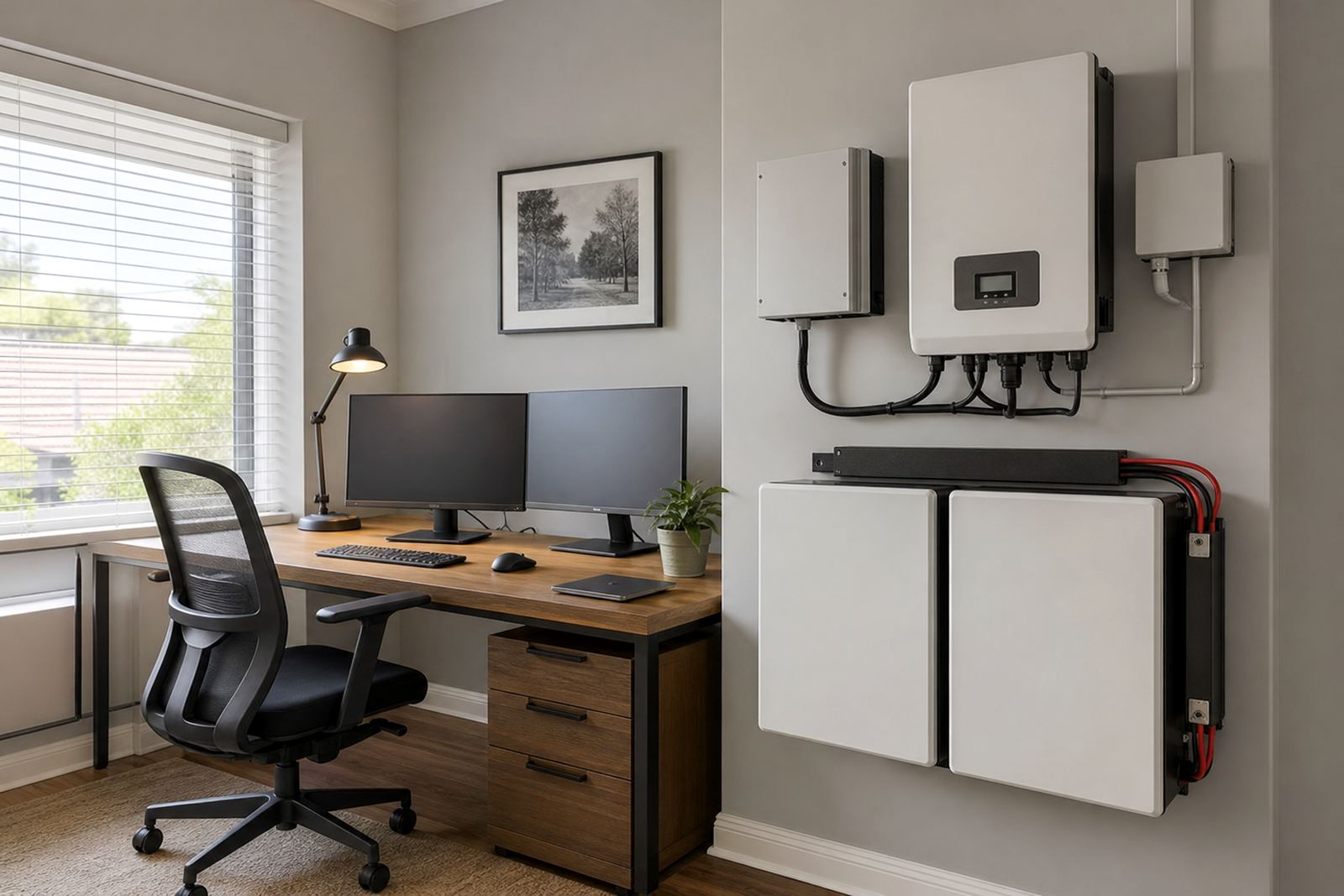
The client was a homeowner in Fourways, Johannesburg working from a dedicated room with a fibre router, ONT, laptop charger, two monitors, a small printer and a few phone and tablet chargers. The main concern was not running the whole house, but keeping the office side stable through stage changes and short interruptions that can cut meetings, drop internet calls and interrupt remote work.
The brief was simple: keep the internet alive, keep screens on and protect the everyday charging points used during the day. The setup had to fit neatly into a residential space, run quietly and handle repeated outages without constant manual attention. As with many homes in the area, the client also wanted something that would not be sensitive to ordinary household use and would cope well with summer heat and dust.
- Area: Fourways, Johannesburg
- Client type: Home office in a private residence
- Priority loads: Fibre, screens, laptop charging and small device charging
- Primary goal: Keep work going during load-shedding and short power cuts
Sizing the backup correctly
For this kind of office backup, the starting point is always the actual load, not the hope that one unit will do everything. We reviewed the typical running watts for the office equipment, how long the client wanted support during an outage and whether the system should allow a clean shutdown if the power stayed off longer than expected. That led to a sensible inverter and lithium battery pairing rather than an oversized system that would sit underused.
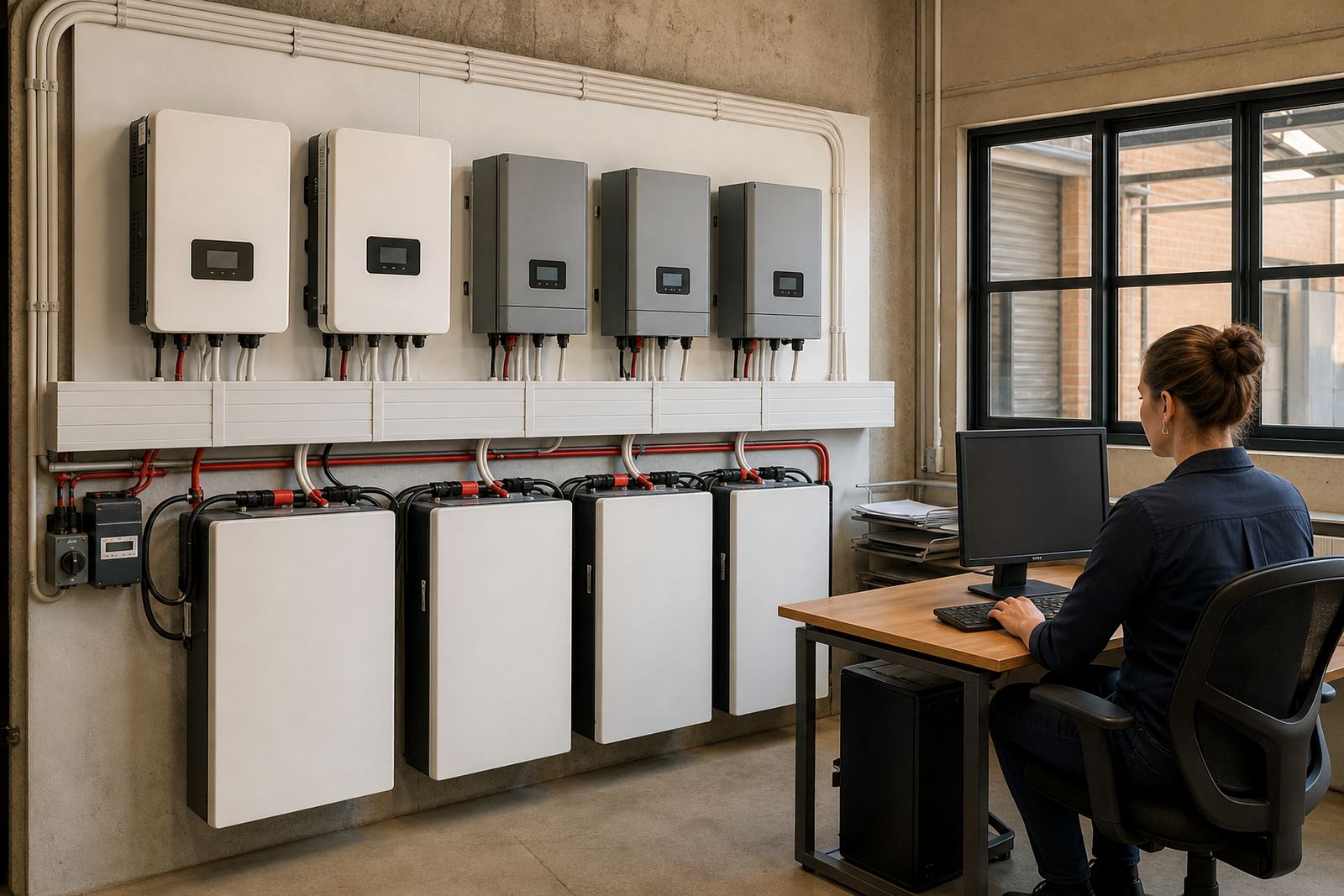
The selected approach was a compact inverter backed by lithium batteries, sized for essential office circuits only. Lithium batteries are a good fit for this use because they charge efficiently, cope well with frequent cycling and are more space efficient than older battery types. The inverter was set up to keep changeover quick enough that the router stayed online with minimal disruption. For this project, the focus was not heavy appliances, but stable continuity for the work station.
- Inverter type: Compact backup inverter for essential loads
- Battery type: Lithium battery storage
- Load focus: Low to medium office demand
- Runtime target: Enough to carry through load-shedding blocks and brief interruptions
Share what must stay on during an outage and the size of the property, and a backup planner will phone or message you.
Contact formInstallation in a working home
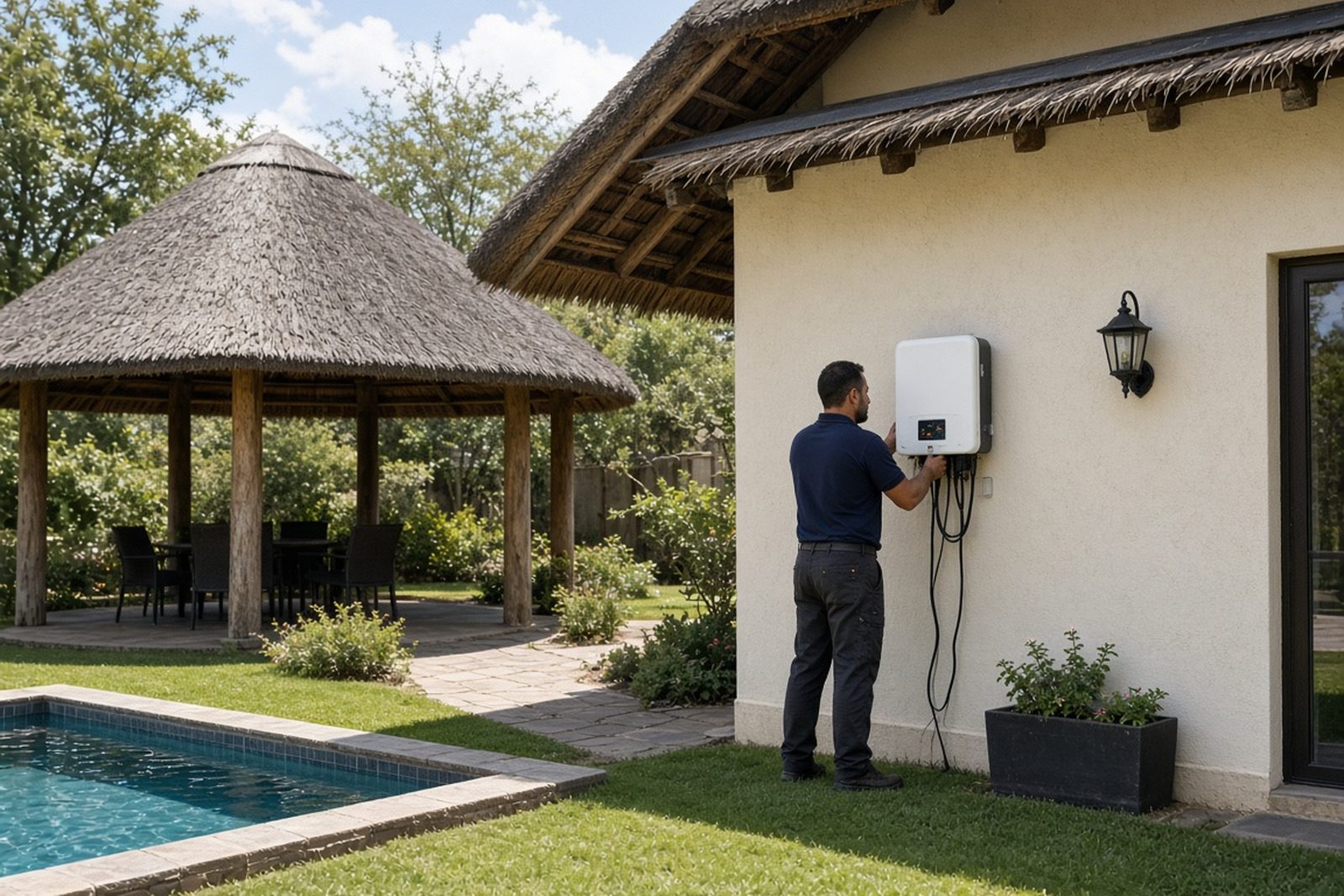
The install was planned around a home that was still being used during the week, so neat routing and quick changeover mattered. We installed the inverter and batteries in a dry, accessible indoor position with enough ventilation for regular operation. Cabling was kept tidy and the office loads were separated from non-essential circuits so the backup side only carried what was needed. That makes the system easier to manage and helps avoid unnecessary drain on the battery bank.
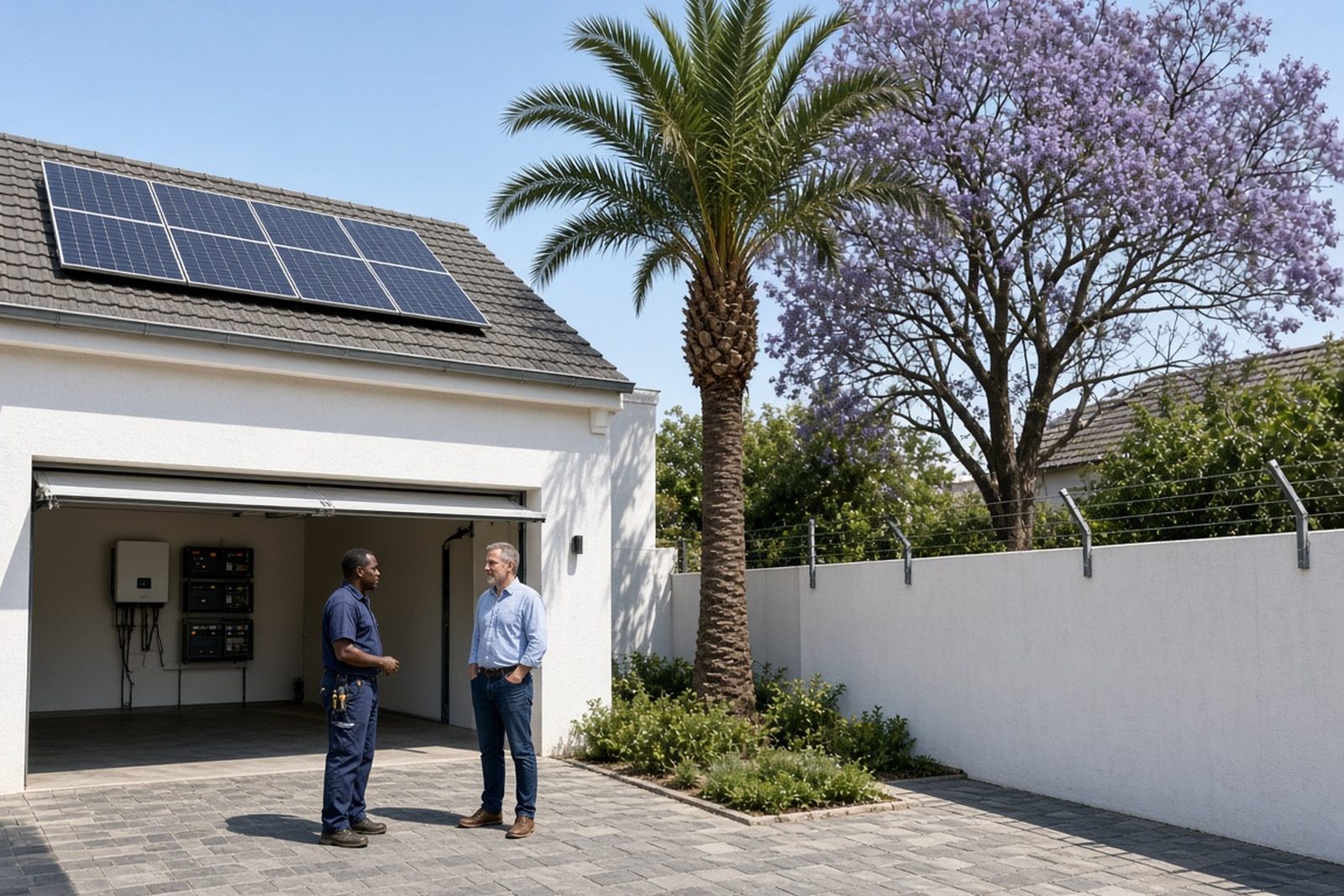
We also checked the site conditions that matter in Gauteng homes, including where the unit would sit during warmer months and how close it was to an external wall or garage opening. While Fourways is not coastal, dust and heat still affect equipment over time, so proper placement and sensible cable runs make a difference. The result was a clean installation that worked with the room, not against it.
- Mounting position: Indoor, accessible and sheltered
- Wiring scope: Essential office circuits only
- Management: Auto changeover for backup supply
- Environment: Suitable for a typical Johannesburg home office
Compliance and grid-tied rules
Any backup or hybrid-style installation must be done by a registered electrician, and the work must be completed with a certificate of compliance. If a system is grid-tied, municipal registration is also required and should be handled before the system is used in a way that feeds or interacts with the grid beyond normal backup operation. That is not optional, and it is especially important where changes to the distribution board or essential circuits are involved.
For this project, compliance support formed part of the handover. We made sure the client understood the difference between a simple backup arrangement and a grid-connected system. This keeps the installation safe, helps avoid trouble later and gives the homeowner proper records for the property file.
- Registered electrician required for installation
- Certificate of Compliance required after work is completed
- Municipal registration required for grid-tied systems
- Compliance documents should be kept with the property records
What we supplied and set up for backup power
We supplied and set up the core backup components needed for an office-first solution, then tested the system under typical use. The job included backup sizing, inverter installation, battery installation, essential circuit wiring and system commissioning. We also assisted with monitoring setup so the homeowner could keep an eye on battery status and system behaviour without guesswork.
Because this was a working home office, we paid attention to the small things that often matter more than people expect. The router needed steady power, the screens had to stay on without flicker and the laptop charger needed a clean supply. We left the user with a simple operating routine and clear guidance on what to switch on, what to leave off and how to respond if the power outage lasts longer than planned.
- Backup sizing and load review
- Inverter and lithium battery installation
- Essential circuit wiring for office loads
- Monitoring setup and user handover
Timeline, results and next steps
The project ran over two weeks from site assessment to final commissioning. The first visit covered the load review and practical placement options, then the installation followed once the component sizes were confirmed. Final testing covered changeover, charging behaviour and normal office use under backup power. The client could continue working during outages with less disruption to internet access and screen time, and there was a clearer plan for managing longer cuts too.
What changed most was day-to-day reliability. Meetings were less likely to drop, the internet stayed up during load-shedding windows and the office could keep moving without rushing around the house looking for charged devices. On a similar Fourways home office installation, we would use the same approach again: start with the real load, keep the backup circuits focused and make sure the user understands how the system behaves in practice.
- Timeline: 2 weeks from assessment to commissioning
- Result: Stable backup for internet, screens and charging
- User benefit: Less interruption during load-shedding
- Future option: Battery expansion if office needs grow
System at a glance
| Project location | Fourways, Johannesburg |
|---|---|
| Client type | Home office in a private residence |
| Backup scope | Internet, screens, laptop charging and device charging |
| System type | Inverter with lithium battery backup |
| Install timeline | 2 weeks |
| Compliance | Registered electrician, CoC required, municipal registration needed for grid-tied systems |