
What the WiFi Monitoring Kit does on a backup system
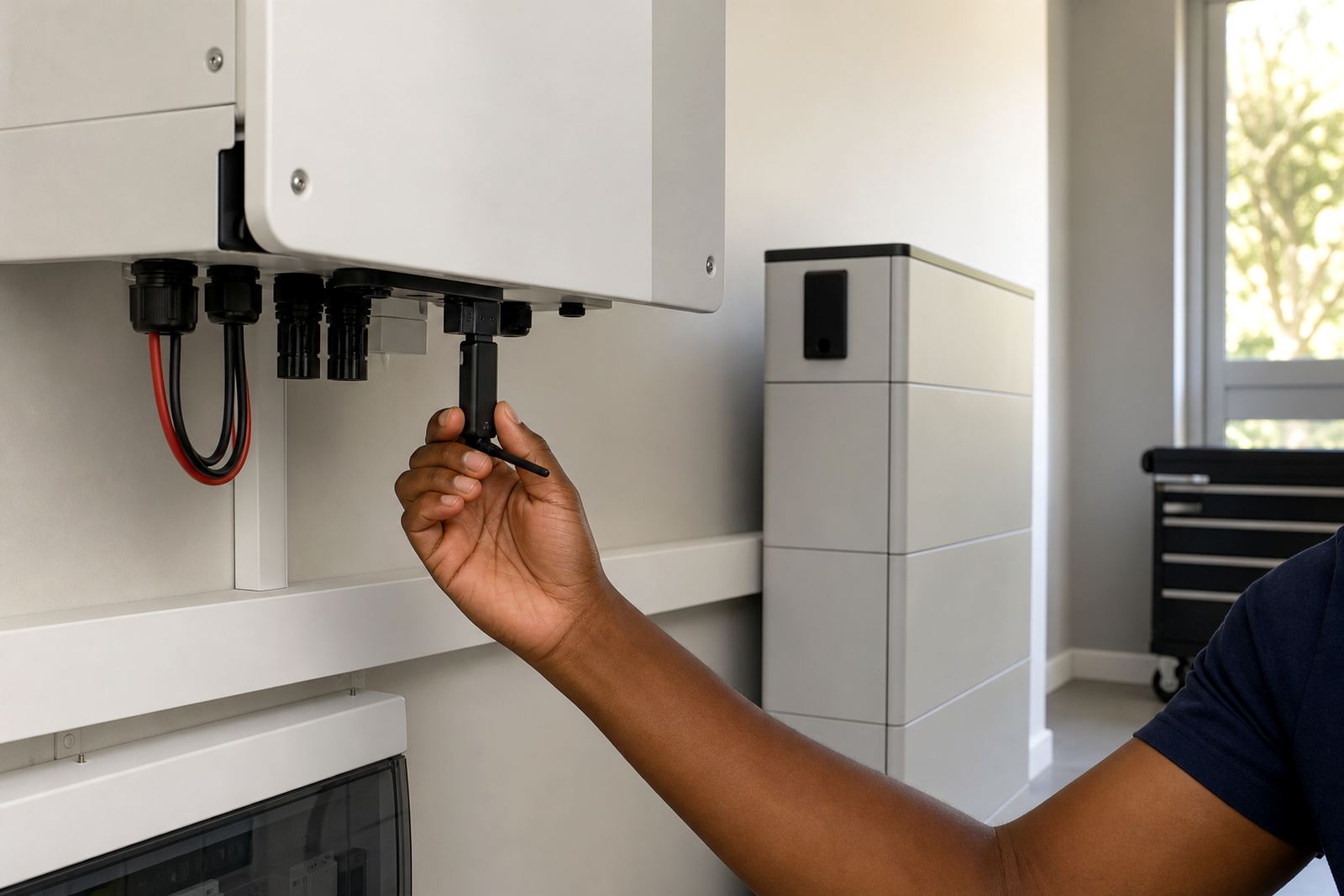
This kit adds wireless monitoring to compatible inverter and lithium battery setups so you can see how the system is performing without standing at the unit. It is useful for checking battery charge, input and output status, operating mode, and fault alerts during load-shedding, bad weather or when the property is unattended.
In practical terms, it helps you keep an eye on what the backup is doing from connected devices on site. That makes it easier to spot a changing load pattern, a battery that is not charging as expected, or a system that needs attention after a power event.
Size options and system fit for homes or business sites
Monitoring kits are selected to suit the inverter model and the style of installation, so the right interface matters. Some setups only need basic live status viewing, while others benefit from logging, alerts, and more detailed system history for larger homes, offices, retail units or small industrial loads.
- Single-phase homes with modest essential loads
- Larger homes with multiple circuits or a backup DB
- Offices, shops and small commercial premises
- Sites with battery expansion plans or multiple inverters
- Properties in Randburg, Sandton, Fourways, Midrand and wider Gauteng
If the system is grid-tied, the monitoring arrangement should match the municipal registration requirements for that area. In Johannesburg, Pretoria or other municipal supply zones, the backup setup and any export-capable equipment may need proper paperwork and sign-off before commissioning.
Share what must stay on during an outage and the size of the property, and a backup planner will phone or message you.
Contact formInstall, wiring and sign-off
The monitoring kit is normally installed alongside the inverter system and may require a communication cable, network access and a suitable mounting position close to the equipment. It does not replace the inverter or batteries, and it should be fitted as part of a properly planned backup installation.
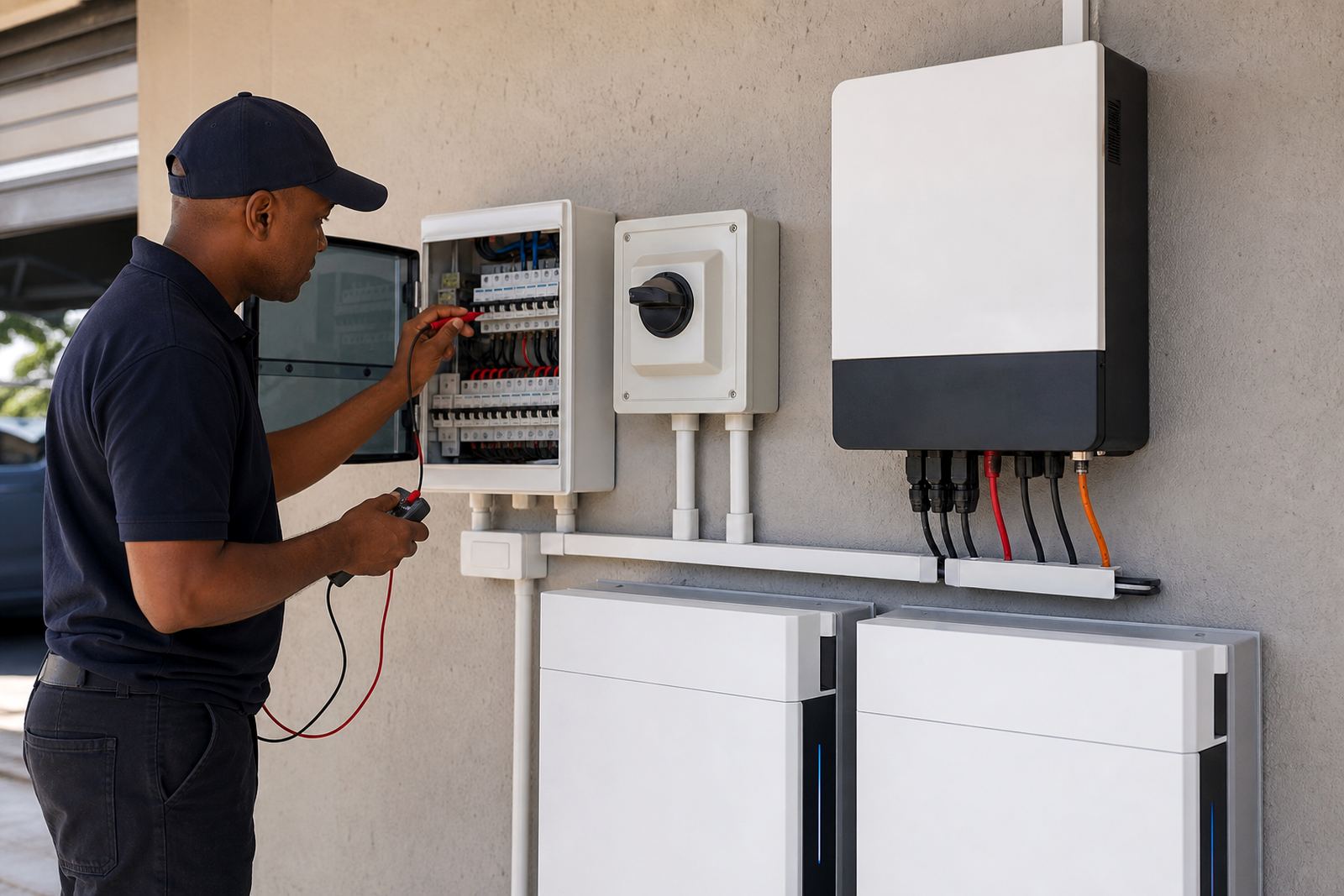
Installation must be done by a registered electrician, and the final work must be supported by a certificate of compliance. If the system is grid-tied, municipal registration is also required. For many Gauteng sites, the practical issues are simple but important: stable mains supply, correct earthing, neat cable routes, and enough space to access the unit for checks.
- Check inverter compatibility before ordering
- Confirm whether WiFi is needed or a cabled network is preferred
- Allow for signal strength where the inverter is mounted
- Make sure the electrical installation is compliant before commissioning
- Ask whether alerts, history logs or remote viewing are needed
Where the kit suits best during load-shedding
This product suits customers who need better visibility on their backup power, especially when the system supports fridges, lights, routers, gate motors, point-of-sale equipment or office workstations. In business settings it can help a manager see whether the battery is recovering properly between outages and whether the system is carrying the right amount of load.
It is also useful in coastal or damp conditions where regular checking matters. Humidity, dust and heat can affect equipment over time, so monitoring gives earlier warning if charge performance changes or if the system trips after a storm or long outage. That said, monitoring is only one part of the job, and it works best when the inverter and batteries were sized correctly from the start.
Care, servicing and what to expect after fitment
Once installed, the kit should be kept dry, clear of dust and protected from unnecessary tampering. It should be checked during routine servicing along with the inverter, batteries and changeover gear. If the property has frequent load-shedding or repeated outages, it is worth reviewing the logged performance every so often to catch any drift early.
PowerCut supports routine servicing, fault checks, battery expansions and system commissioning for backup setups across Gauteng. If monitoring stops reporting correctly, the cause may be as simple as a network issue, but it can also point to a communication fault or a setting change after maintenance.
For homes and businesses in Johannesburg, Pretoria, Centurion, Midrand and Roodepoort, a sensible service plan helps keep the whole backup system in order, not just the display. It is a small part of the setup but it can save time when power is off and you need clear information fast.
What to check when ordering a monitoring kit
Before you place an order, confirm the inverter make and model, the battery setup, and whether the site wants basic monitoring or more detailed reporting. If the system has been expanded before, or if there are two inverters, this should be mentioned upfront so the right kit and settings can be chosen.
- Inverter model and communication port type
- Number of inverters and batteries on site
- Whether the system is off-grid, hybrid or grid-tied
- Network access at the inverter location
- Need for app viewing, browser access or both
- Any municipal registration or compliance steps still outstanding
Clients reach PowerCut through the enquiry form on the contact page, and the team can help confirm what is needed before fitment. For a backup system, the small details matter, especially when the lights go out and you need the numbers to make sense quickly.
System at a glance
| Product type | Wireless monitoring kit for compatible inverter backup systems |
|---|---|
| Viewing method | Connected devices on the same network, with app or web access depending on setup |
| Typical use | Battery status, load, charging and fault visibility |
| Compatibility | Dependent on inverter model and communication interface |
| Installation | Registered electrician required, with CoC after fitment |
| Compliance | Municipal registration required for grid-tied systems where applicable |