
What a rack UPS does for server rooms and network cabinets
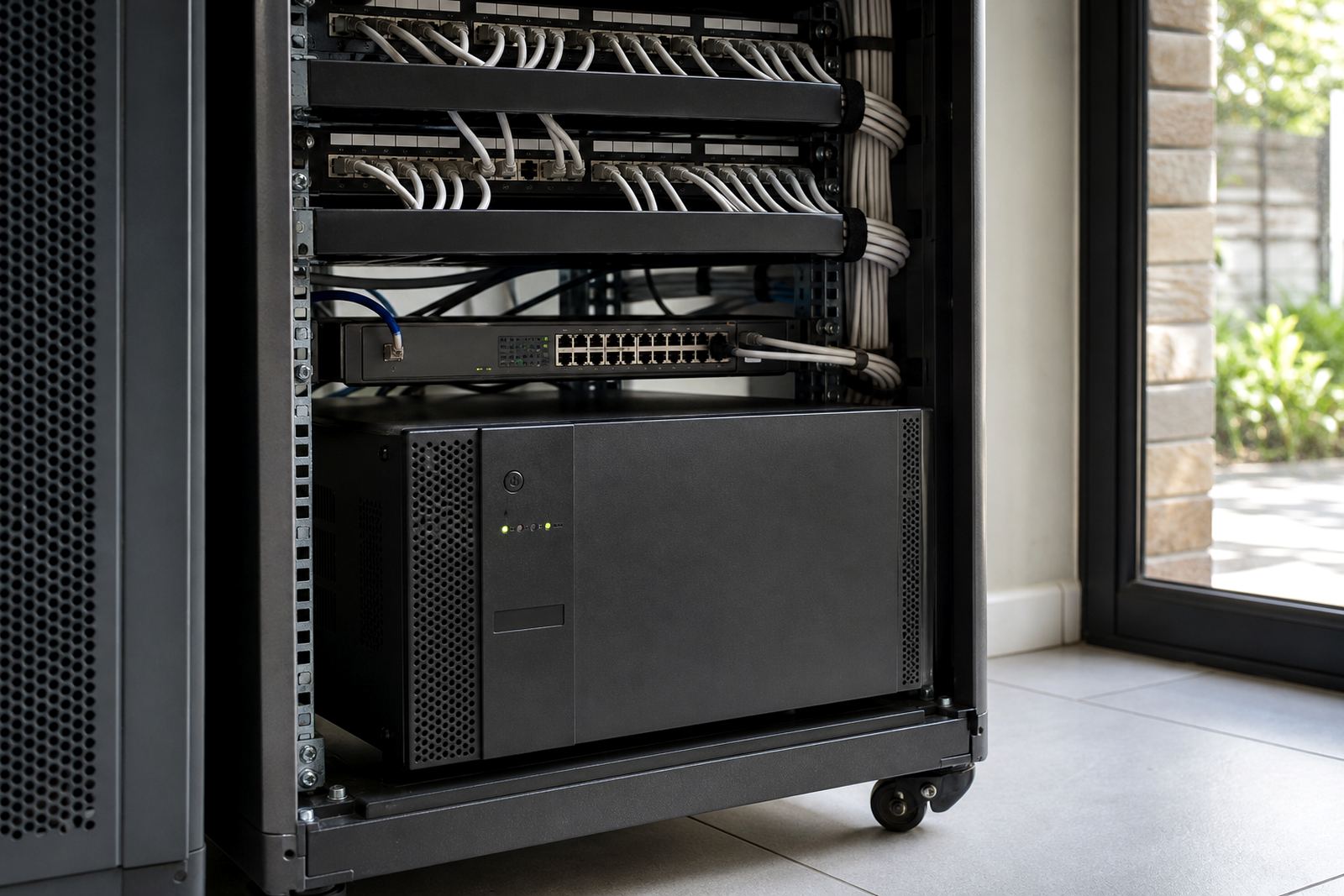
A UPS rack unit is a battery backup system fitted into a standard equipment rack, usually for routers, switches, access points, CCTV recorders, fibre gear and small servers. It gives instant switchover when the supply fails so sensitive equipment does not reboot each time the power cuts.
For many sites, the main value is not long runtime but clean, steady support during the first few minutes of an outage. That helps avoid data loss, link drops and repeated restarts that can wear equipment down over time. In homes and businesses where fibre and Wi-Fi must stay up, a rack UPS is often the practical choice.
- Supports critical low-load equipment during outages and dips
- Fits neatly in a rack with tidy cable management
- Useful for network cabinets, server rooms and security systems
- Can be matched to runtime needs with the right battery bank
Rack sizes, battery options and typical runtimes
Rack UPS systems are normally specified by power rating and rack size. Common formats are 2U and 3U units, with some larger systems using more space for higher battery capacity. The right option depends on how many devices need support and how long they must stay online.
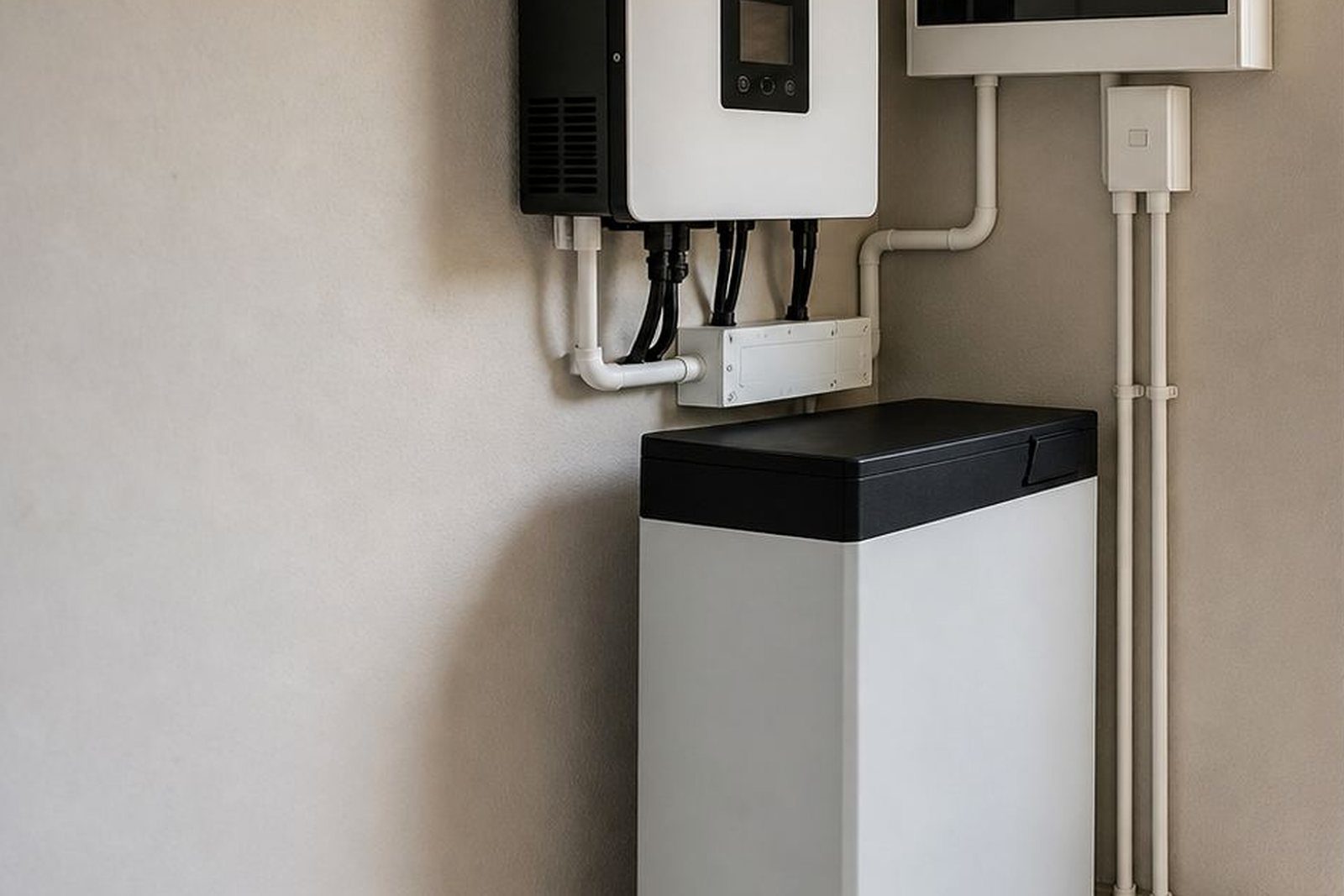
For light networking loads, a smaller unit with built-in batteries may be enough. For mixed loads or longer runtime, external lithium batteries can be used where the inverter and battery arrangement allows it. Lithium batteries are often preferred for their usable capacity, faster charging and lighter weight compared with older battery types.
- 2U units: suitable for compact cabinets and lighter loads
- 3U units: useful where more internal battery space is needed
- Higher-capacity systems: better for multiple devices or longer backup periods
- Voltage options: commonly supplied in 24V, 48V or higher configurations depending on load
When sizing, the total wattage of the equipment matters more than the number of plugs. A switch, router and recorder may draw little on their own, but a cabinet with several devices can still need a proper battery bank and inverter match. A quick site assessment prevents oversizing and also avoids the common mistake of buying a unit that runs flat too fast.
Share what must stay on during an outage and the size of the property, and a backup planner will phone or message you.
Contact formWhere a rack UPS makes sense in Gauteng buildings
This product suits places where a small amount of uninterrupted power is needed for business continuity, connectivity or security. It is commonly used in offices, medical rooms, retail back offices, estate control rooms and home fibre installations. In Sandton, Fourways, Midrand and Centurion, it is often chosen where staff need internet, phones and access control to stay active during load-shedding.
It also works well in properties exposed to frequent voltage fluctuation. In older suburbs and mixed-use areas around Johannesburg and Pretoria, a rack UPS can protect equipment from low voltage, short interruptions and the hard start that happens when power returns after a cut.
- Server cupboards and comms racks
- CCTV and access control equipment
- Business internet and VoIP systems
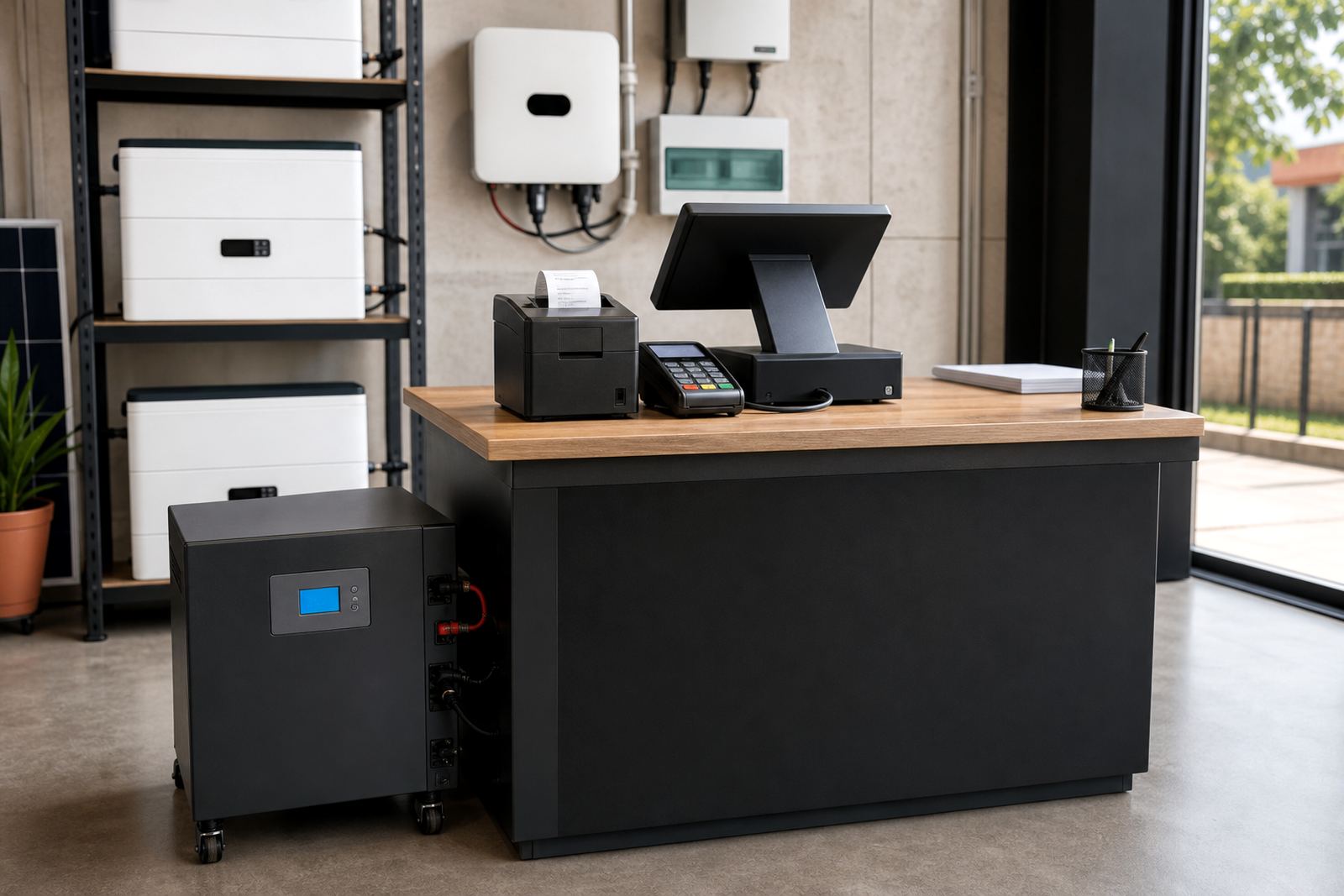
- Point-of-sale and office network gear
Installation, electrical work and compliance requirements
Installation must be done by a registered electrician. If the unit is tied into fixed wiring, the work needs a certificate of compliance. Where the system is grid-tied or forms part of a larger backup setup with municipal supply connection, the installation must also be registered with the local municipality where required.
Good installation is not only about mounting the unit in the rack. The electrician must check cable size, breaker protection, earthing, ventilation and changeover arrangement. For sites with sensitive IT equipment, the power path should be planned so the load is carried safely and the battery charger is not overloaded. In warm rooms or coastal humidity, clean airflow and correct positioning matter more than many people realise.
- Check the rack depth and available U-space before ordering
- Confirm whether the load will be plugged in or hard-wired
- Allow for ventilation and access for future servicing
- Keep data and power cabling separated where possible
Battery care, charging and routine servicing
A rack UPS works best when the batteries are kept in good condition and the cabinet stays clean. Heat, dust and repeated deep discharge shorten battery life. For that reason, routine checks are worthwhile especially in server rooms that run all day or in offices where load-shedding has become part of the routine.
We recommend basic servicing that includes battery health checks, fan inspection, terminal tightening and a review of alarms or fault codes. If the site adds more network gear later, the backup setup should be checked again because the original sizing may no longer match the load. That kind of review is common after office moves, network upgrades or extra CCTV work.
- Keep the unit dust-free and allow airflow around the vents
- Test batteries under load at intervals, not only at idle
- Replace weak batteries before they fail during an outage
- Review the load after any equipment expansion
Before you buy a backup system
Before ordering a rack UPS, it helps to list exactly what must stay on during an outage. The safest approach is to separate critical equipment from non-essential loads. That way you are not trying to power the whole cupboard when only the router, switch and recorder matter.
We also check whether the site needs simple backup or a more complete arrangement with battery expansion, monitoring and changeover support. Some clients in Johannesburg want a compact unit for a small cabinet. Others in Pretoria or Roodepoort need a larger system for a growing office with several network points and a server.
- Total load in watts or VA for the equipment to be backed up
- Desired runtime in minutes or hours
- Rack size available, including depth and ventilation space
- Need for monitoring, alarms or remote status checks
- Whether the site is single-phase or part of a larger electrical system
If you are not sure on the load figure, a site assessment is the better starting point. It avoids guesswork and helps match the rack unit to the actual equipment in use, not just the cabinet size.
System at a glance
| Product type | Rack-mounted UPS backup unit for networking and server equipment |
|---|---|
| Common sizes | 2U and 3U formats, with larger rack systems available |
| Typical input supply | Single-phase AC supply, subject to site setup |
| Battery options | Internal batteries or external lithium battery expansion where suitable |
| Best suited for | Routers, switches, CCTV recorders, fibre gear, access control and small servers |
| Compliance note | Installed by a registered electrician with CoC, and municipal registration where grid-tied rules apply |