
What the Router Backup Pack does during an outage
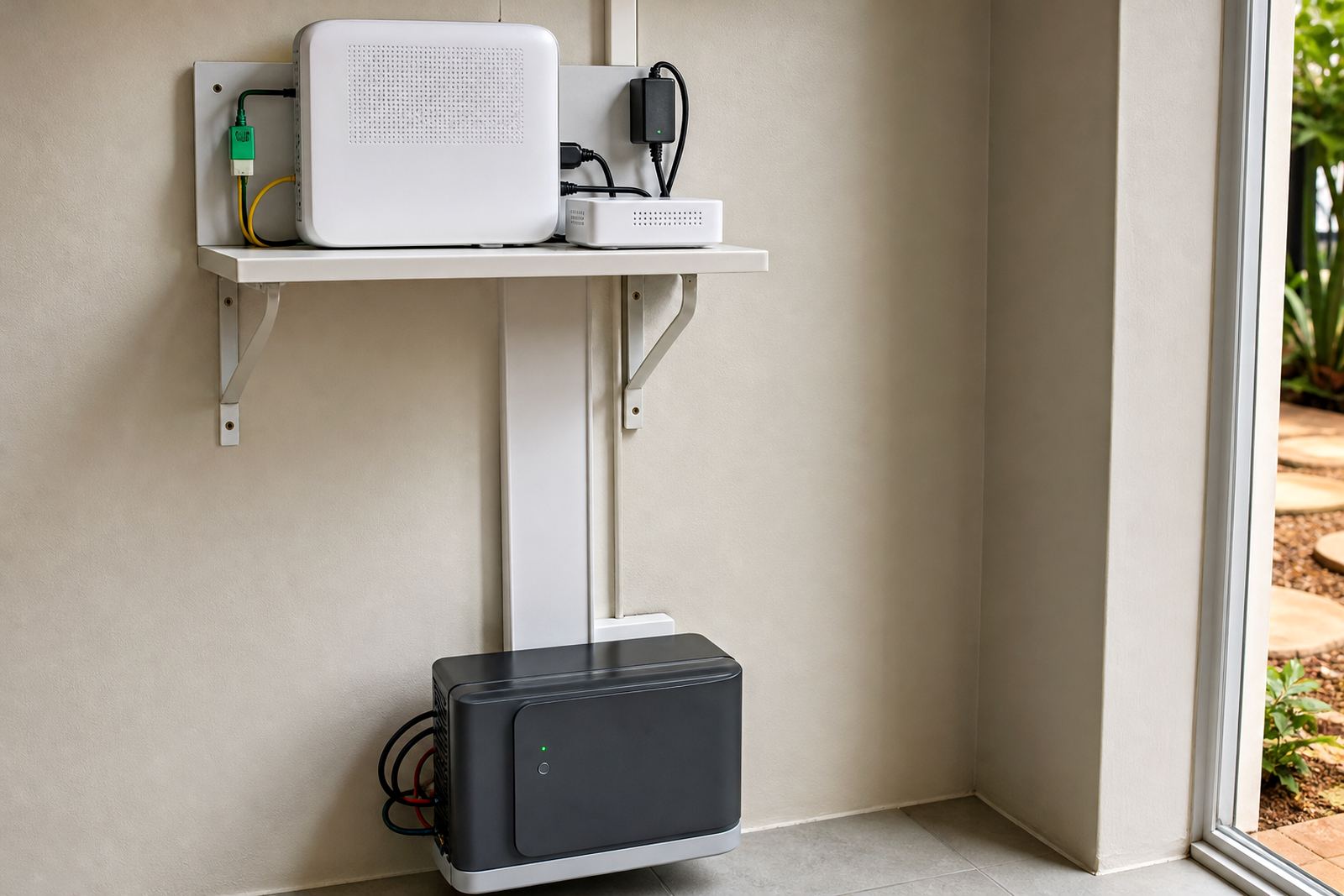
The Router Backup Pack is a small backup power setup built for networking equipment only. It is commonly used to keep a fibre ONT, router, Wi-Fi access point and a small switch running when Eskom supply is off. That means you can keep working, make calls and keep point of sale or cloud access alive while the rest of the building goes dark.
This type of pack does not replace a full home inverter system. It is sized for low-wattage equipment and is best treated as a dedicated backup for internet connectivity. In practice, that makes it a good fit for apartments, townhouses, security offices, reception areas and small shops where uptime matters but power demand is modest. It is a neat fix for load-shedding days, and it avoids wasting battery capacity on loads you do not need.
Typical connected loads are usually under 50 W, though some small office network sets can sit a bit higher if a mesh unit or PoE injector is included. PowerCut can assist with checking the actual load before supply, so the pack is matched to the equipment you want to keep online.
Pack sizes and battery options for different network loads
Router backup packs are usually built around a compact inverter and a lithium battery, or a small DC backup unit depending on the equipment layout. Lithium batteries are preferred for this type of use because they charge quickly, handle regular cycling well and take up less space than older battery types. They also suit indoor use better where there is limited room and less ventilation.
Available sizes depend on how long you want the internet to stay up and how many devices must remain connected. A smaller setup may cover a router and ONT for a few hours, while a larger pack can support more network gear or longer outages. When sizing, the important figures are the combined wattage and the desired runtime, not just battery capacity on its own.
- Small pack: for ONT plus one router in a home or flat.
- Medium pack: for router, ONT and one extra network device in a home office.
- Larger pack: for small business networks, point of sale links or multiple access points.
If you are not sure which size to choose, measure the equipment labels or send through the model details with your enquiry. A proper check helps avoid undersizing, which is a common problem when people guess based on the router alone.
Share what must stay on during an outage and the size of the property, and a backup planner will phone or message you.
Contact formWhere the Router Backup Pack suits best
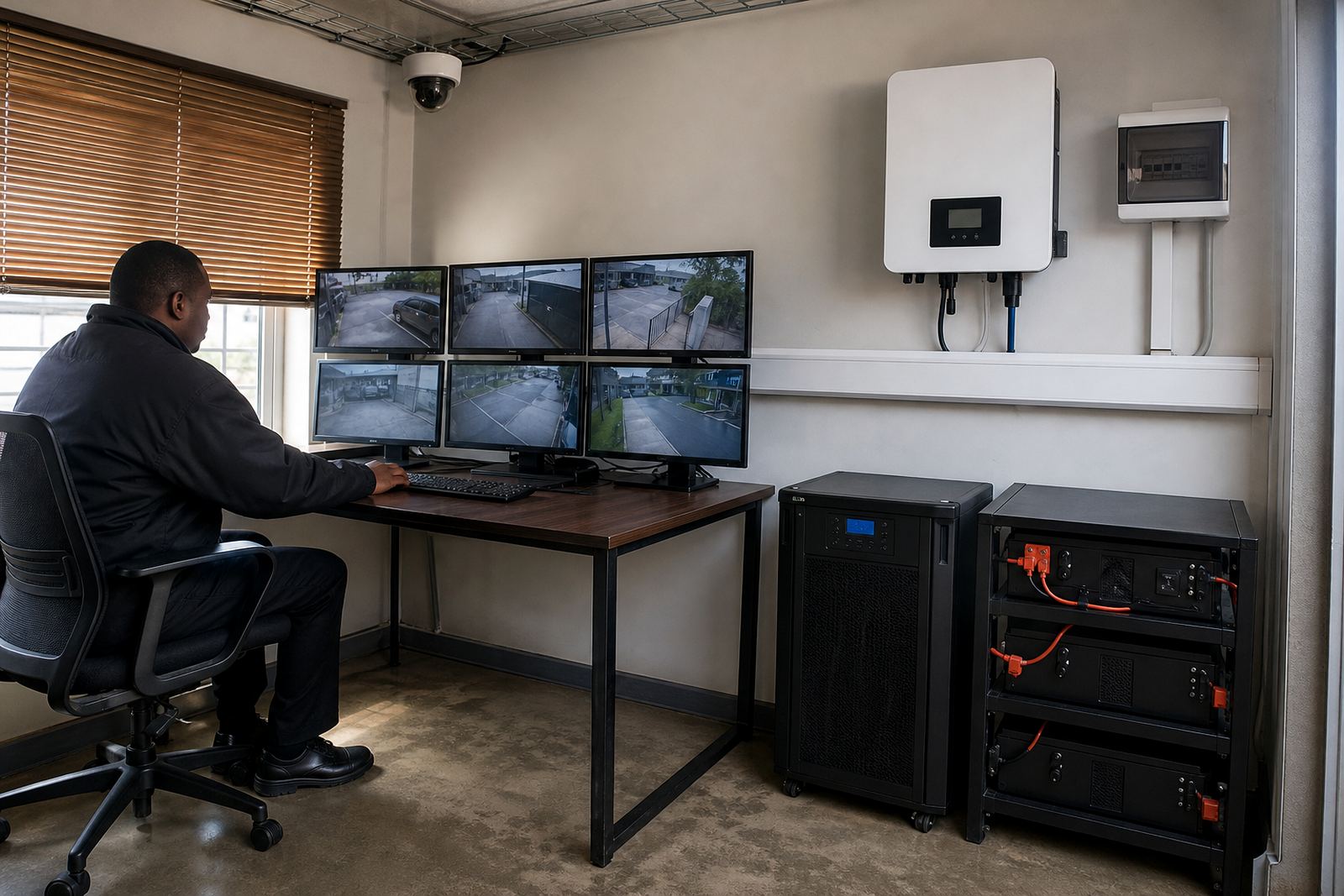
This product suits places where internet access is part of the daily routine. In Johannesburg, Pretoria, Centurion, Midrand, Roodepoort, Sandton and Fourways, it is often used in homes with fibre lines, small offices, security control rooms, consulting rooms and remote work spaces. It also helps in retail environments where card payments and online stock systems must stay live during outages.
Because the pack is compact, it works well in places with limited floor space or where there is no need for a full backup system. It can be wall mounted or kept close to the network cabinet, depending on the equipment layout. Coastal humidity is not the main concern in Gauteng, but dust, heat and poor ventilation still matter, so the pack should be installed where airflow is reasonable and not in a sealed cupboard full of heat buildup.
This is also a sensible option for businesses that need a simple start point before expanding later. You can begin with a router-only setup and add other network equipment once the load has been checked properly. That keeps the system practical and avoids overspending on capacity you will not use.
Installation, compliance and municipal registration
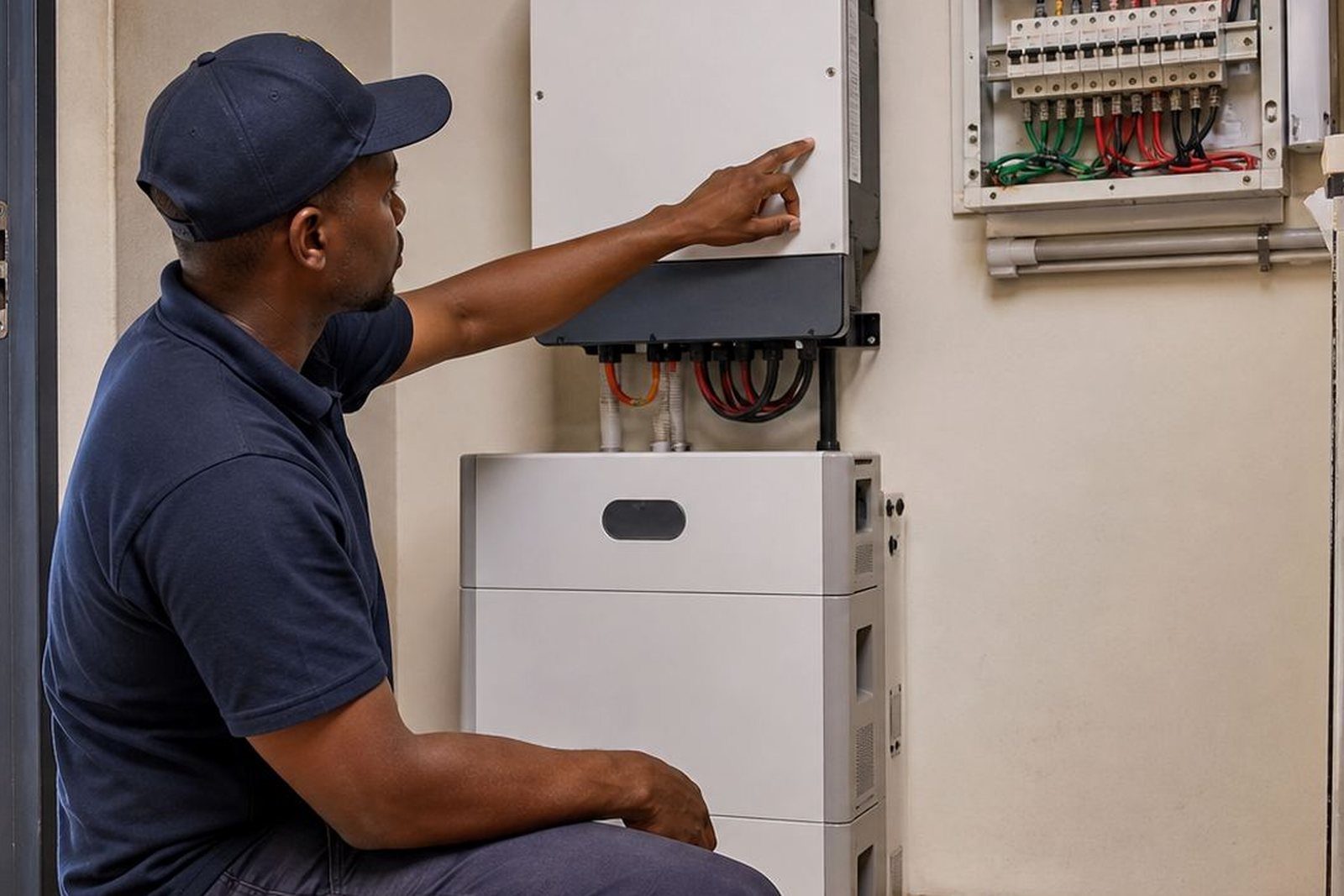
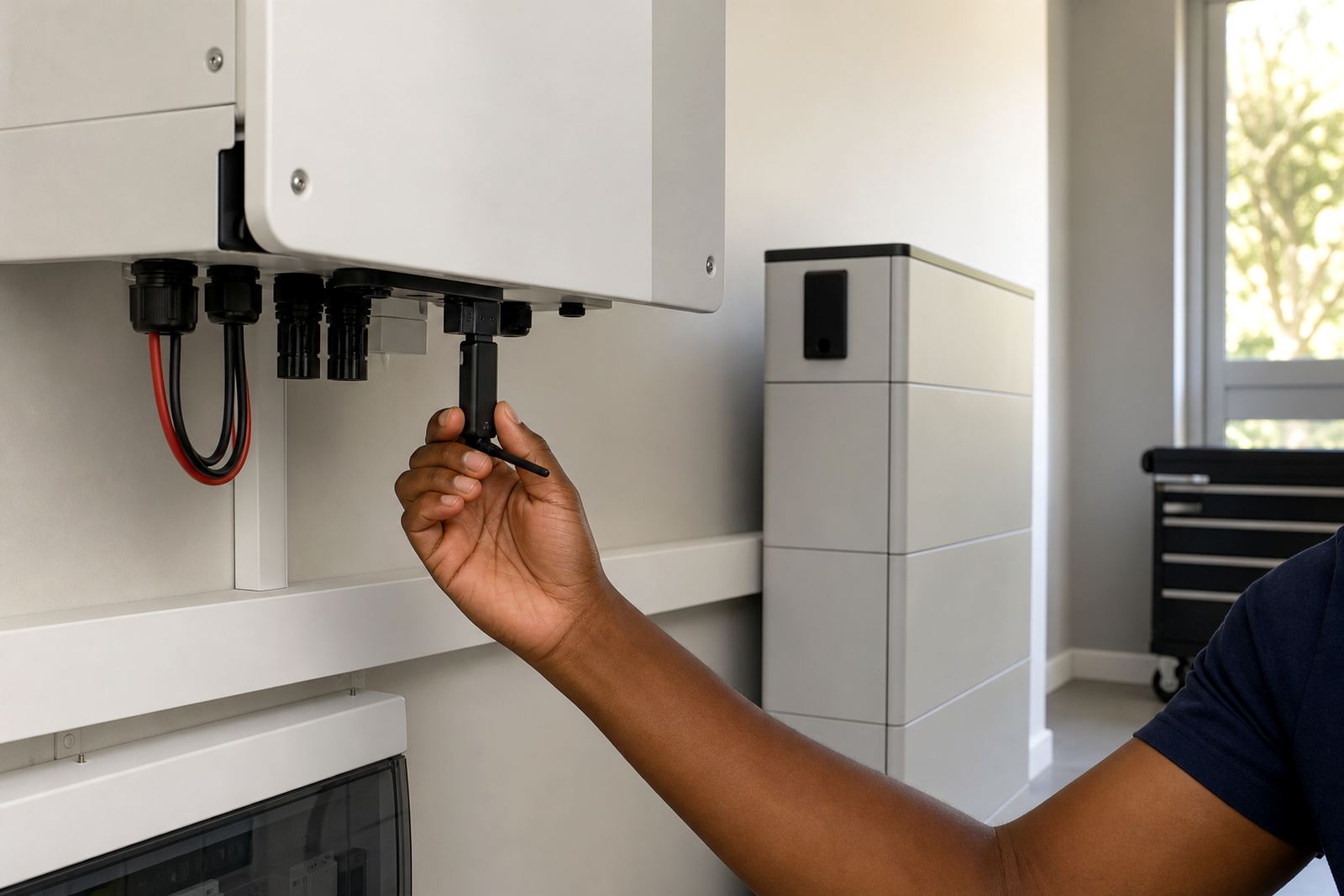
Any fixed inverter or battery installation must be done by a registered electrician. After installation, a certificate of compliance is required. If the system is grid-tied, it must also be registered with the local municipality before or after commissioning, according to the local rules that apply to the property. This is not a box-ticking exercise, it matters for safety and for legal compliance.
For a router backup pack, the installation is usually straightforward, but the wiring still needs to be done properly. The electrician will confirm the supply point, protect the circuit correctly and check that the equipment is isolated from any loads it should not feed. If the pack includes changeover functionality or battery charging from the mains, the installation must be neat and clearly labelled.
- Check whether the system will be plug-in or hardwired.
- Confirm where the unit will sit and whether wall mounting is needed.
- Make sure the electrician provides the CoC after completion.
- If the system can export or interact with the grid, confirm municipal registration steps first.
PowerCut can assist with site assessments, installation coordination and compliance support across Gauteng, including Randburg and the surrounding northern suburbs.
Care, servicing and keeping the pack ready
Router backup packs need less maintenance than many larger systems, but they still benefit from regular checks. Lithium batteries should not be left in high heat, and the unit should be kept free of dust so the vents and terminals stay clean. If the system sits in a cupboard or under a counter, make sure the area does not trap heat, especially during summer when backup equipment can already be working harder.
It is a good habit to test the backup during a planned outage or during a quiet period every few months. That confirms the router remains powered, the battery is holding charge and the cables are still secure. If the backup is used daily during load-shedding, the battery may need more frequent inspection. Signs such as longer charging time, warning lights or shorter runtime should be checked early.
Service is simple, but it should not be ignored. A battery that is never tested can fail at the worst time. If the network has changed and more equipment has been added, the original backup size may no longer be enough. A routine review avoids that problem and keeps the pack aligned with actual use.
Before you buy a backup system
Before ordering, it helps to know exactly what must stay on during an outage. Many people say “the internet” but the real load may include an ONT, router, switch, mesh unit or a small VoIP device. A quick list of devices, their power ratings and how long they need to run will make the recommendation much more accurate.
You should also check the following:
- How many devices need backup power.
- Whether the setup must be wall mounted or can sit on a shelf.
- How long the equipment must remain online during load-shedding.
- Whether there is a nearby socket and enough space for cabling.
- Whether the network will stay as it is, or be expanded soon.
If the site already has an inverter or solar setup, the router backup may be able to work alongside it, but the wiring arrangement must be checked properly. PowerCut’s team in Randburg can help with backup sizing, fault checks and battery expansion planning if the network needs to grow later. The aim is to keep the connection live without overcomplicating the installation, which is usually what people want most.
System at a glance
| Product type | Dedicated backup pack for router, ONT and small network equipment |
|---|---|
| Typical load range | Low-wattage networking loads, usually under 50 W for basic setups |
| Battery type | Lithium battery for compact size and regular cycling |
| Installation | Must be installed by a registered electrician with a certificate of compliance |
| Grid-tied note | Municipal registration required where the system interfaces with the grid |
| Service area | Randburg, Johannesburg, Pretoria, Centurion, Midrand, Roodepoort, Sandton and Fourways |