
What the Monitoring Module Does in a Backup System
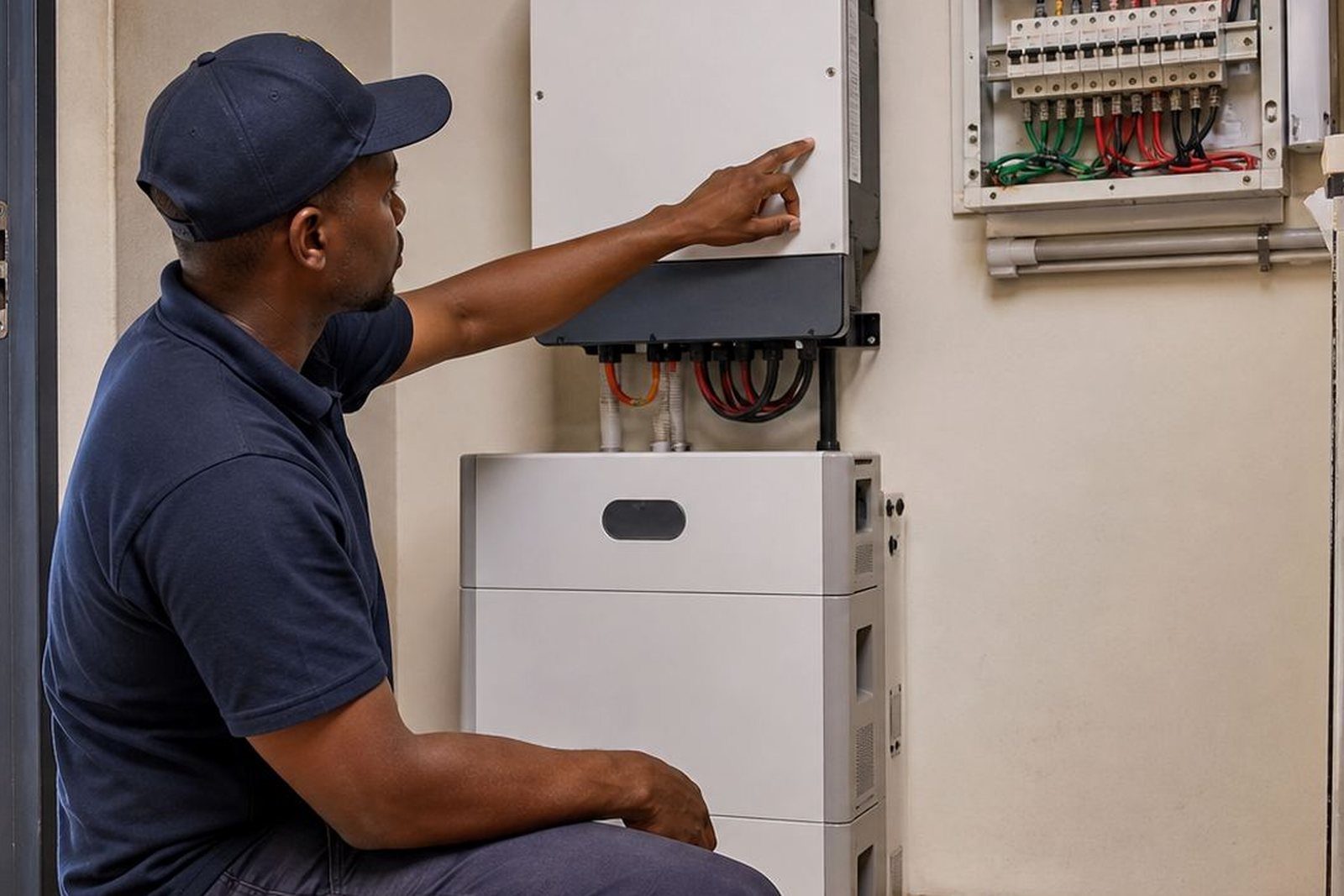
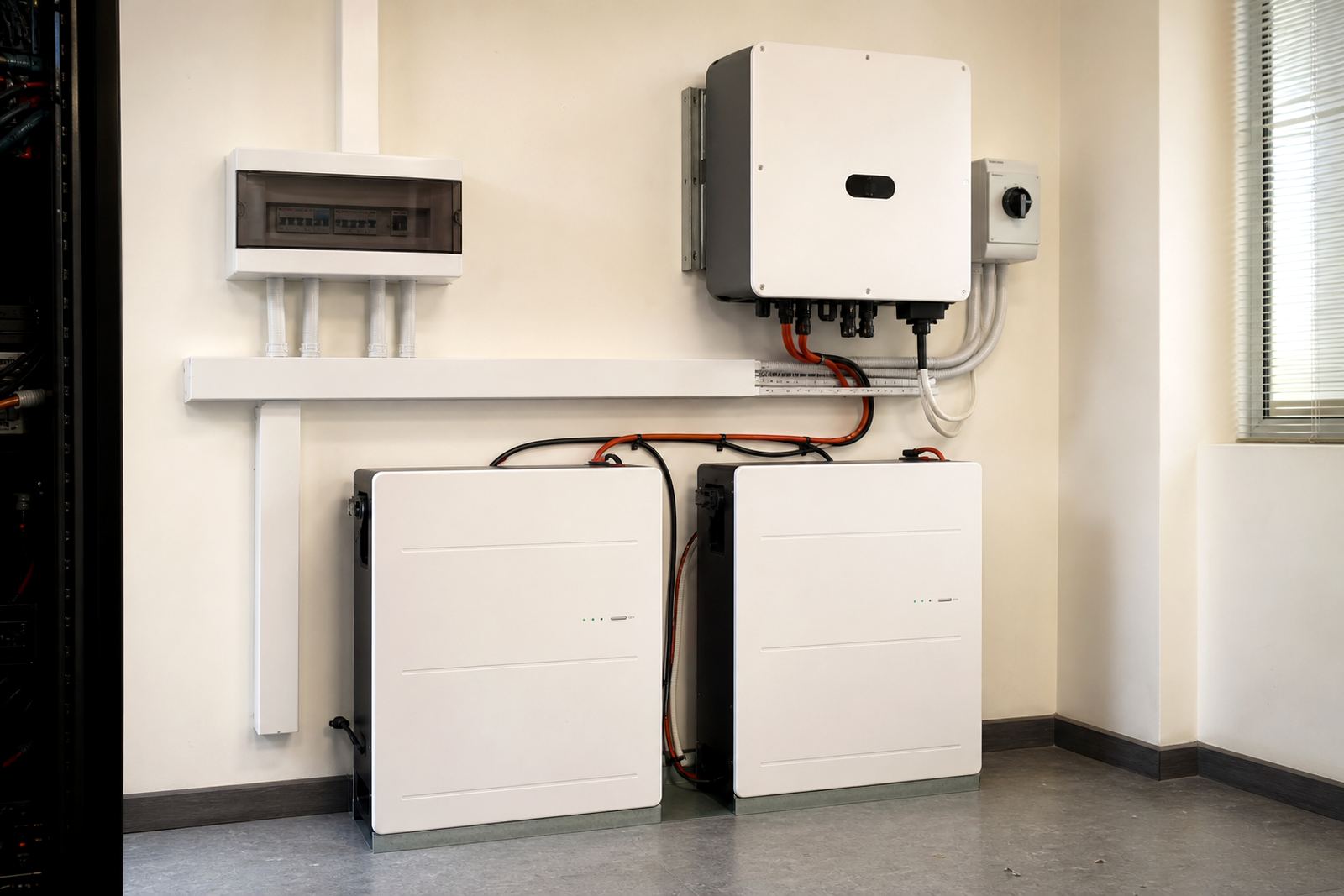
The monitoring module is an add-on that links to a compatible inverter and lithium battery system, then presents useful operating information in one place. It is used to check charging status, battery state of charge, input and output power, fault codes, temperature readings and load activity. For many clients, that means less guesswork when the power cuts out and a faster way to spot unusual behaviour before it becomes a problem.
In a residential setting, it helps you see whether the system is carrying the fridge, lights, Wi-Fi and TV as expected. In a business setting, it can show whether essential circuits are drawing more than planned, or if the battery bank is reaching the limit sooner than it should. That kind of information is useful during frequent outages, storm interruptions and scheduled municipal maintenance.
Sizes, Connection Options and System Compatibility
Monitoring modules are normally selected to match the inverter family, communication protocol and the type of battery management system in use. Some setups use a simple local display, while others include app-based viewing, Wi-Fi or LAN connection, and data logging. The right choice depends on whether the customer wants a quick front-panel readout or more detailed remote viewing from a phone, tablet or office PC.
Compatibility matters. A module may need a specific communication cable, a communication port on the inverter, and a battery that can share battery data through CAN or RS485. If those signals are not matched correctly, the screen may only show basic figures and miss useful battery details. Size is usually determined by the enclosure space, display format and the number of devices it must support.
- Local LCD or LED display for on-site viewing
- Wi-Fi or LAN-enabled monitoring for remote access
- Battery communication support for state of charge and health data
- Optional alarm output for fault or low battery warnings
- Logging function for later review of usage and outages
Share what must stay on during an outage and the size of the property, and a backup planner will phone or message you.
Contact formWhere It Suits Best in Homes and Businesses
This add-on suits any system where the owner wants clearer control, especially in areas with regular load-shedding or unstable supply. In homes around Sandton, Fourways, Randburg and Roodepoort, monitoring is useful when the system powers only essential loads and you want to avoid flattening the battery before the next stage of load-shedding. In office spaces, medical rooms, retail points and small workshops, it helps with planning around peak use and keeping an eye on critical equipment.
It also suits coastal and humid conditions when a backup room can get warm or damp, because warning alerts can flag abnormal temperature or charging patterns early. For generators and battery rooms in mixed systems, monitoring helps a technician see what the inverter is doing and whether the changeover sequence is working as it should. That makes fault checking quicker and less disruptive.
- Homes with essential circuit backup
- Small offices and reception areas
- Retail counters and point-of-sale systems
- Clinics, small practices and server cupboards
- Light industrial spaces with staged loads
Install, wiring and sign-off
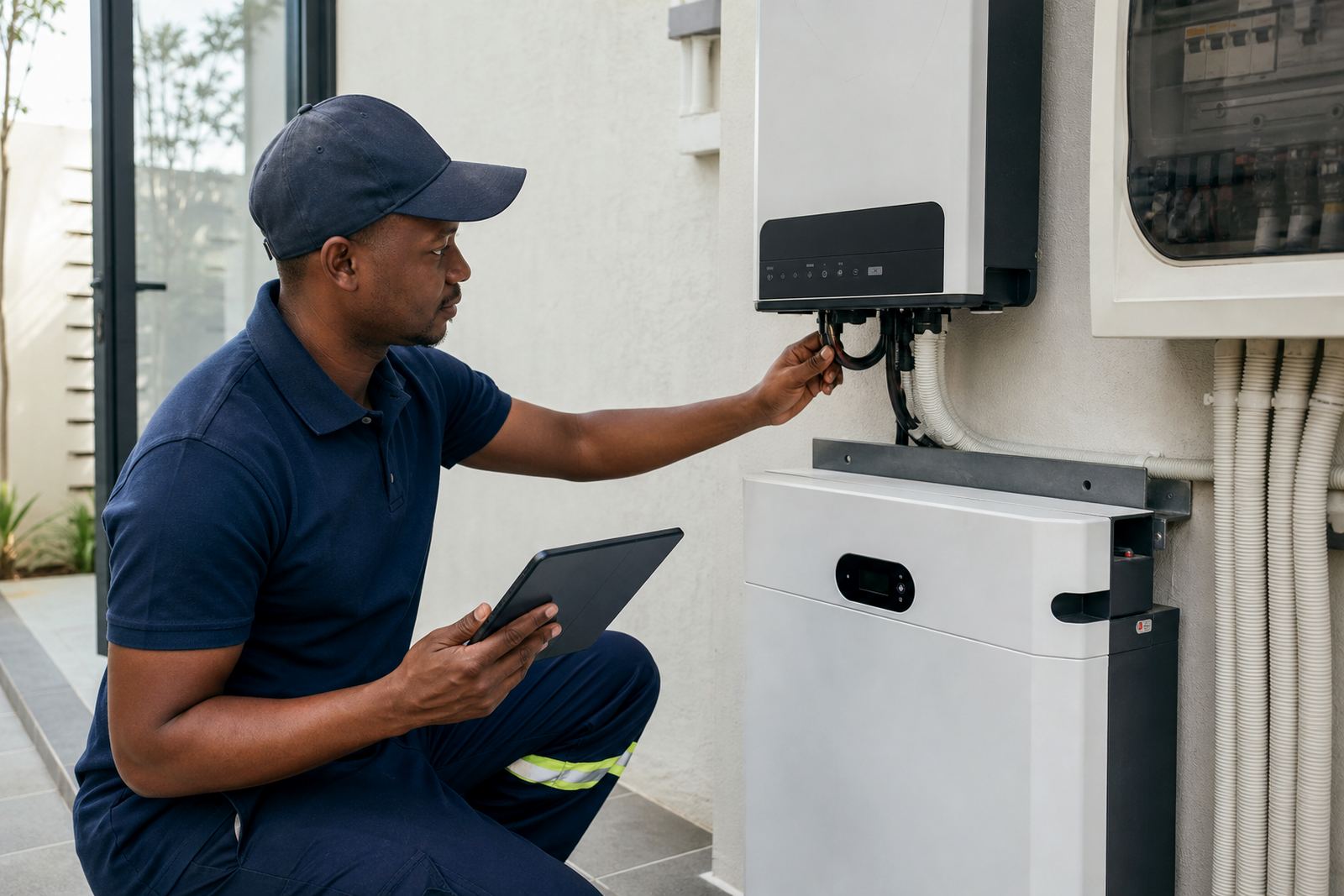
The module should be installed by a registered electrician or a suitably qualified installer working within electrical regulations. Once the system is fitted, a certificate of compliance is required for the electrical work. If the backup system is grid-tied or connected in a way that can export or synchronise with municipal supply, municipal registration is also needed. That applies in Johannesburg, Pretoria, Centurion and other local supply areas, where documentation and by-law requirements can differ.
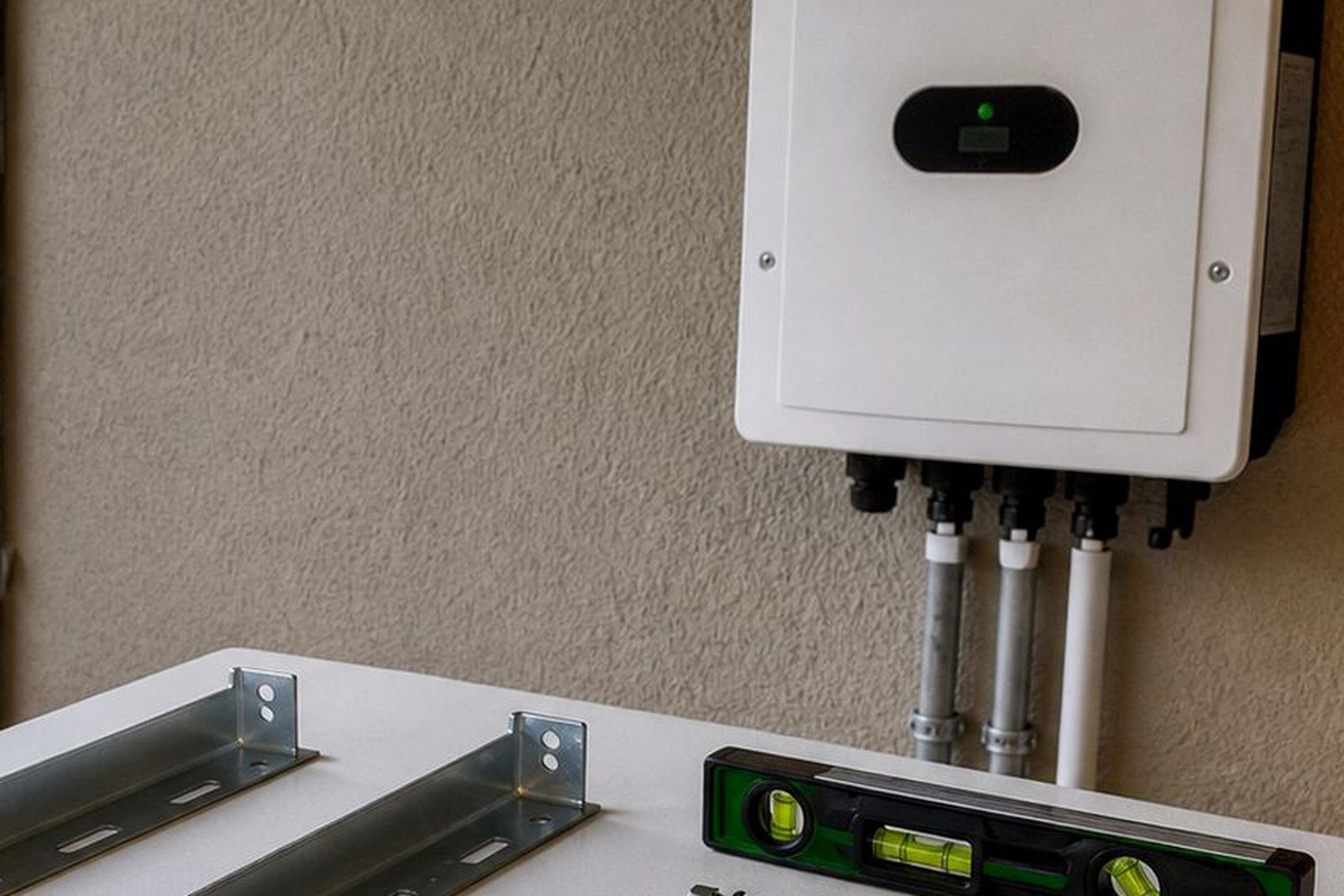
Power needs are modest for the monitoring device itself, but it still depends on a stable low-voltage supply and correct communication lines. It should be mounted in a dry, accessible position close enough to the inverter or battery bank for clean wiring. In busy homes or commercial sites, the module is usually best placed where the display can be checked without opening the main electrical enclosure.
System commissioning should include a communication test, alarm check, time and date setup, and confirmation that battery values are matching the inverter readings. If the display is showing the wrong information, the wiring or battery settings may need attention before the system goes into daily use.
Care, Servicing and Fault Checks
Monitoring modules do not need heavy maintenance, but they do need occasional checks. Dust buildup, loose communication plugs, heat inside the inverter room and inconsistent network access can all affect readings. During routine servicing, the installer should confirm that the display is powered, the signal is stable and any battery alarm thresholds are still sensible for the current load.
In commercial settings, it is worth checking the system after power events, building alterations or battery expansions. If extra circuits were added, the monitoring profile may need updating so the readings remain meaningful. It is a simple part of the setup, but it can save time when a fault appears and the user needs to know whether the issue is with the inverter, the battery, or the load. A quick visual check once a month is usually enough for most sites.
- Wipe the display with a dry cloth only
- Check that cables are secure and not pinched
- Confirm Wi-Fi or LAN connection if remote access is used
- Review alert history after outages or tripping events
- Arrange a fault check if readings jump or disappear
Before you buy a backup systeming
Before placing an order, confirm the inverter model, the battery type, the communication port available and whether you want local display only or remote monitoring as well. It helps to know the size of the system, the number of batteries, and whether the setup is for whole-home backup or only selected circuits. If the site has already been wired, check whether the existing installer left space in the enclosure for the module and whether the communication cable route is clear.
You should also confirm where the unit will be used. A Randburg home with a basic backup setup may only need live status and battery percentage, while a business in Midrand or Pretoria may want more detailed logs for daily operations. If you are not sure which version fits, a site assessment and backup sizing exercise will usually point to the right option.
- Inverter make and model
- Battery communication type required
- Need for local screen, app access, or both
- Space available near the inverter or control area
- Whether the system is grid-tied and needs municipal registration
Getting Support From PowerCut
PowerCut supplies monitoring add-ons for homes and businesses across Gauteng, with support from Randburg into Johannesburg, Pretoria, Centurion, Midrand, Roodepoort, Sandton and Fourways. Our team handles site assessments, backup sizing, installation support, commissioning, battery expansions and fault checks, so the module is set up to suit the rest of the system rather than fitted as a loose extra.
Write to PowerCut through the contact page form and advise on what is needed. If you are adding monitoring to an older inverter or a new lithium battery bank, it is better to confirm compatibility first than to fit the wrong module and have it read half the system or not at all.
System at a glance
| Module type | Inverter and battery monitoring add-on |
|---|---|
| Display options | Local screen, app-based viewing, or both |
| Communication | Wi-Fi, LAN, CAN or RS485 depending on system |
| Data shown | Battery state, load, charge flow, fault alerts and temperature |
| Installation | By a registered electrician with certificate of compliance |
| Compliance | Municipal registration required for grid-tied systems |