

Start With the Loads You Cannot Do Without
The first step is not choosing equipment, it is deciding what must stay on when the power goes off. Walk through the house room by room and separate true essentials from items you can leave off during load-shedding. In most homes, the list starts with lights, Wi-Fi, a few plug points for phones and laptops, the fridge, and the garage motor if you need access during outages.
Keep the list practical. If you try to back up the whole house, the system becomes bigger and more costly than many homes need. A smaller, well planned setup often gives better day to day use. In Randburg, Sandton, Fourways and the rest of Gauteng, many households are better served by backing up the essentials first, then adding more circuits later if needed.
Use a Simple Room by Room Checklist
Write down every room and mark each point as essential, optional, or not needed during an outage. This makes it easier to discuss the job with a qualified installer and avoids guesswork. It also helps if your home has older wiring, outbuildings, or separate circuits for security systems and gates.
- Kitchen: fridge, freezer, one or two plug points, kettle if needed
- Lounge: TV, decoder, Wi-Fi router, a few lights
- Bedrooms: one light point and a charging point
- Work area: computer, screen, router, printer if required
- Security: alarm panel, electric fence, gate motor, cameras
- Outside: garage door motor, perimeter lights, borehole or pump if fitted
For businesses working from home, add any office equipment that must keep running during a short outage. Be strict about what is essential, because every extra circuit affects battery demand and backup time.
Share what must stay on during an outage and the size of the property, and a backup planner will phone or message you.
Contact formMatch the Inverter and Battery to the Way You Live
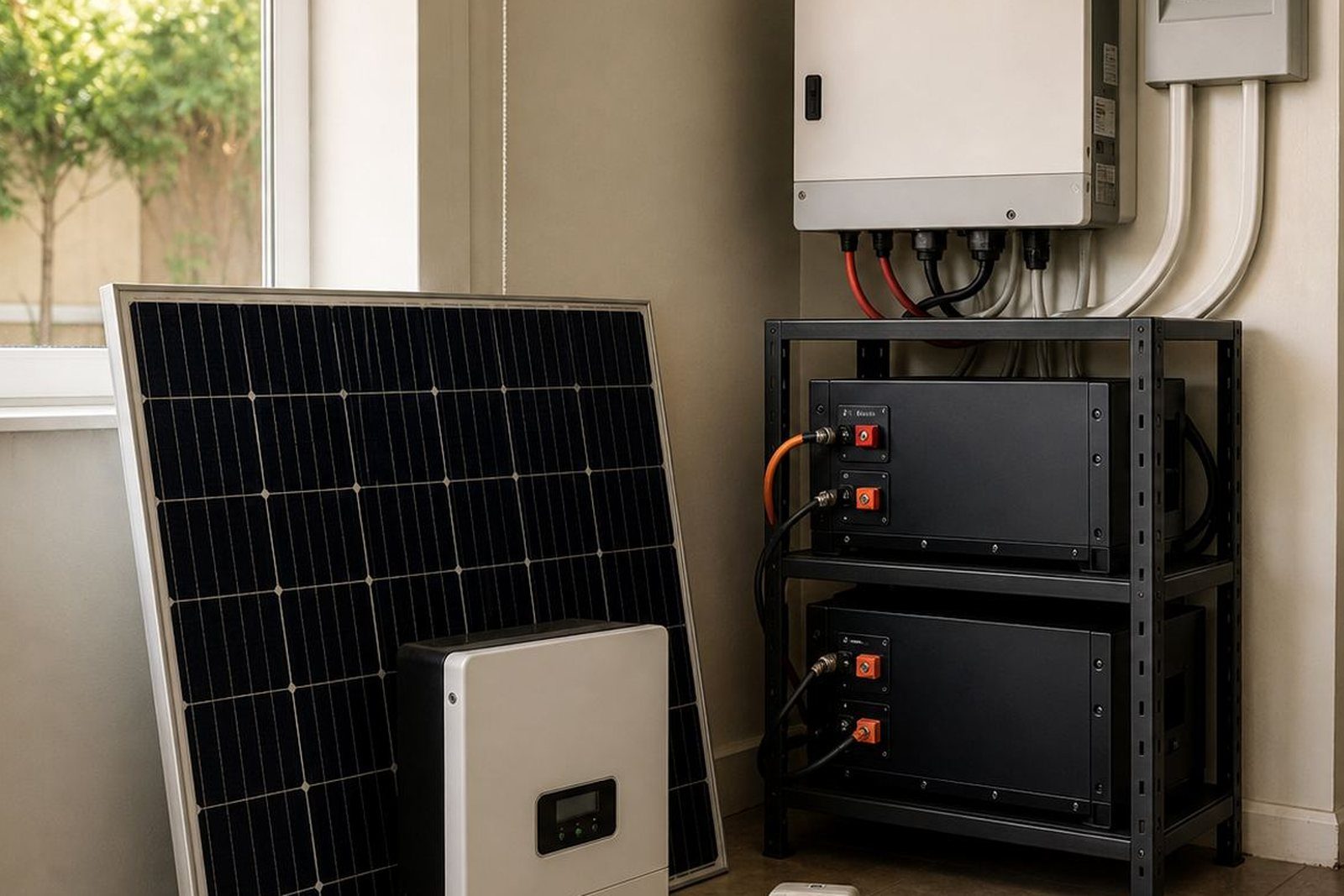
An inverter changes battery power into usable household power. Lithium batteries store the energy and are commonly used for backup because they can handle regular cycling and take up less space than older battery types. The right size depends on what you want to run at the same time, how long you need backup, and whether your home draws a lot of power at once.
A small setup may cover lights, Wi-Fi and a few plugs for a short outage. A larger family home with fridges, security equipment and work from home needs may need a bigger inverter and more battery capacity. If the house has borehole pumps, pool equipment or multiple fridges, those loads must be checked carefully. A proper backup sizing visit should look at the appliance list, existing wiring, and the type of supply entering the home.
Check the Wiring Before Anything Is Installed
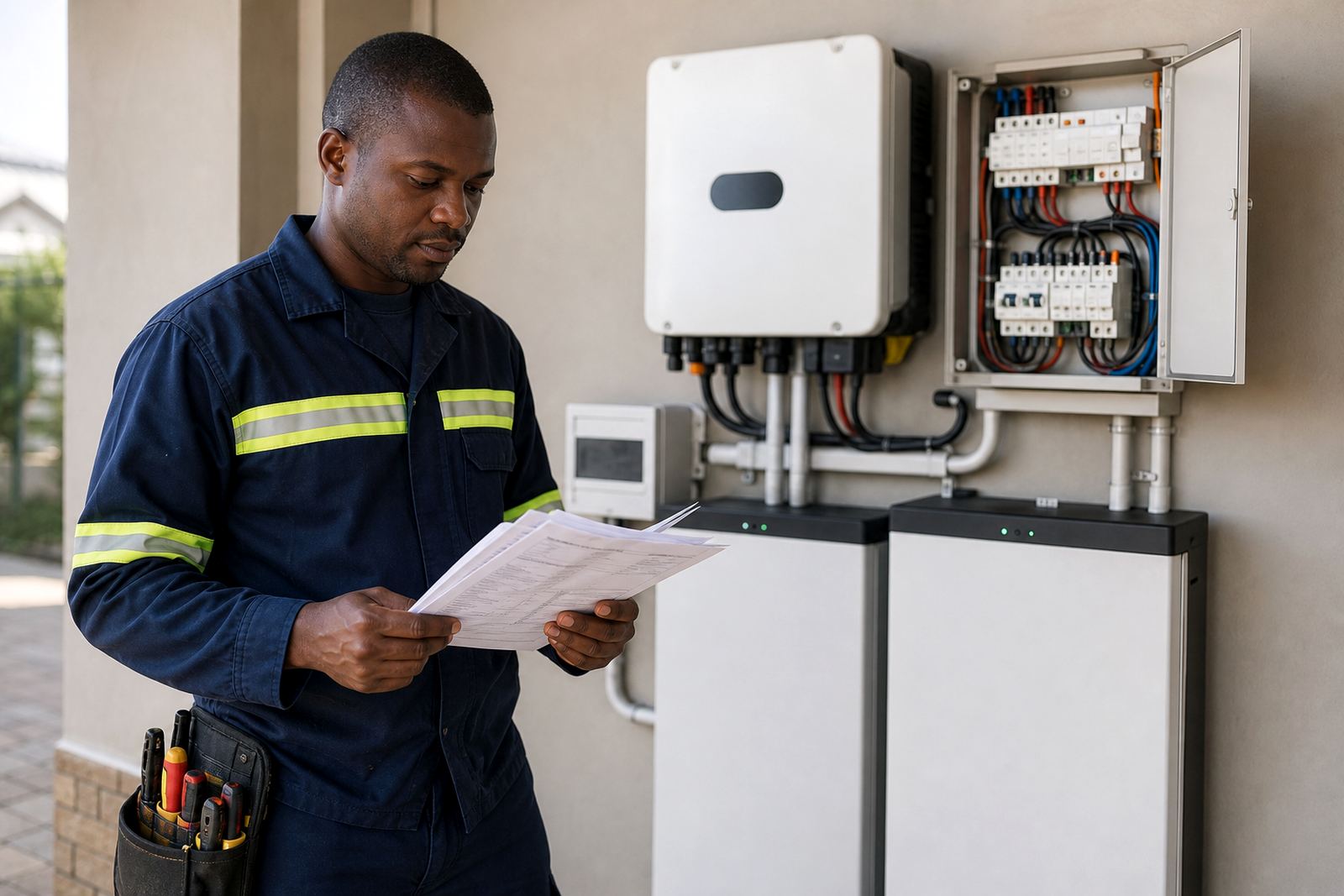
Before any equipment is fitted, the electrician should check the condition of the home wiring, distribution board and earthing. Older properties in Johannesburg and Pretoria sometimes need small corrections before a backup system can be connected safely. If the essential circuits are split out neatly, the installation is simpler. If the board is crowded or poorly labelled, that takes more planning.
It is also important to decide whether you want a basic changeover arrangement or a system that can switch automatically between grid power and backup supply. Some homes only need a manual or hybrid style solution for load-shedding, while others need more control for business continuity. Either way, a registered electrician must do the installation and issue the certificate of compliance once the work is complete.
Plan for Municipal Rules and Grid Tied Systems
If your backup system will connect to the municipal supply, the rules matter. Grid-tied and hybrid systems may need municipal registration, and the requirements can differ between areas. Do not assume that because a system works in one suburb it can be connected the same way everywhere. This is especially important where homes in Gauteng are adding inverter backup to existing solar or generator arrangements.
It is best to keep the paperwork in order before commissioning. Ask about compliance support, system commissioning, and any local registration steps that apply to your property. This is not only about meeting rules, it also helps prevent problems later if you add more batteries, change circuits, or sell the property.
Use the Planning Visit to Avoid Surprises Later
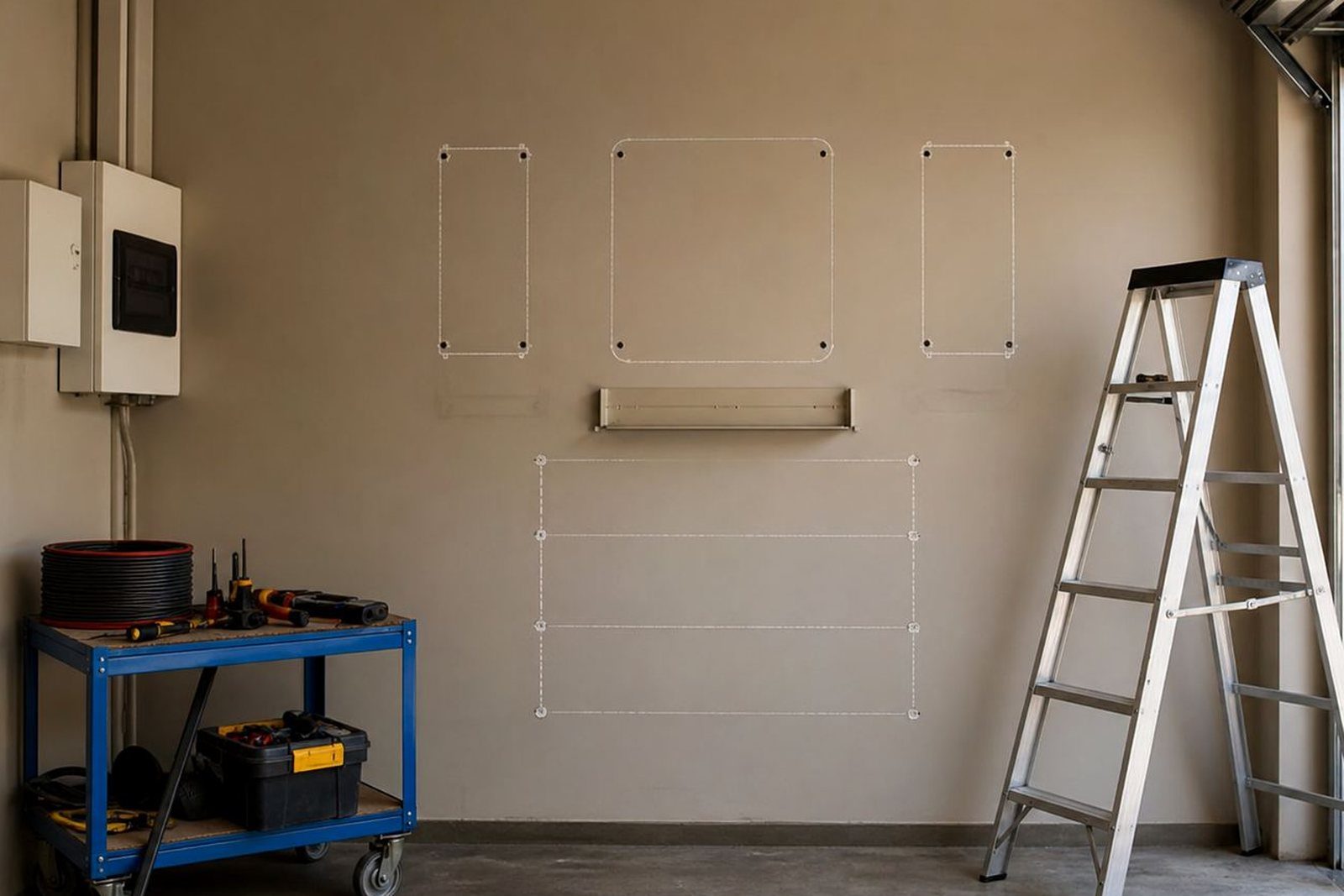
A site assessment should be more than a quick look. The installer should check load points, cable routes, mounting space, ventilation, battery location, and whether the chosen spot stays dry and cool. In coastal or humid conditions batteries and equipment need sensible placement, but even inland homes should avoid cramped spaces, direct sun, and damp walls. A garage, storeroom, or dedicated utility area often works better than a tight cupboard.
- Confirm the essential loads to be backed up
- Check battery and inverter mounting space
- Review the distribution board and labelling
- Decide where changeover or isolation equipment will sit
- Plan for monitoring, servicing and future battery expansion
Once the main points are confirmed, the system can be set up with fewer delays and less rework. That saves time for the electrician and makes the handover clearer for the homeowner.
Keep the System Useful After the First Installation
A home backup system should still suit your needs six months later, not just on the day it is installed. Families change routines, children start working from home, and equipment gets added. Good planning leaves room for battery expansions, fault checks, and routine servicing. If the system has monitoring, it becomes easier to see how the battery is behaving during load-shedding and whether settings need attention.
For households in Randburg, Midrand, Roodepoort, Centurion and nearby areas, the best approach is usually simple: list the essential circuits, size honestly, install properly, and keep the paperwork in order. That way the home stays practical during outages and the system remains manageable over time.