

Start with the loads that must stay on
Begin by listing the equipment that must keep running during an outage. For many offices that means lights, routers, laptops, one or two printers and access control. For shops it may include tills, card machines, a small server, CCTV, a few lights and stock room power. Service businesses often need reception equipment, workshop tools, gate motors or point of sale units.
Do not size a backup system for the whole building unless that is truly necessary. A focused essential-load setup is usually more practical and easier to manage. It also helps keep the battery bank within a sensible range for your outage pattern and business hours.
- List each essential appliance and its wattage
- Separate essential loads from non-essential loads
- Check which items must run at the same time
- Note start-up surges for motors and pumps
Choose between inverter backup and a larger battery bank
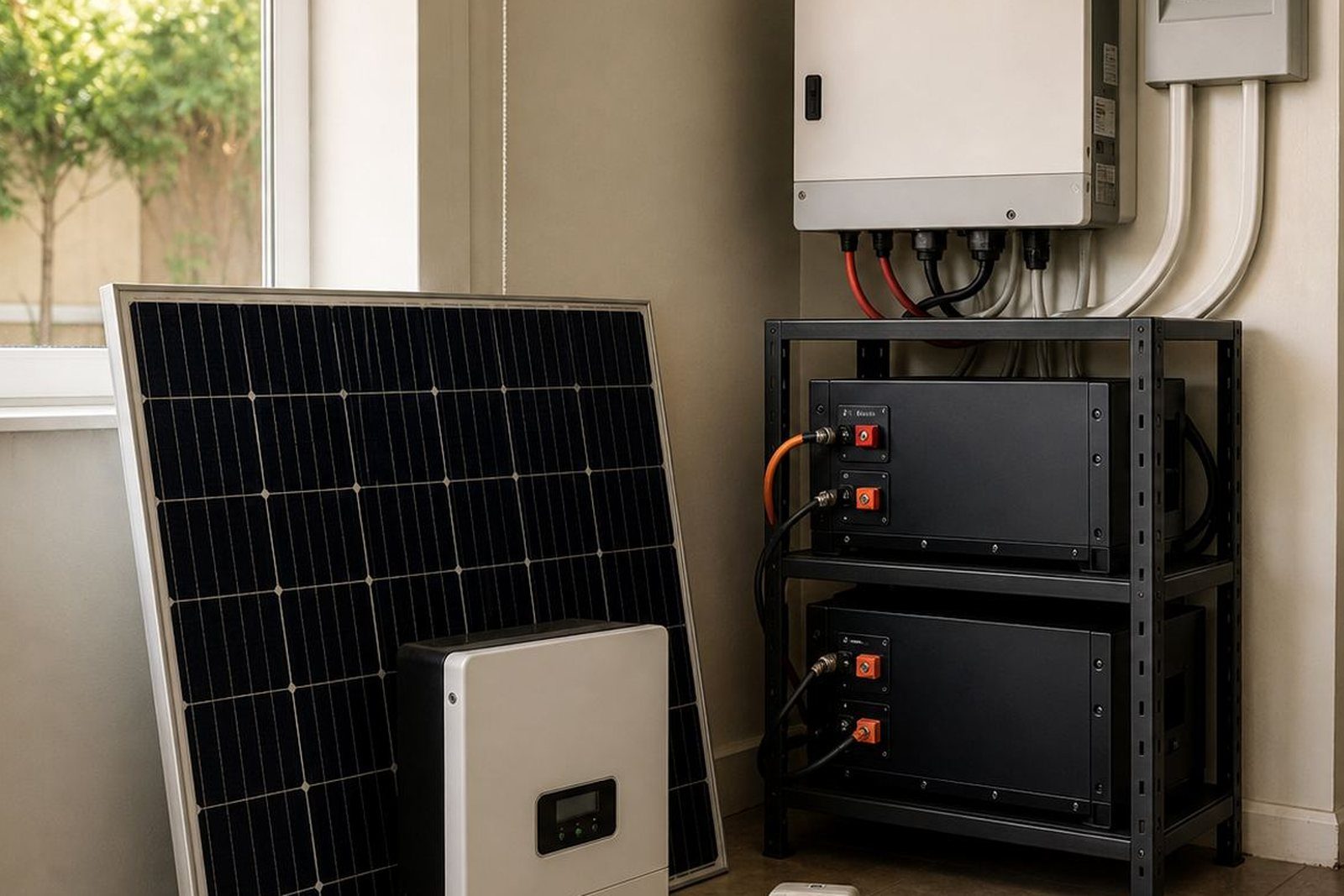
An inverter converts battery power into usable AC power for your appliances. Lithium batteries store the energy and give you the runtime you need when Eskom goes off or when supply is unstable. For many businesses, the right answer is not the biggest system but the one matched to the actual load and outage pattern.
If your business only needs short interruption cover for tills, networking and lights, a smaller inverter and battery setup may be enough. If you need several hours of support, or if outages are frequent, a larger battery bank and stronger inverter capacity may be needed. A proper site assessment will show what can be carried and what should remain off during outages.
Battery chemistry matters too. Lithium batteries are widely used for backup because they handle repeated cycling better than older battery types and can be charged more efficiently. They also suit businesses that experience frequent load-shedding and want a more predictable backup plan.
Share what must stay on during an outage and the size of the property, and a backup planner will phone or message you.
Contact formWork out the size from runtime, not guesswork
Backup sizing should start with a simple question: how long must the system support the business, and what exactly must stay on during that time? A 2 hour gap in a small office is very different from a shop that needs to stay operational through a longer outage or several cuts in one day.
As a rule, size the system around essential watts, the number of hours required and the charging time available between outages. Good sizing also needs to consider whether the site has high surge loads, whether there is air conditioning on the backup circuit, and whether the battery bank will be used daily or only for emergency cover. In coastal areas like parts of Johannesburg South and nearer humid regions, equipment placement and ventilation also matter.
- Measure the total essential load in watts
- Estimate how many hours of backup you need
- Allow for battery ageing and real world conditions
- Plan for future additions such as extra workstations or cameras
It is better to leave some headroom than to run a system at full strain every time there is an outage. That said, oversizing can be costly and unnecessary, so the aim is balance not guesswork.
Plan the wiring, changeover and safe operation
Once the backup size is clear, the next step is to decide how power will move through the building. Essential circuit wiring keeps selected points on backup only, while a changeover solution allows the site to switch between utility power and backup power safely. This is important in offices and shops where staff need clear, simple operation during outages.
At the planning stage, confirm where the inverter and batteries will be installed, how cables will be routed and which circuits will be protected. Keep the equipment in a dry, well ventilated area away from direct sun and excessive dust. In service businesses and retail spaces, cable runs should also be neat and accessible for later checks or expansion.
- Separate essential circuits from general plug points
- Keep the inverter in a cool, accessible position
- Allow space for future battery expansion
- Label backup points clearly for staff use
Compliance is not optional
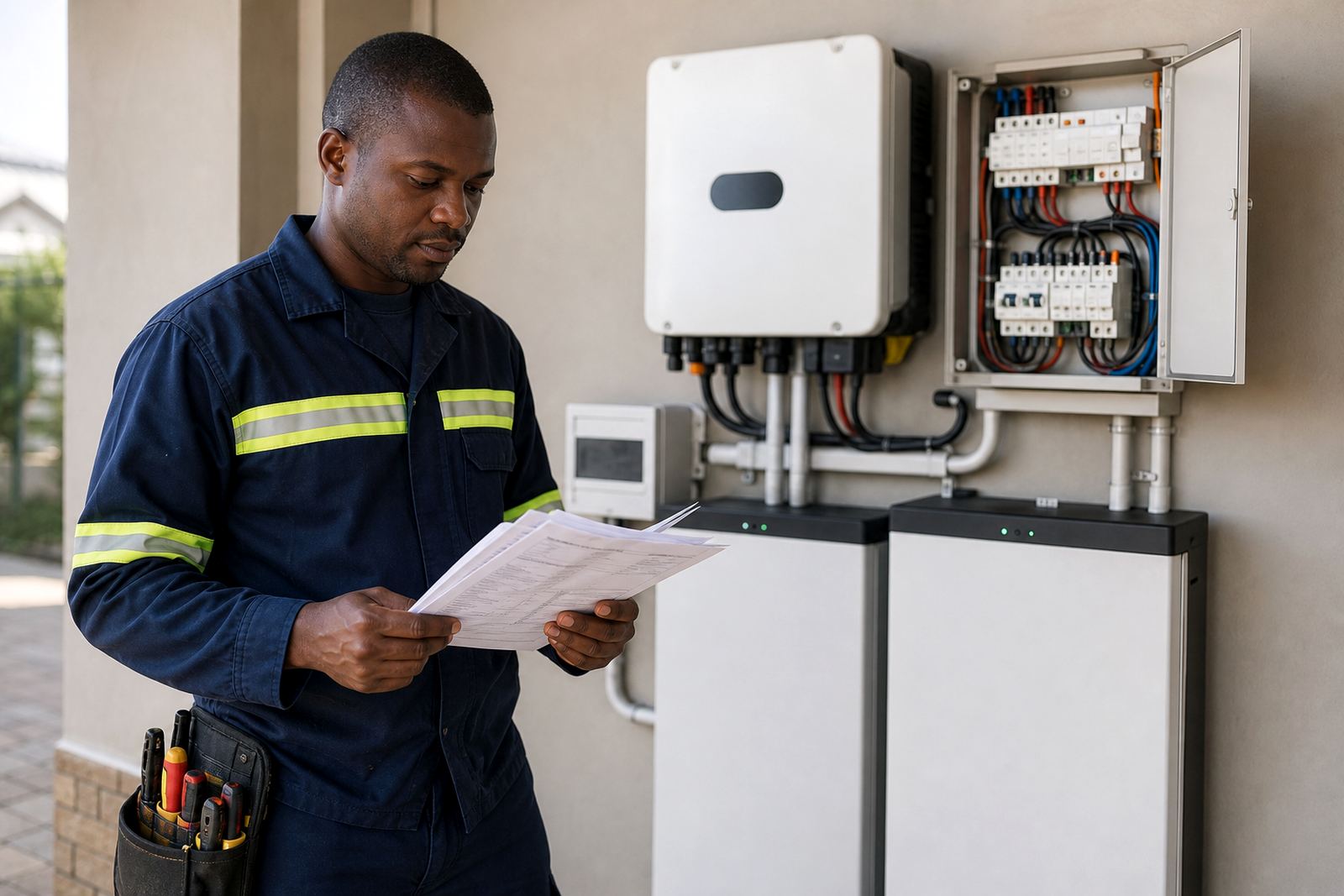
All inverter and battery installations must be done by a registered electrician. The installation must also be issued with a Certificate of Compliance, which is important for safety and for keeping the electrical installation in order. If the system is grid-tied, it also needs to be registered with the municipality where required. This applies in Johannesburg and surrounding areas, including Randburg, Sandton, Fourways, Midrand, Roodepoort, Centurion and Pretoria depending on the supply arrangement.
Do not leave the paperwork to the end. Compliance support should be part of the project from the start so the final setup matches the electrical rules for the site. This matters for property managers, landlords and owner-managed premises alike.
Good compliance planning also helps with future maintenance, fault finding and any later expansion to the battery bank or inverter capacity.
Keep the system working after installation
A backup system is only useful if it is looked after. Batteries, cabling and changeover equipment should be checked regularly, especially in businesses that rely on the system every week. Heat, dust, loose terminations and poor charging habits can all cause problems over time.
Routine servicing helps identify small issues before they become downtime. Monitoring setup can also be useful where a manager wants to keep an eye on battery status, charging behaviour and fault alerts. For multi-site businesses, a simple service schedule makes it easier to keep records and plan battery expansions where needed.
- Check battery condition and charging performance
- Inspect terminations and cabling
- Test changeover operation
- Review load changes after equipment is added
If your business has recently added more tills, workstations or security gear, the original backup plan may need to be adjusted. The safest approach is to review the load before the system is pushed too hard.
A simple planner for offices, shops and service teams
Use this final checklist when you are ready to move from planning to installation. It helps keep the project practical and avoids missed steps that can disrupt trading later. A good backup plan should be clear enough for staff to understand and solid enough to handle repeated outages.
- Identify essential loads and runtime needs
- Choose the inverter and lithium battery capacity
- Confirm wiring and changeover method
- Arrange installation by a registered electrician
- Obtain the Certificate of Compliance
- Register grid-tied systems with the municipality where required
- Plan servicing, monitoring and future expansion
For businesses across Gauteng, from Randburg and Johannesburg to Pretoria, Centurion, Midrand and Roodepoort, the goal is the same: keep the critical parts of the operation running without guesswork. PowerCut supports site assessments, backup sizing, inverter installation, battery installation, essential circuit wiring, commissioning and ongoing service planning.