
Keep the Workday Going Through Load-Shedding
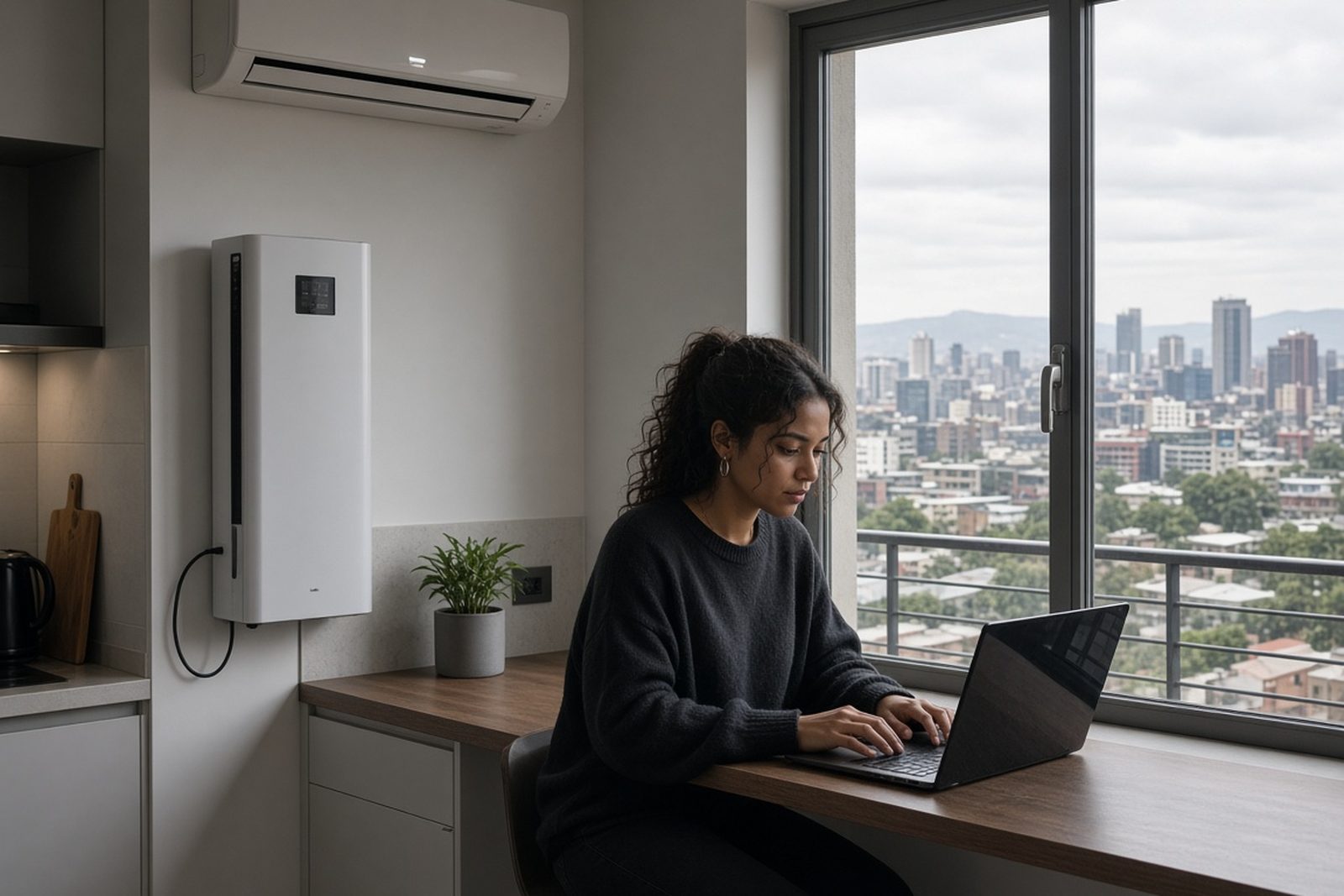
A home office setup usually needs more than a few lights. The real pressure points are the router, fibre box, laptop charger, monitor, printer, a phone charging point and sometimes a small fan for a hot room. If those are not planned properly, the backup system can look fine on paper but struggle once load-shedding starts and everything powers up at once.
For clients in Randburg, Sandton, Fourways and across Johannesburg, the first step is to map what must stay on during an outage and what can wait until grid power returns. A proper backup plan keeps working spaces practical, not overcomplicated. It also helps avoid overspending on battery capacity that sits unused most of the time.
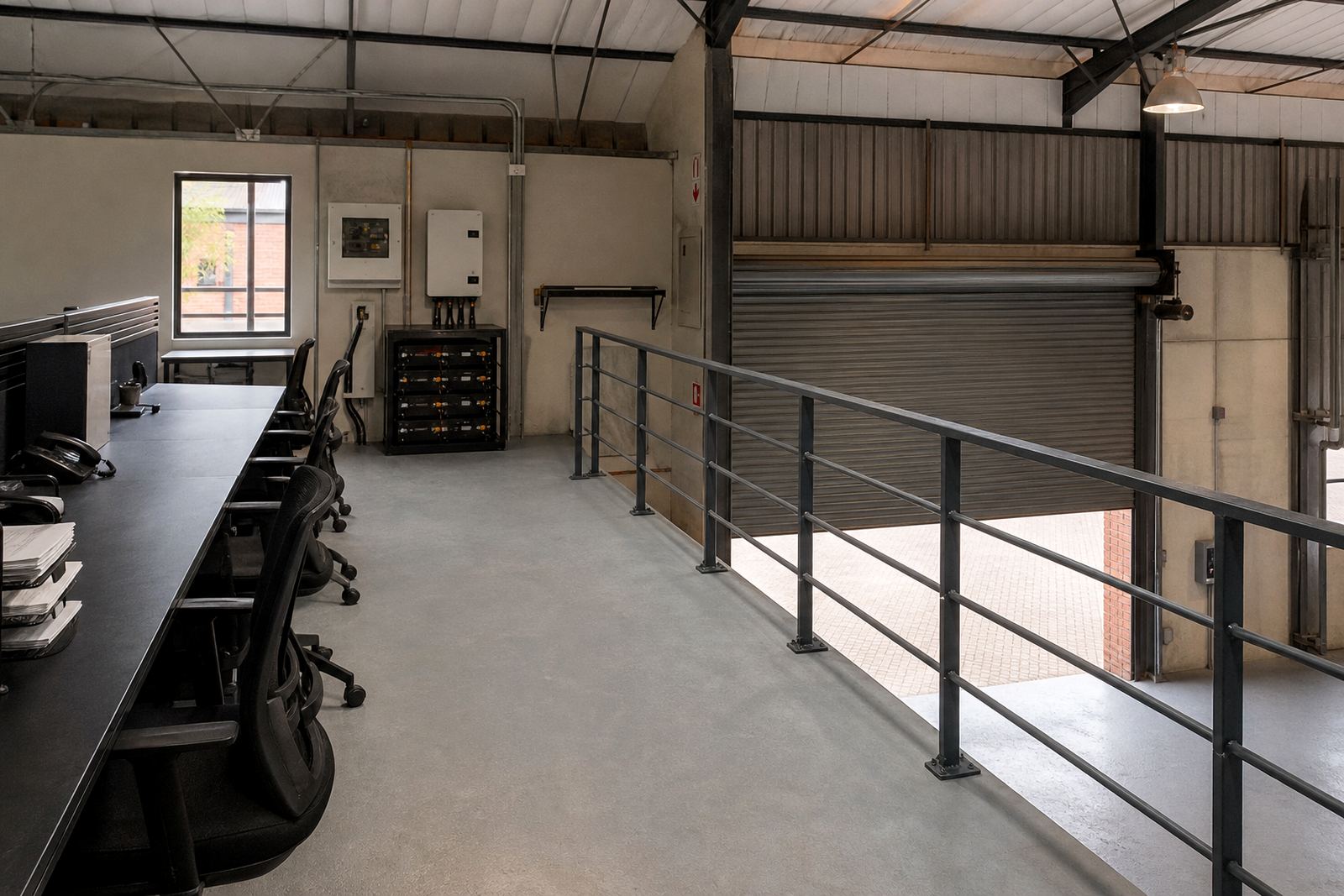
Many home offices in Gauteng are in rooms shared with family use, so the backup must be quiet, neat and easy to live with. That means planning for where the inverter sits, how cables run, and whether the space has enough ventilation for the equipment. In humid areas and enclosed rooms, heat build-up can shorten battery life if the install is cramped.
What a Typical Home Office Backup Setup Includes
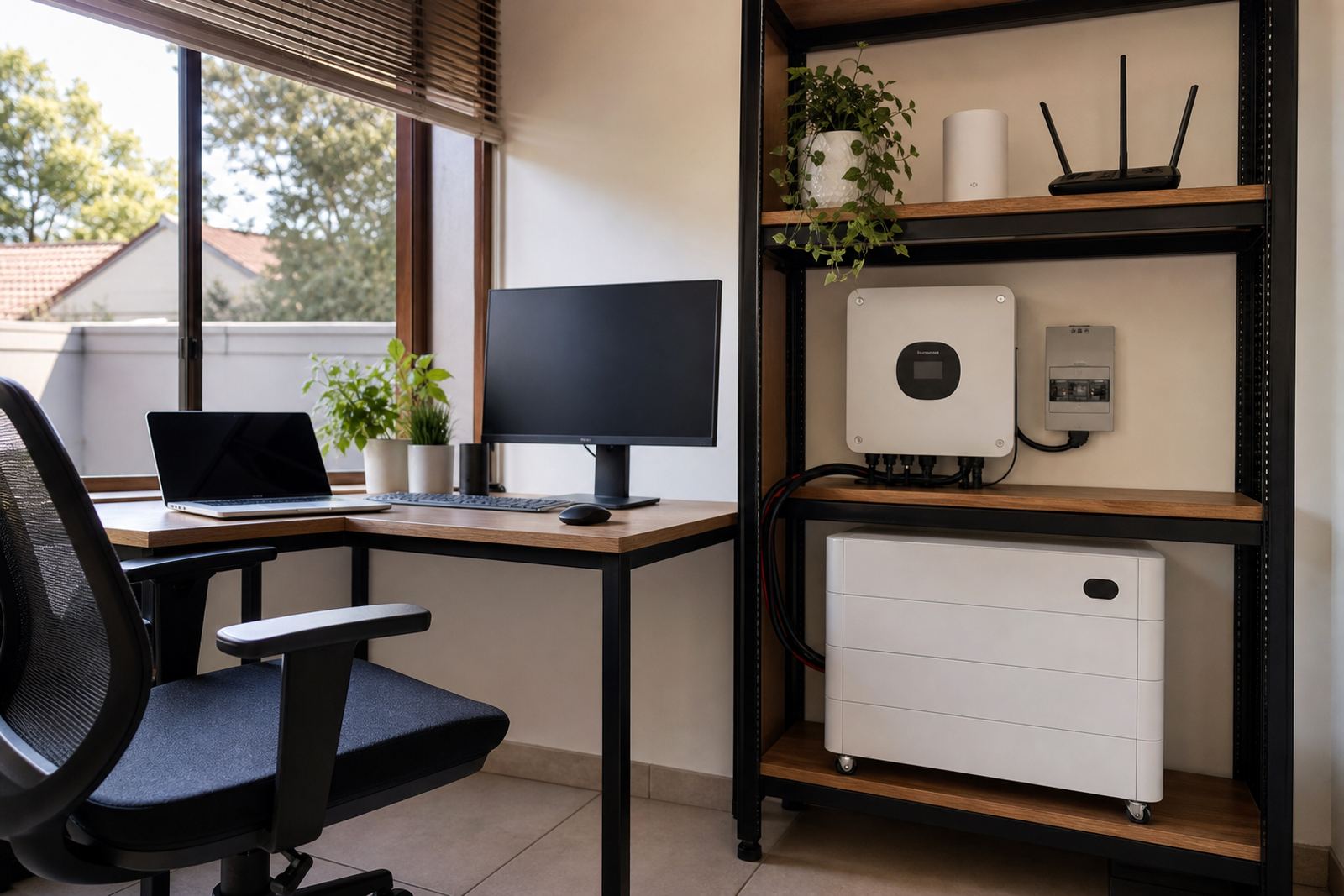
A normal home office backup set-up usually combines an inverter, one or more lithium batteries, and essential circuit wiring. In some homes the system only covers the office circuit, while in others it also supports selected plugs, a small lighting circuit and the network equipment for the whole house. The right answer depends on what your work needs and how long you want to ride through an outage.
- Inverter for changing battery power to usable AC power for office equipment
- Lithium battery for fast charging, cleaner output and better cycle life than basic backup batteries
- Essential circuit wiring to separate office loads from the rest of the house
- Changeover solution so the system switches safely between grid and backup power
- Monitoring setup to show battery state, load and charging activity
For many work-from-home users, the most important items are the fibre router, ONT, laptop or PC, two monitors and a few lights. If there is a laser printer, heater or kettie, those usually need a separate decision because they can draw far more power than expected and flatten a battery very quickly.
Share what must stay on during an outage and the size of the property, and a backup planner will phone or message you.
Contact formSizing the System for Real Work Needs
For a home office, the right system is based on the load you actually use, not an estimate. A laptop and one screen need far less than a tower PC with dual monitors, network gear and a printer. If your office runs video calls, multiple screens and file transfers all day, the battery and inverter choice should reflect that regular use, not only the occasional outage.
As a guide, smaller home office systems are often built to cover basic connectivity and charging for a few hours. Mid-sized systems can keep a more active workspace running through longer stages of load-shedding. Larger arrangements may support several people working from one home, or a small office with shared internet, printers and point-of-sale equipment. The correct size depends on load, backup duration and how much of the property should stay live.
We look at start-up surges, battery depth of discharge, charging recovery after an outage and whether the inverter can handle the load while the battery is being recharged. Good sizing is not just about lasting through one cut. It is about still being ready for the next one, which matters when load-shedding happens twice in a day.
- Check the wattage of each device, not only the number of plugs
- Separate must-have loads from nice-to-have loads
- Allow for router and fibre equipment, which should not be overlooked
- Plan for recharge time between outages
- Leave room for later battery expansion if work needs grow
Layout Advice for a Neat, Practical Installation
A home office backup system works best when the wiring is tidy and the equipment is placed sensibly. The inverter should be installed where it has airflow and is easy to inspect. Batteries should not be squeezed into a hot cupboard or placed where moisture can collect. In coastal or damp conditions, that matters even more, because heat and humidity can affect long term performance.
It also helps to keep the network side simple. The router, fibre terminal and any small network gear should be on the backed-up circuit if uninterrupted connectivity matters. A lot of work-from-home frustration comes from the internet dropping even though the computer is still on. That is why the planning should always cover the full path, from the power point to the connection.
For homes in apartments, estates and sectional title schemes, installation layout may also need to respect access rules and common property limits. It is worth checking where the equipment can be mounted, how cables will pass through the unit and whether the building has any electrical requirements beyond the usual domestic rules.
Mistakes That Cause Trouble Later
One common mistake is building backup for the whole house when only one office zone needs support. That can drive up cost and still not solve the main problem. Another is ignoring the router and fibre equipment, then wondering why the computer works but the connection is gone. A third issue is choosing a battery size that covers the first outage but leaves no reserve for a second one later that day.
Some home office clients also overlook compliance. Any installation must be done by a registered electrician, and a certificate of compliance is required. If the system is grid-tied or can interact with municipal supply, it must also be registered with the local municipality where required. That paperwork is not optional, and it is better to handle it from the start than sort it out after the fact.
- Do not mix essential office loads with heavy appliances unless the system is sized for it
- Do not mount equipment in a closed, overheated cupboard
- Do not skip surge protection where the supply is unstable
- Do not assume a battery expansion will work with every inverter later on
- Do not leave compliance paperwork for after commissioning
Budget Ranges for Home Office Backup in Rand
Budget varies by how many devices you need to keep alive and how long you want the backup to last. A basic home office system that covers internet, laptop charging and one or two screens can start at a lower entry level. A more capable setup for a busy office room, with longer run time and more supported circuits, will cost more. Systems that need room for future battery expansion or that support several workstations will sit in a higher range again.
It is better to think in terms of fit for purpose rather than chasing the cheapest quote. A cheaper system can end up being poor value if it cannot carry the load, charges too slowly or needs replacing sooner than expected. A good plan should match the day-to-day work pattern, the number of outages you usually face and the type of equipment that must stay on.
PowerCut assists with site assessments, backup sizing, inverter installation, battery installation, essential circuit wiring, changeover solutions, commissioning, monitoring setup, battery expansions, fault checks and routine servicing for homes and businesses in Randburg, Johannesburg, Pretoria, Centurion, Midrand and Roodepoort.
Support for Working From Home Across Gauteng
PowerCut works with homeowners, consultants, small teams and business owners who need reliable backup for productive workspaces. Whether the need is a single home office in Randburg or a larger setup in Midrand, the aim is the same: keep the important equipment running through load-shedding without making the installation difficult to manage.
If you are planning a new system or want to improve an existing one, start with a site assessment and a clear list of the devices that must stay powered. That gives us the information needed to size the inverter and battery correctly and keep the setup practical for daily use. Good backup is about matching the system to how you actually work, not just how it looks on paper.
Clients can reach PowerCut through the enquiry form on our contact page for home office backup planning, sizing and installation support across Gauteng.