
What the Office Backup Pack is designed to keep running
This package is aimed at offices that cannot afford a full stop when the power drops. It usually covers basic lighting, internet equipment, point-of-sale units, laptops, monitors and a small printer or two, depending on the load. The idea is to keep the important parts of the office going without trying to back up every plug in the building.
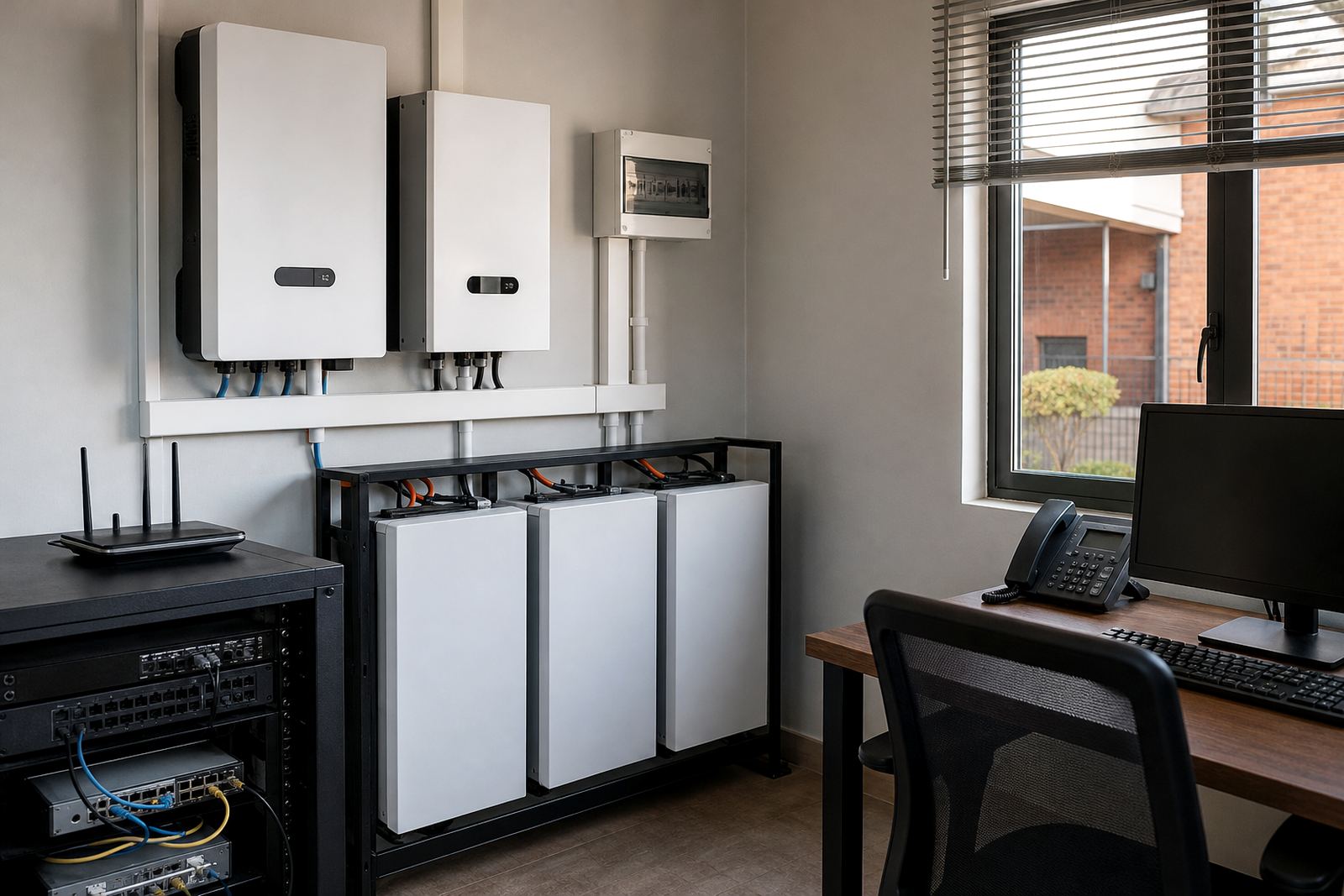
In practice, that means a properly sized inverter, lithium battery bank and the right changeover arrangement for the circuits you want supported. For many small and mid-sized offices in Randburg, Sandton, Fourways, Midrand and Roodepoort, this is the most practical way to ride out load-shedding and short outages. It is a tidy solution for shared offices, medical rooms, admin suites and service businesses that need staff to keep working.
Sizing options for different office loads
Office backup should always start with the actual load, not a guess. A compact setup may suit a reception area, a few lights and WiFi. A medium pack can cover a larger open-plan office with several selected workstations. Larger offices may need more battery capacity, a bigger inverter, or a staged approach where only the essential circuits are backed up.
Common sizing choices include 5 kW class and 8 kW class inverters paired with lithium batteries from around 5 kWh upward, depending on how long you want the office to stay up and what equipment must remain on. If you have laser printers, kettles, heaters or multiple benchtop PCs, those loads must be checked carefully because they can push the system harder than expected. A clean site assessment helps avoid under-sizing, which is the main cause of dissapointment with office backup.
- Compact office pack for lights, router, laptop charging and one or two workstations
- Mid-size pack for small teams, access control and essential admin equipment
- Expanded pack for longer backup time, more users, or offices with higher daytime demand
Share what must stay on during an outage and the size of the property, and a backup planner will phone or message you.
Contact formWhere this pack suits best
This product works well where business continuity matters more than running every appliance. It suits accounting firms, law offices, consulting rooms, sales teams, shared office floors and small branches that need to keep phones, internet and basic lighting active. In Gauteng, many offices also want a setup that copes with frequent outages, municipal interruptions and the occasional voltage fluctuation after restoration.
The pack is also useful in areas with mixed supply conditions, such as older buildings in Johannesburg, business parks in Centurion and office parks in Pretoria where tenants need practical backup without heavy alterations. If your office operates after hours or receives clients during load-shedding, a well-planned backup system helps keep the space usable and safe. For coastal humidity concerns this is less of an issue inland, but dust and heat in rooftop plant rooms can still affect equipment over time.
- Professional offices with selected circuits only
- Small business units where internet uptime is essential
- Reception areas and client-facing spaces that need lighting and charge points
Installation, compliance and municipal requirements
All installations must be done by a registered electrician, with a Certificate of Compliance issued for the work completed. That is not optional. If the system is grid-tied or interacts with the municipal supply, the installation must also be registered with the local municipality where required. This is especially important in Johannesburg and surrounding areas where documentation for inverter and battery systems is increasingly checked during inspections or property transactions.
A proper install includes safe battery mounting, correct cable sizing, isolators, earthing, protection devices and a sensible layout for the backed-up circuits. Where needed, essential circuit wiring and changeover solutions are used so the office does not overload the backup system. Commissioning should include testing under load, checking switchover behaviour and confirming that staff know what stays on and what does not. A rushed install may work on day one but cause trouble later, so planning matters.
- Site assessment and backup sizing before any equipment is selected
- Registered electrical installation with COC
- Municipal registration for grid-tied systems where applicable
Care, battery use and routine servicing
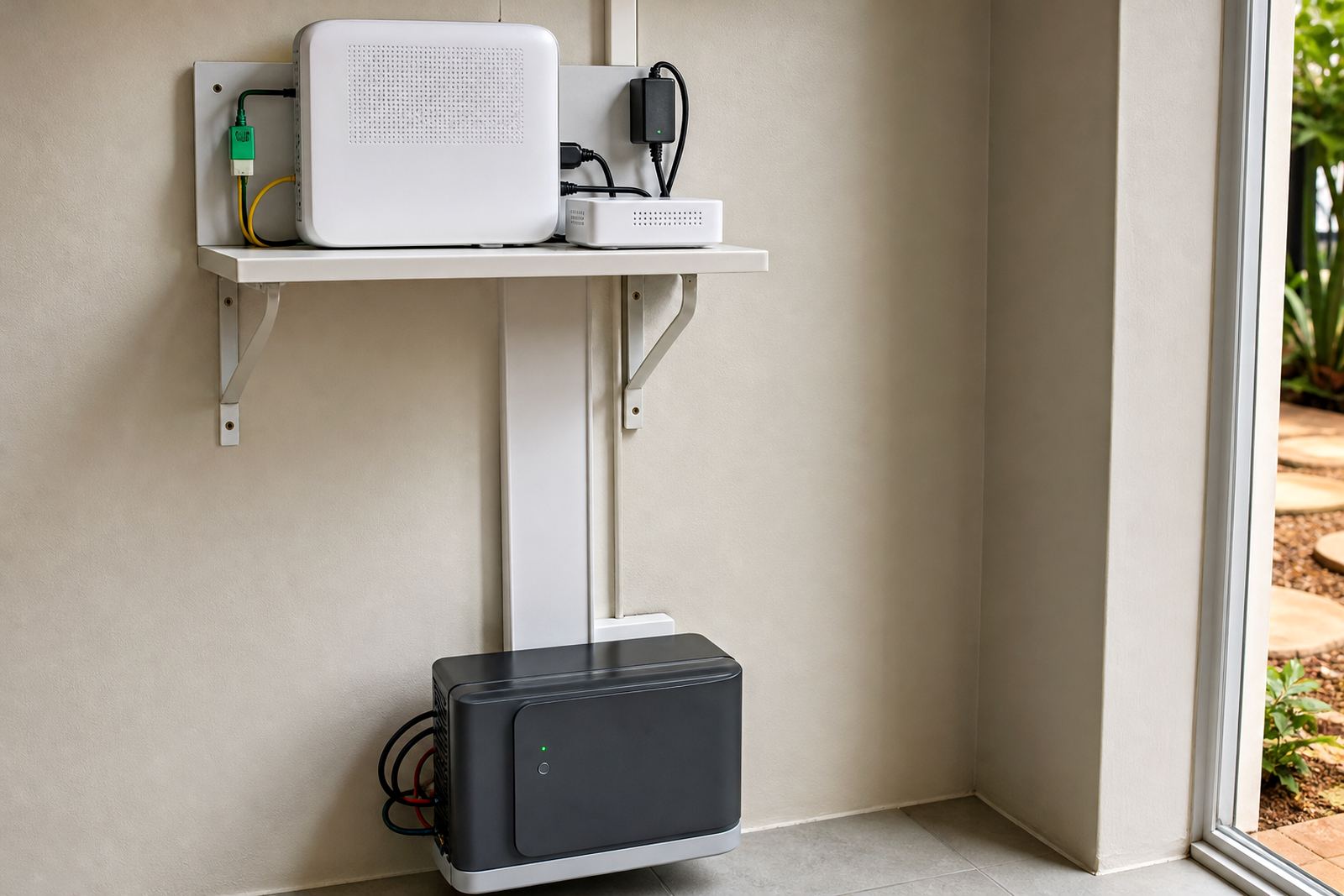
Lithium batteries are generally well suited to office backup because they handle regular cycling and recharge efficiently. Even so, they still need the right operating conditions. Keep equipment in a dry, ventilated area away from direct sun, leaking roofs and excessive dust. In many offices the battery cabinet or wall-mounted unit is placed in a storeroom, utility cupboard or secure service area where staff cannot bump into cables or switchgear.
Routine servicing helps spot small faults before they become business interruptions. This includes checking cable terminations, battery status, inverter alerts, ventilation, dust build-up and the condition of any essential circuit labels. Monitoring setup can also help office managers see when the system has been used and whether battery runtime still matches expectations. If the office grows, add battery expansion early rather than waiting until outages start affecting staff. A little maintenance goes a long way, and it is cheaper than a failed afternoon shift.
What to check before ordering your office pack
Before ordering, it helps to know exactly what you want to keep on during an outage. Make a short list of lights, network equipment, computers, printers, security devices and any special equipment that must stay on. Then check how many hours of backup you want, whether the office runs during peak times and whether you need a single-phase or three-phase arrangement. Many offices do not need a full-building backup, only a focused one for daily continuity.
You should also confirm whether the building landlord, body corporate or facilities manager needs to approve the work. In leased offices, access to distribution boards and wall space can affect the installation plan. If you are working from Randburg, Sandton, Fourways, Midrand, Roodepoort or elsewhere in Gauteng, a good site visit will also pick up practical details like cable routes, secure mounting and whether the switchboard has room for new protection devices. That early check saves time later and keeps the setup neat.
- List the exact loads you want backed up
- Confirm the hours of backup you need
- Check space, board access and landlord or body corporate approvals
- Ask about monitoring, servicing and future battery expansion
How the PowerCut team supports office installations
Our Randburg, Johannesburg base supports office clients across Gauteng, including Johannesburg, Pretoria, Centurion, Midrand and Roodepoort. The team handles site assessments, backup sizing, inverter installation, battery installation, essential circuit wiring, changeover solutions, system commissioning, compliance support, monitoring setup, battery expansions, fault checks and routine servicing. For office work, this means the project is planned around real usage rather than a one-size-fits-all package.
Sifiso Ngobeni leads the business, with Ayesha Ntuli managing operations, Marnus Rabie on technical sales, Nompumelelo Sigcau coordinating projects, Sibusiso Govender handling service planning and Rentia Fouche on customer support. If you need an office backup pack, the enquiry form on our contact page is the best way to start. Share your office size, the equipment you want to protect and any access details, and the sizing can be matched to your space without unnecessary extras.
System at a glance
| Product type | Office backup package for essential office circuits |
|---|---|
| Typical inverter options | 5 kW to 8 kW class, subject to load and site check |
| Battery options | Lithium battery storage from around 5 kWh upward |
| Main use | Lights, WiFi, selected workstations and essential admin equipment |
| Installation requirement | Registered electrician required with Certificate of Compliance |
| Service area | Randburg, Johannesburg, Pretoria, Centurion, Midrand, Roodepoort and surrounding Gauteng areas |